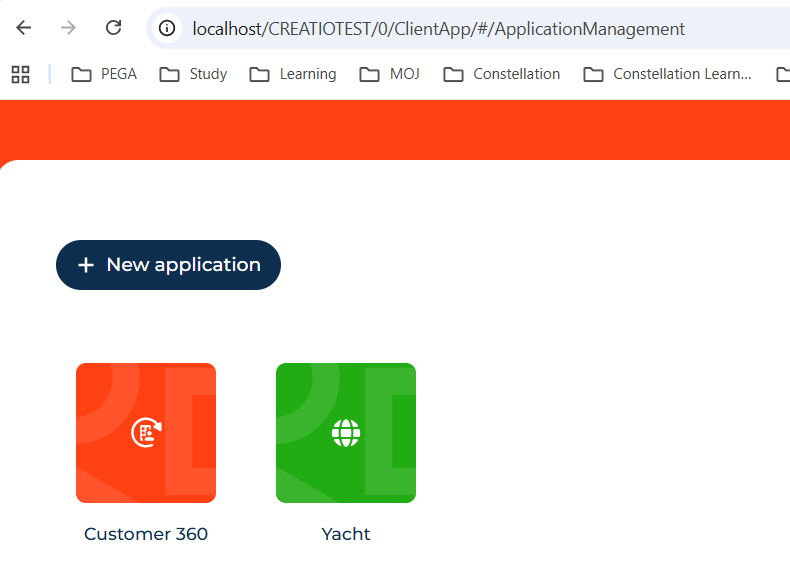
I have a local deployment of Creatio that installed without issue (except for this fix, ref. Error logging into local deployment of Creatio | Community Creatio).
I can log in fine, however when I try to access the Application hub or Advanced settings pages Creatio freezes while opening the pages. Everything in the browser console on the opened pages looks OK without any issues.
Any clue appreciated,
Like
Hello,
Please provide us with the screenshots of the browser console when the issue is reproducing.
I am able to configure the log in, timezone, log in timeout, etc., the following screenshot is from attempting to open the Application hub: 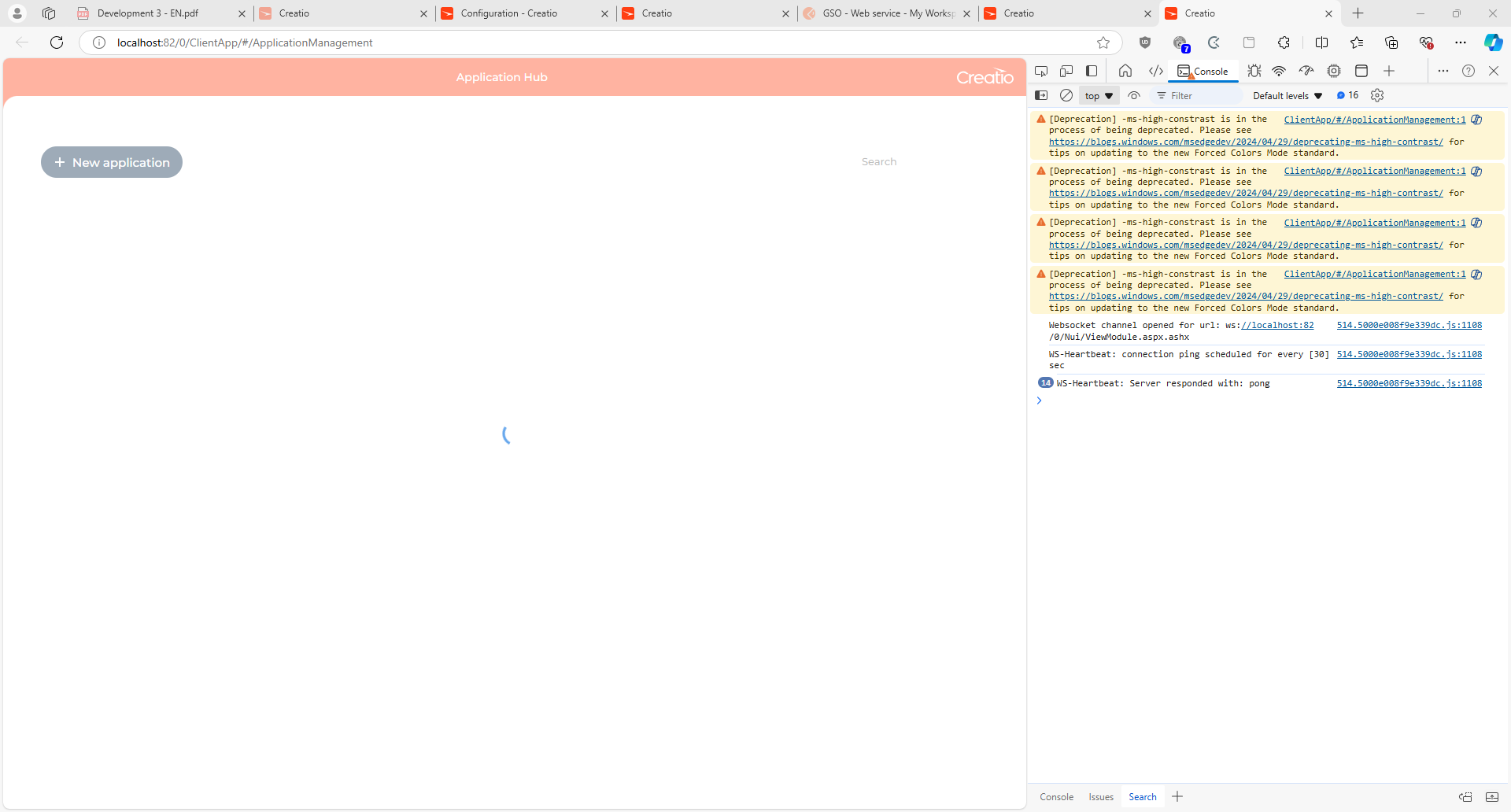

Hello,
The problem seems to be the number of browser tabs (WebSocket connections) open at the same time.
Supposedly, the problem is due to a third-party blockage. Please disable antivirus (if installed), and third-party utilities and restart the server. Check the functionality again.
Also, check that the proxy is turned off (if it is used).
If that doesn't help, then presumably the problem is in the infrastructure. Can you try to deploy the same environment on a different server?
I have disabled all the browser extensions and restarted the server, same result.
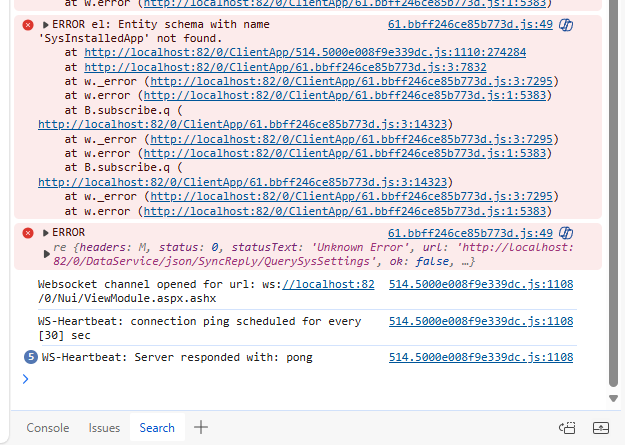
Note after leaving the page loading for 20 mins the following error appears: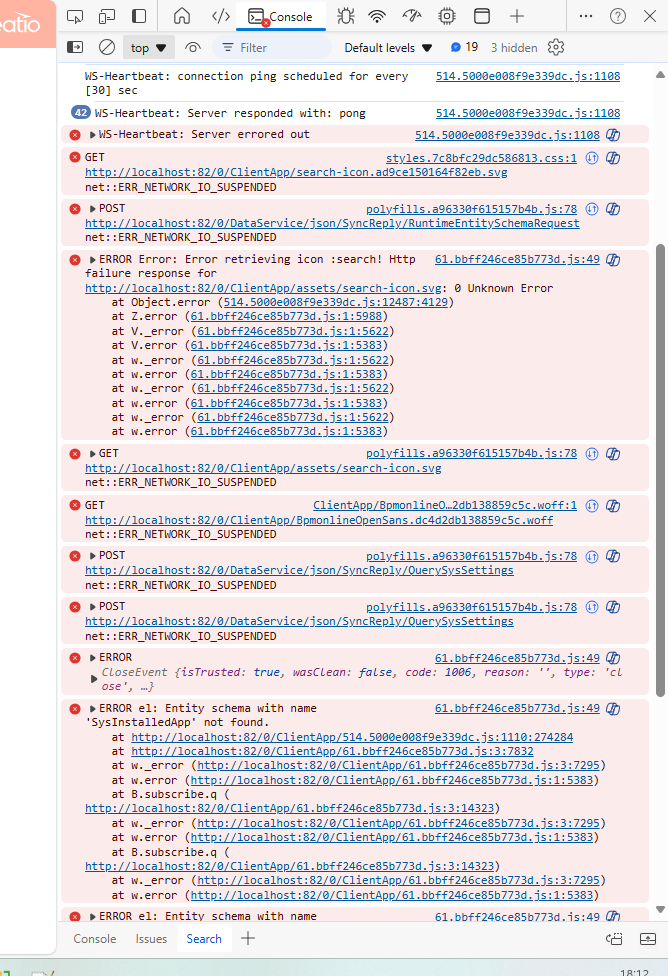
Ermek Nakypov,
I didn't in the end, wasn't able to fix the issue. I was doing the developer certification, but it's not necessary.
Gareth Osler,
Ermek Nakypov,
Small trick here.
We see there is issue with Windows home edition . When we open the application hub , we need to close the previous tab of creatio from where application hub was opened . In that way application hub new window will open properly . Seems Creatio local deployment for windows home edition supports only single tab .
I tried and it worked for me . Please let me know if it does not work for you