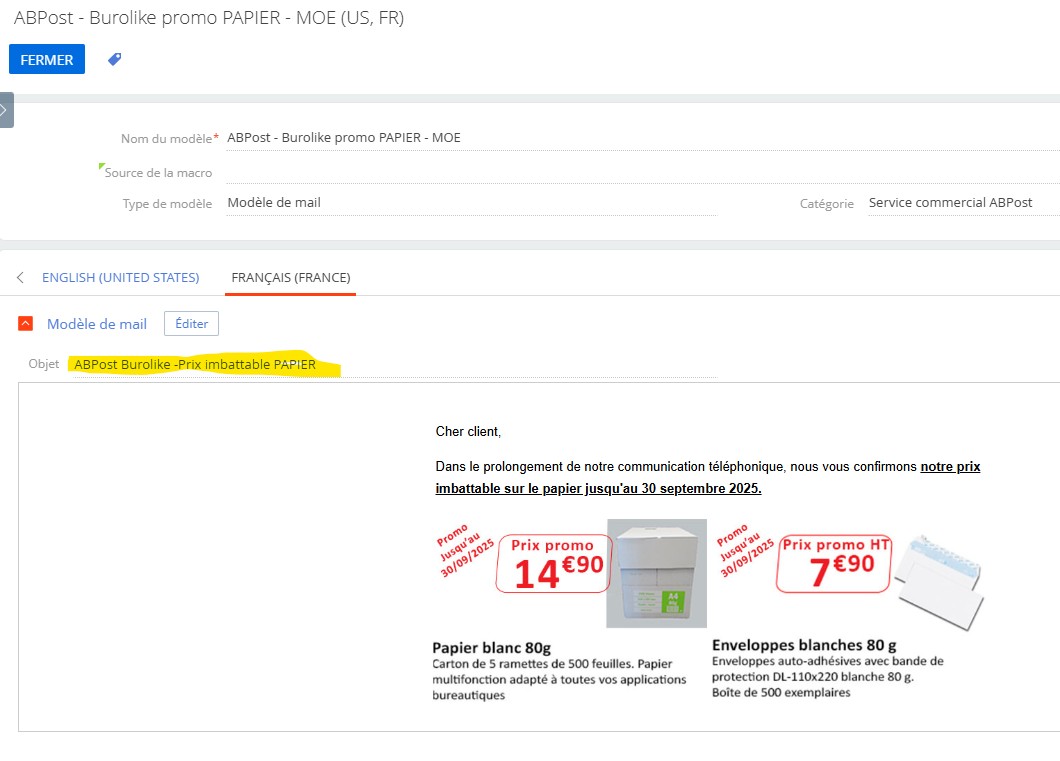
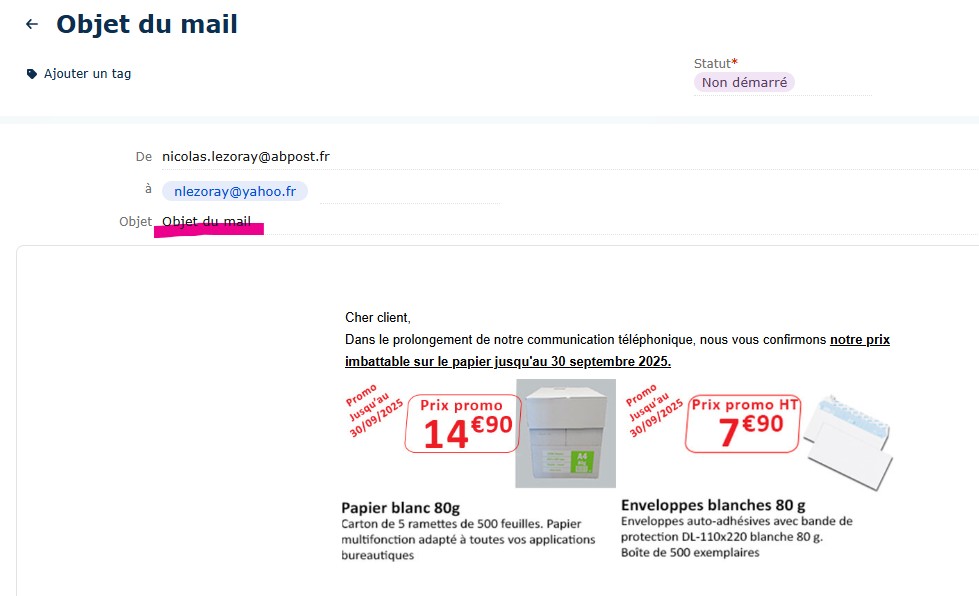
I checked from my side and I see that the logic in the classic interface and in freedom is the same.
Let me explain in more detail, if the Subject field is not filled, then it will be filled when selecting a template, if the field is already filled, then selecting a template will not overwrite the Subject.
I checked from my side and I see that the logic in the classic interface and in freedom is the same.
Let me explain in more detail, if the Subject field is not filled, then it will be filled when selecting a template, if the field is already filled, then selecting a template will not overwrite the Subject.
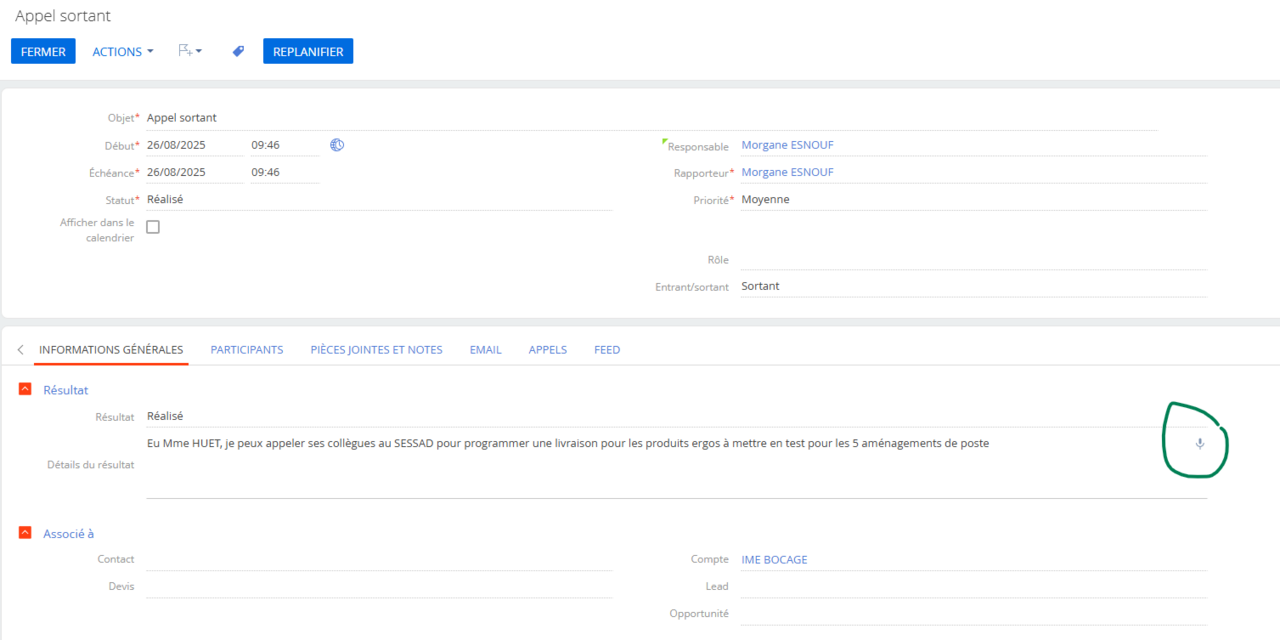
Unfortunately, currently speech to text functionality is not available for Freedom UI, however we have created an idea for our R&D team to implement it in future releases.
You can find the full list of new functionality for each release in our Academy Release Notes:
We have linked your request to the existing case to help speed up the review process. We expect to see this functionality available in one of the upcoming releases.
We are facing an issue where some cases are reopening without any activity. Is there a setting that could cause this? Has anyone encountered a similar issue? If so, could you please help us resolve it?
Hi! Cases in Creatio can be automatically reopened if an incoming email containing the case number in its subject is received. This could explain why some cases are reopening without any apparent activity.
Please verify the following: 1. Check if any emails are being sent to the system with the case number in the subject line. 2. Review the email processing rules under System Designer > Email > Email processing rules to ensure no unintended configurations are causing this behavior.
I would like to ask if Creatio has a capability to integrate with SmartPDF technology. For example, is it possible to set up an integration with Adobe Acrobat so that the content of created fillable forms can be extracted and mapped to the corresponding fields in Creatio?
Creatio does have the capability to integrate with external technologies like SmartPDF or Adobe Acrobat. This can be achieved through custom development or by leveraging existing tools and applications available in the Creatio Marketplace.
For your specific use case of extracting data from fillable forms and mapping it to Creatio fields, here are some options:
Custom Integration: You can use Creatio's REST or SOAP API to integrate with Adobe Acrobat or SmartPDF. This would involve developing a custom solution to extract data from the forms and map it to the corresponding fields in Creatio.
2. Marketplace Applications: (https://marketplace.creatio.com/) Creatio Marketplace offers various add-ons and connectors that might already provide similar functionality. You can explore the Marketplace to find tools that align with your requirements.
3. Business Process Automation: Creatio's no-code/low-code tools can be used to create workflows that process the extracted data and populate the fields in the system.
I'm wondering — is there a way to add Contacts of the type 'Client' to Feed messages so I can later filter the Feed by those specific contacts? Right now in Creatio, it seems I can only tag or mention employees, not customers.
This functionality has been developed and already available in FreedomUI, where you can tag internal and external users via @ and use Timeline as desired.
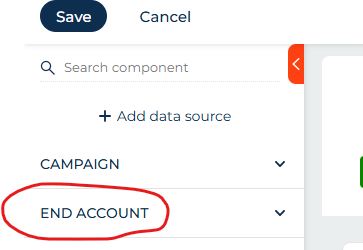
This is probably straightforward but how do you delete a data source from a freedom UI form page. There only appears to be an edit option when clicking on it
Please note that the current behavior is expected — deleting data sources via the page designer is not yet supported in Creatio. However, we plan to implement this feature in one of the upcoming releases -8.3.1.
As a temporary workaround, data sources can be removed using the page source code:
First, remove all fields from the data source using the page designer (if any were added).
Then, check the page source code for any attributes referencing the data source and delete them.
Finally, delete the data source itself from the source code.
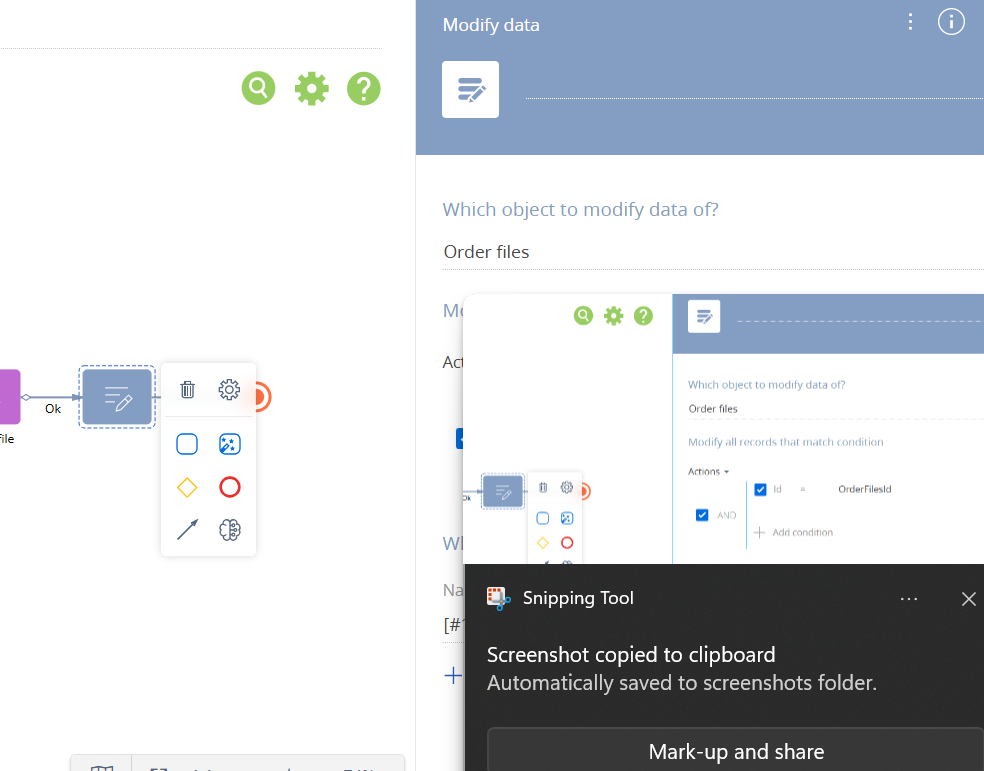
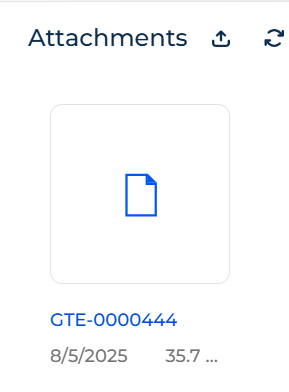
I’m encountering an issue were modifying the name column in the 'OrderFiles' object is causing the entire record to be altered. As a result, I'm no longer able to access the file afterward. I have attached below screenshots of my business process, where I am modifying the column value and also the screenshot of how the file appears after column is modified.
Has anyone else encountered this issue? If so, could you please help me resolve it?
After enabling the "Display input mask" option in the phone number field, the american phone number format is automatically used when entering a new number.
How can I change this default setting to default to a Polish phone number?
I checked whether it might depend on the default language set for a contact or account, and I changed the DefaultMessageLanguage system setting, but the american phone number format is still automatically used.
Unfortunately, it is not yet possible to change the country code and set Poland as the default using out-of-the-box tools in Freedom UI.
However, we already have a registered feature request, which has been forwarded to our R&D team for further consideration and potential implementation in future releases.
would like to change the functionality for displaying notifications about important events described in the "Noteworthy event notifications" section of the academy documentation.
I would like to add a condition to the described functionality so that each notification is always displayed to a specific group of users, e.g., the system administrator, regardless of whether they are the record owner or not. They should receive every notification.
Is there a system setting or other parameter that regulates this?
If not, which process or function sends these notifications? Which function should be modified to add such a condition?
According to the system’s default logic, you receive notifications related to the following contacts and accounts:
Contacts or accounts for which you are marked as the owner
Contacts with the type “Employee” or those linked to the “Our Company” account
Primary contacts of accounts where you are the responsible person
Contacts and accounts mentioned in orders for which you are responsible (only for orders that are not in a final status)
Contacts and accounts included in sales where you are responsible — either in the Client field or in the Contacts detail. This includes ongoing sales and those that were successfully closed within the last six months
Contacts and accounts linked to activities for which you are responsible (based on the Account field and the Participants detail). Only non-finalized activities are considered
The notifications about upcoming anniversaries are generated by the business process called "GenerateAnniversaryRemindings." This process is not visible in the Process Library but can be found directly in the configuration. The logic behind how these notifications are created is defined in the BaseAnniversaryReminding schema code.
We have already registered an idea for the R&D team to allow more flexibility with this functionality. Thanks to your report, we’ve increased its priority and requested a review of how reminders are generated.
There’s no out-of-the-box way to skip or disable business rules (like required fields) at runtime in classic UI pages. Business rules are applied when the page loads, and you can’t really turn them off or change them dynamically once they’re active.
If you need this kind of flexibility, the better approach is to avoid using business rules for those fields and instead handle the validation in code. For example, you can check if the current user is a SysAdmin at runtime:
} else { vm.addColumnValidator("UsrString1", function(value) { if (!value) { return { invalidMessage: "This field is required." }; } return { invalidMessage: "" }; }); } }); } }, With this approach, you can decide in code when a field should be required (or not) and apply your own custom validators. This gives you full control over the behavior without relying on business rules that can’t be changed on the fly.