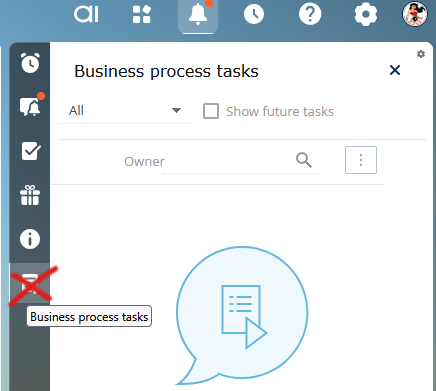
would like to change the functionality for displaying notifications about important events described in the "Noteworthy event notifications" section of the academy documentation.
I would like to add a condition to the described functionality so that each notification is always displayed to a specific group of users, e.g., the system administrator, regardless of whether they are the record owner or not. They should receive every notification.
Is there a system setting or other parameter that regulates this?
If not, which process or function sends these notifications? Which function should be modified to add such a condition?
According to the system’s default logic, you receive notifications related to the following contacts and accounts:
Contacts or accounts for which you are marked as the owner
Contacts with the type “Employee” or those linked to the “Our Company” account
Primary contacts of accounts where you are the responsible person
Contacts and accounts mentioned in orders for which you are responsible (only for orders that are not in a final status)
Contacts and accounts included in sales where you are responsible — either in the Client field or in the Contacts detail. This includes ongoing sales and those that were successfully closed within the last six months
Contacts and accounts linked to activities for which you are responsible (based on the Account field and the Participants detail). Only non-finalized activities are considered
The notifications about upcoming anniversaries are generated by the business process called "GenerateAnniversaryRemindings." This process is not visible in the Process Library but can be found directly in the configuration. The logic behind how these notifications are created is defined in the BaseAnniversaryReminding schema code.
We have already registered an idea for the R&D team to allow more flexibility with this functionality. Thanks to your report, we’ve increased its priority and requested a review of how reminders are generated.
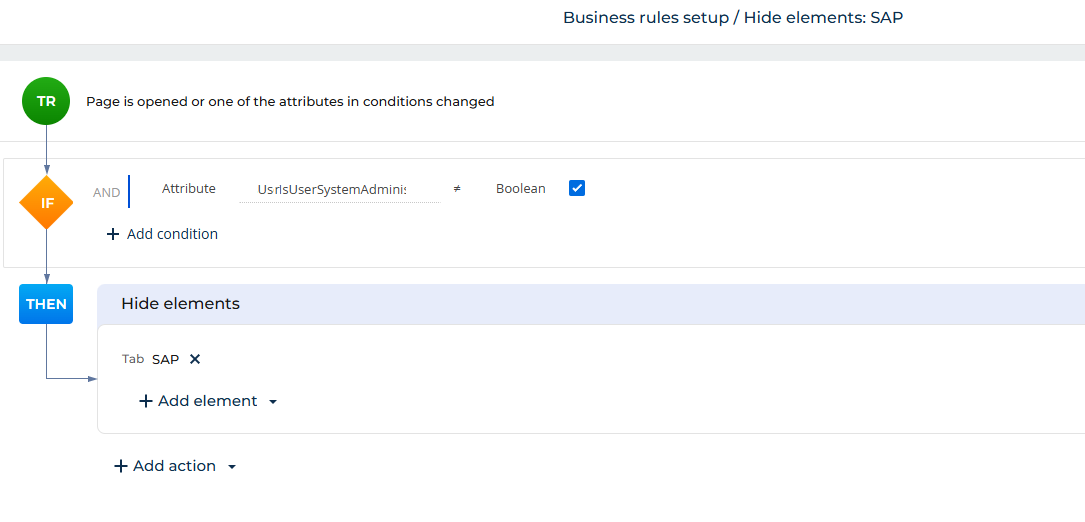
There’s no out-of-the-box way to skip or disable business rules (like required fields) at runtime in classic UI pages. Business rules are applied when the page loads, and you can’t really turn them off or change them dynamically once they’re active.
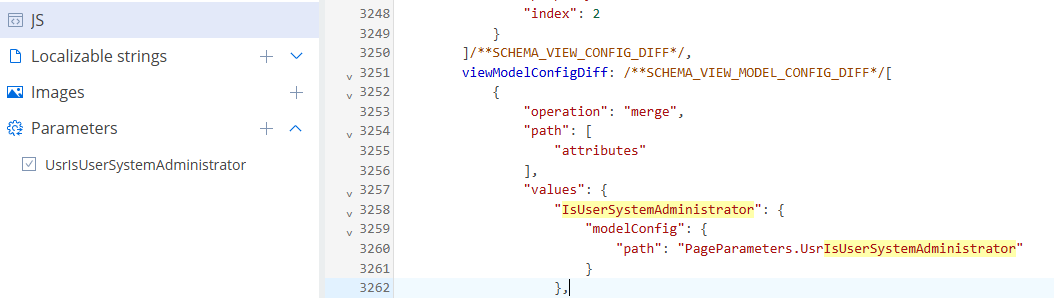
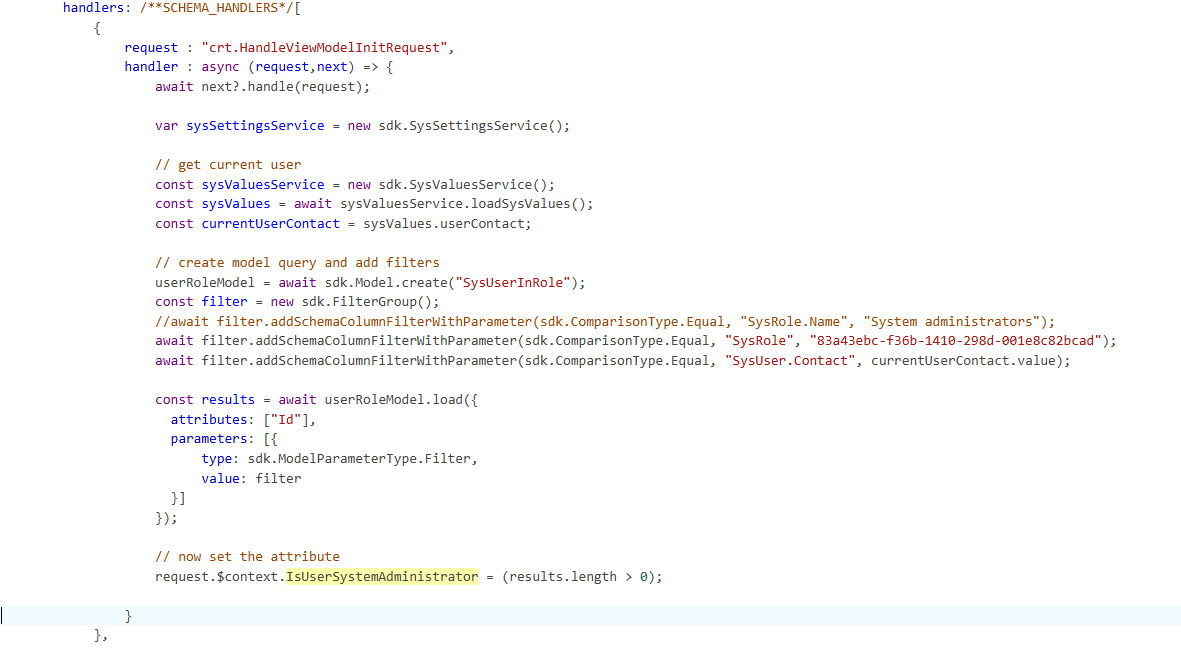
If you need this kind of flexibility, the better approach is to avoid using business rules for those fields and instead handle the validation in code. For example, you can check if the current user is a SysAdmin at runtime:
} else { vm.addColumnValidator("UsrString1", function(value) { if (!value) { return { invalidMessage: "This field is required." }; } return { invalidMessage: "" }; }); } }); } }, With this approach, you can decide in code when a field should be required (or not) and apply your own custom validators. This gives you full control over the behavior without relying on business rules that can’t be changed on the fly.
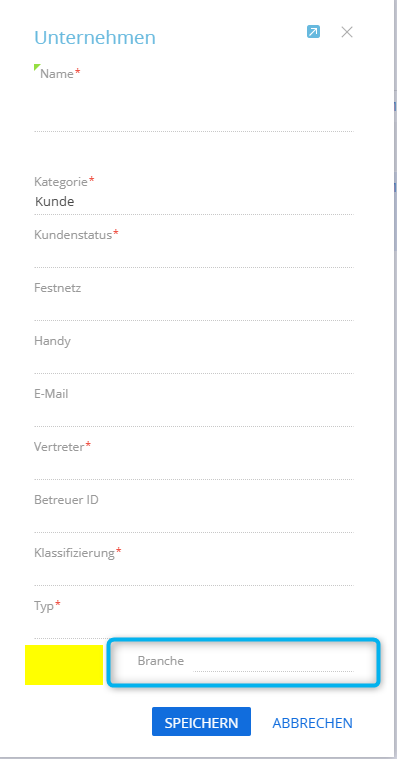
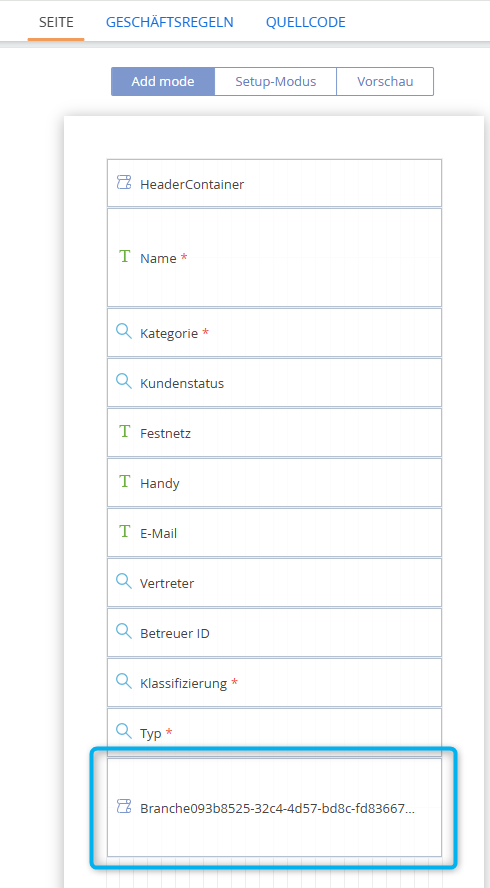
I would like to configure my Workplace so that a custom section is visible only to specific user roles. For example, I want to hide the Owner Mapping section from regular users, as shown in the screenshot below.
Could anyone please guide me on how to set up role-based access or visibility for sections within a Workplace? Any best practices, steps, or documentation links would be greatly appreciated!
We have some roles that have been established for a long time. As the company hierarchy structure is changing, we need to group some of these roles together.
Example:
Group the existing 1st-Line Support, 2nd-Line Support, and 3rd-Line Support under a single group called SUPPORT. We want to do the same with some functional roles as well.
It is possible to create a hierarchy for organization and functional roles. While you have one highlighted/selected with your cursor, press "new" then select new division.
Unfortunately, there is no way that I know of to re-arrange hierarchy so you would have to re-create 1st-line support, 2nd-line support, etc.
I know these are tied to support functionality out of the box, so be careful if you delete them. May want to create the new ones first, then work on updating business processes, then delete the old ones.
Example: In this image, to create 1st-line support within "support" select "Support" > New+ > Division.
Thank you. I only mentioned the support groups as a reference. We have custom roles that we need to re-organize. I think the correct way to do it, is via scripts in SysAdminUnit table, but i need some confirmation prior to proceeding.
There is no out-of-the-box functionality in the system to group user roles as described.
However, this can be achieved by updating the ParentId field of the user role records. You can implement this change either through a business process or directly via an SQL query.
A lookup that uses the dialog can trigger both the "crt.LoadDataRequest" for when a user types into the field and a "crt.OpenSelectionWindowRequest" (whcih used to be "crt.OpenLookupPageRequest" for versions before 8.1.3) for when it's used in dialog mode.
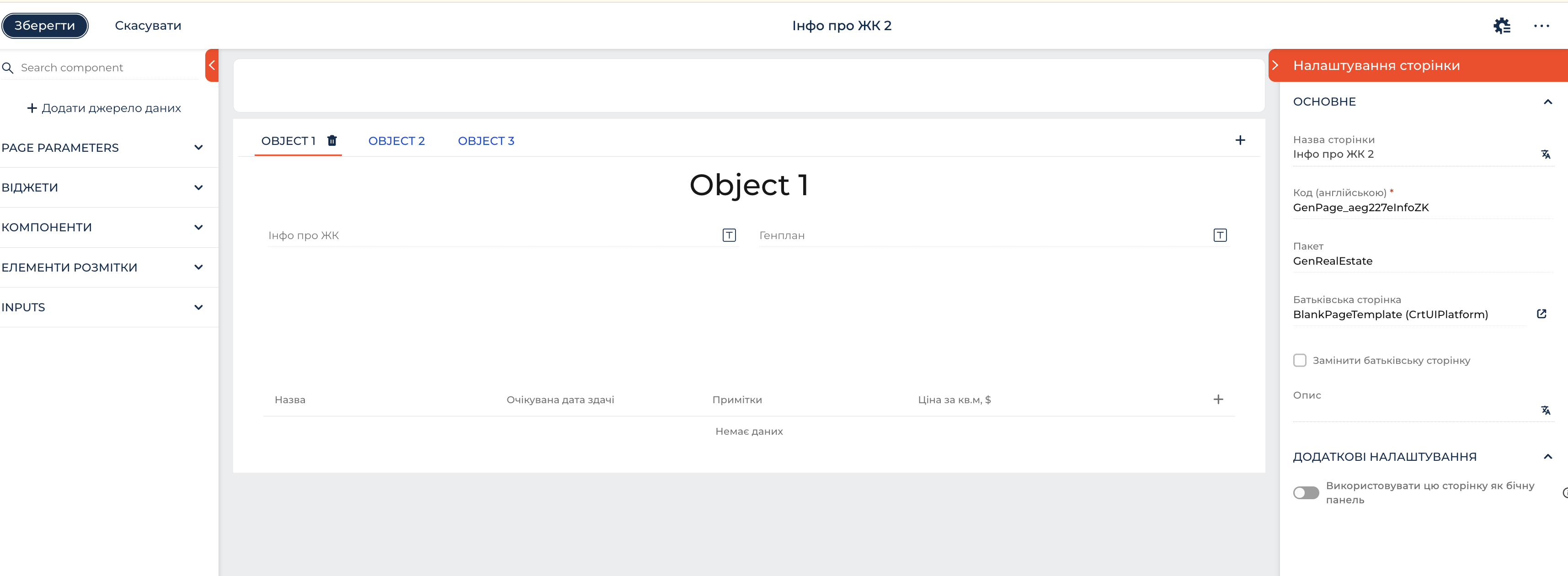
I wanted to rework Contact page in designer. I deleted default tabs and created new one. When I saved changes and checked the results, I saw 3 lists on the page. They were on default tabs, but now they are directly on the page.
The problem is that lists are not visible in designer now. Is there a way to delete them from Contact page?
The issue described appears to be that certain parent elements were removed from the page’s source code while child elements were added. As a result, these changes affect how pages are displayed at runtime. You can check the list of elements that do not have a parent in the schema (or try to remove the block in the schema from the custom package). If the parent element was deleted through the Freedom UI Designer, you can find the diff elements with the remove tag in the replacing page. If you comment them out, the elements will appear again.
If you encounter any problems with this, please contact Customer Support and provide secure access to the system.
I have a scenario where I need to call a POST API that returns an HTML response. I want to display this HTML content inside an IFrame on a Freedom UI page.
Since the standard IFrame component accepts a URL (which works with GET), I’m not sure about the best approach to:
Make a POST request,
Get the HTML, and
Load it into the IFrame component.
Is there a recommended way to do this in Creatio? Has anyone implemented this similar solution using a client module or custom JS?
Any examples or best practices would be greatly appreciated!
While the standard IFrame functionality in Freedom UI is designed for displaying external content via a static URL (typically supporting GET requests), rendering the result of a POST request requires a different approach. The recommended solution is to implement a custom Freedom UI component using a remote module. This allows you to perform the POST request, handle the HTML response, and display the result directly within the page.
Within this custom component, the implementation typically involves the following steps: 1. Perform the POST request using Angular to retrieve the HTML content from the API. 2. Render the result by either inserting the HTML into the page using innerHTML, or by converting it into a Blob or data URI and setting it as the src of an iframe.
Is it possible to write a row (to the bottom) of an Excel spreadsheet from Creatio?
We need to copy select data from a Creatio screen to a row on a spreadsheet. In our case, the spreadsheet lives on a Sharepoint drive. The goal is for the user to push a button on a Creatio screen, and have it insert data to the last row of an existing spreadsheet.
Any direction or suggestions you have are appreciated. Thanks! Rob
I have something like that working (except I am using a hosted Google Spreadsheet) that is using make.com. I just execute a Make.com webhook from a process in Creatio, make.com receives that and then writes the line to the existing spreadsheet. All no code, so just thought I would mention.
Thanks. However, we are not using Google Sheets, our corporate standard is Excel / MS Office. Creatio would need to integrate with an existing spreadsheet used by our Operations department -- Is there a connector for that too?
I have something that allow using a excel template to push data with some custom framework primitive for openxml. But it's not trivial to use, and it just download a file localy.