number
errors
UIComponent
component
Sales_Creatio
8.0

Hi.

Please see the two images below -- I have a 2 number input components.  The sum of the two must equal 100.  When I put a value in the first, like "20", the line lights up red because 20+0 <> 100.  That's fine.

However, after I put "80" in the second box, the first one still has the red line indicating the original error.

Is there some way to get both lines back to black?

Thanks
Rob


Like 0

Like

1 comments

Hello,

Could you please describe how this logic was implemented on your side? If possible, we would appreciate it if you could share a screenshot or an example of the code you are using. This will help us better understand your setup.

Show all comments
Not_able_to_send_an_PDF_as_attachment_in_send_email_element
Sales_Creatio
8.0

Hi Everyone,

I have written an business process to send an email with attachment. I have added process file element and reading the files from "Uploaded file" object. Refer below:

Now, in my send email element I am attaching the files received from this element.


I am receiving emails, but the attachments are missing.


Can someone please let me know what I might be missing here?
 

Like 0

Like

1 comments

Hello.

From what you've shared, it looks like the process isn't retrieving the uploaded file as expected. To help pinpoint the issue, here are a few steps to take:
1. Turn on tracing for the business process. This will show whether the record ID and file attachment are actually being passed to the process at runtime.

2. Make sure that the RecordId used in the “Process file” element is the same ID as the one associated with the uploaded attachment. If you're triggering the process manually, double-check that the correct record is selected or passed in.

3. In your “Process file” element, you've selected the Uploaded file as the object. Confirm that the attachment was uploaded to this exact object. If the file was uploaded to a different object (e.g. another section or lookup), you’ll need to change the source object in the element configuration accordingly.

4. You can directly query the SysFile table (or the relevant attachment table) and check if the uploaded file is tied to the expected record ID and object schema.

Best regards,
Antonii.

Show all comments
page designer
Side Panel
page
Sales_Creatio
8.0

Is there a way to remove the record profile panel from a page?  (see image below)
 

We have a simple form that users fill out.  These users are on laptops and having the side panel on the left of the form takes up valuable space on the screen.  We certainly don't need it for the 2 data fields it displays, especially because we show the data again on the page.

Any suggestions?
Thanks
Rob

Like 0

Like

1 comments

Nevermind -- figured it out.

Show all comments
required fields
Sales_Creatio
8.0

Hello

Before version 8.3.0 if a numeric field is required the value couldn't be zero: zero was considered "null", since numeric values on database have 0 as default value and don't allow null values. In a Freedom UI FormPage a required number had to be NOT zero.

Starting from version 8.3.0 if a required numeric field has value ZERO it's OK. Only if the field cell is left blank the FormPage warns the user that the field is required. This logic is completely different from the one that has been used for years before 8.3.0: is this a bug and will be fixed to restore the previous behaviour?

I think this is a bug since on database numeric fields still have zero as default value and are  set as Not Null, then there's no way to leave null a numeric field, even if it's not required.

Is there some ways to restore the previous behaviour without writing a field validator in javascript in all existing pages?

Thanks

Like 1

Like

4 comments

Confirmed this is still the case in 8.3.1. Not sure what functionality the "required" flag now performs for numeric fields, since as you say Creatio doesn't allow actual null values for numeric fields and defaults them to zero. I wonder if this indicates that we might be able to differentiate between zero and null in future - I hope so!

Hi Harvey ,

I don't know if in future null values will be available for numeric fields, but all existing entities have already been created not allowing null values.

The actual numeric fields management on the user interface is not consistent with the database structure, then I hope Creatio will fix  this issue very soon.

Hello Massimilliano,

We have tested this behavior on site with versions lower than 8.3.0 and the validation allows 0 to be saved for the field, please see testing below:


Could you please provide us with more information on how to reproduce the issue, if there is something we are missing?

Thank you in advance!

Hello Alina ,

Our customers reported the issue after 8.3.0 upgrade, then it's possible the issue was already present in 8.2.2.

In any case, regardless the origin is version 8.2.2 or 8.3.0, it's an issue and our customers are asking for a fix.

Thank you

Show all comments

Hi everyone!

I need to turn on "Send emails from Creatio" in the email account settings without logging in under the user or involving him. Is there any way to do it remotely? (I don't know his password to log in, so I need to do it this way)

Like 0

Like

2 comments

Hello,

Please try logging in as Supervisor to manage this option. Without administrator rights, it is not possible to enable "Send emails from Creatio" in a user's mailbox settings remotely.
This setting cannot be activated without logging in as the mailbox owner or involving them, as mailbox integration in Creatio requires direct user authorization for security reasons.

Best regards,
Ivan

Ivan Savenko,

Hi, thanks for your reply. I have administrator rights as System Administrator. I need to manage the mailbox settings of a Supervisor because he has no time for this. As I understand it, it's impossible to do so without involving the user. 

Show all comments
how_to_implement_this_filtering_on_the_portal
Sales_Creatio
8.0

Hi everyone,

I’ve added my custom section “Services” for external users, and it is now visible in the portal workplace. However, the list currently displays all records, instead of filtering them based on the logged-in portal user.

In my Services entity, I have a lookup field called Site Contact that references the Contact object. I would like the portal to show only those service records where the Site Contact matches the currently logged-in portal user.

Could someone please guide me on how to implement this filtering on the portal section list?
 

Thank you!

Like 0

Like

2 comments

Good day,

Thank you for your question. 

The best way to implement filtering for specific records by a particular column would be to approach it from the level of record permissions rather than direct section filtration to prevent any security breaches.

The approach you may consider implementing, therefore, is as follows:

1. Go to System Designer > Object permissions.
2. Locate and select your custom "Services" object.
3. Enable the "Use record permissions" option.
4. Create a business process that would automate rights redistribution to Services records that already exist or are yet to be created based on the contents of the Site Contact column

Articles you may find useful are as follows:

Record permissions management

Manage permissions Business Process

Business process hub

We hope this helps!


Nikita Kudin,

Thanks for the feedback....I am facing trouble with my custom entity jobs. When I try to give rights below error pop up comes up:

If I check the record checkbox in object setting in application hub , no records are shown in portal for logged in contact. What exactly am I missing here?

Show all comments
Custom_service_for_portal_user_giving_403_error
Sales_Creatio
8.0

Hi everyone,


I created a custom entity named "Services" and made it available on the Customer Portal. On the external portal page, I added a “Get Signature” button. When portal users click this button, modal opens pop up with a signature pad and Save / Cancel buttons.

When the user clicks Save, I want to store the entered signature into a field on the Services record.

To achieve this, I wrote the following custom configuration service using add source code option. This service was Saved and published correctly in Creatio system.
Issue:

When I test this service using Postman while logged in as the Supervisor using below URL, everything works correctly — the field is updated.
{{BaseURI}}/0/rest/SaveSignatureService/SaveSignature

However, when I call the same service as a portal user, I get this IIS error:

HTTP Error 403.0 – Access to non-SSP API is denied for portal users

Even if I try updating a field on the Case object instead of my custom entity, I get the exact same 403 error. Also, all operation permissions on the Services object are granted to the external user roles.

What I Need Help With

  • Why exactly are portal users receiving “Access to non-SSP API is denied”?

Any guidance or best practices on building Creatio services accessible to external/SSP users would be greatly appreciated.

Like 0

Like

2 comments
Best reply

You need to add these attributes to your service class: 

[DefaultServiceRoute]
[SspServiceRoute]

Note, those are added to the SaveSignatureService class, not the service method SaveSignature. 

With those added, the path to call the service is slightly different for external/portal users. Full Creatio (internal) users will use: 

0/rest/UsrMyService/SomeMethod

External users will use: 

0/ssp/rest/UsrMyService/SomeMethod

You can use the following code, if needed, to get the correct path/url based on the user type, it will return the correct path for both user types: 

var workspaceBaseUrl = Terrasoft.utils.uri.getConfigurationWebServiceBaseUrl();
 
var servicePath = workspaceBaseUrl + "/rest/UsrMyService/SomeMethod";
 
//servicePath will now contain the correct URL for either user type

Ryan

You need to add these attributes to your service class: 

[DefaultServiceRoute]
[SspServiceRoute]

Note, those are added to the SaveSignatureService class, not the service method SaveSignature. 

With those added, the path to call the service is slightly different for external/portal users. Full Creatio (internal) users will use: 

0/rest/UsrMyService/SomeMethod

External users will use: 

0/ssp/rest/UsrMyService/SomeMethod

You can use the following code, if needed, to get the correct path/url based on the user type, it will return the correct path for both user types: 

var workspaceBaseUrl = Terrasoft.utils.uri.getConfigurationWebServiceBaseUrl();
 
var servicePath = workspaceBaseUrl + "/rest/UsrMyService/SomeMethod";
 
//servicePath will now contain the correct URL for either user type

Ryan

Ryan Farley,

Thank you for your prompt and detailed response. The solution you provided worked perfectly, and I sincerely appreciate the time and expertise you invested in addressing my issue. Your support has been extremely helpful.

Thank you once again for your assistance.

Show all comments
reports
permissions
Sales_Creatio
8.0

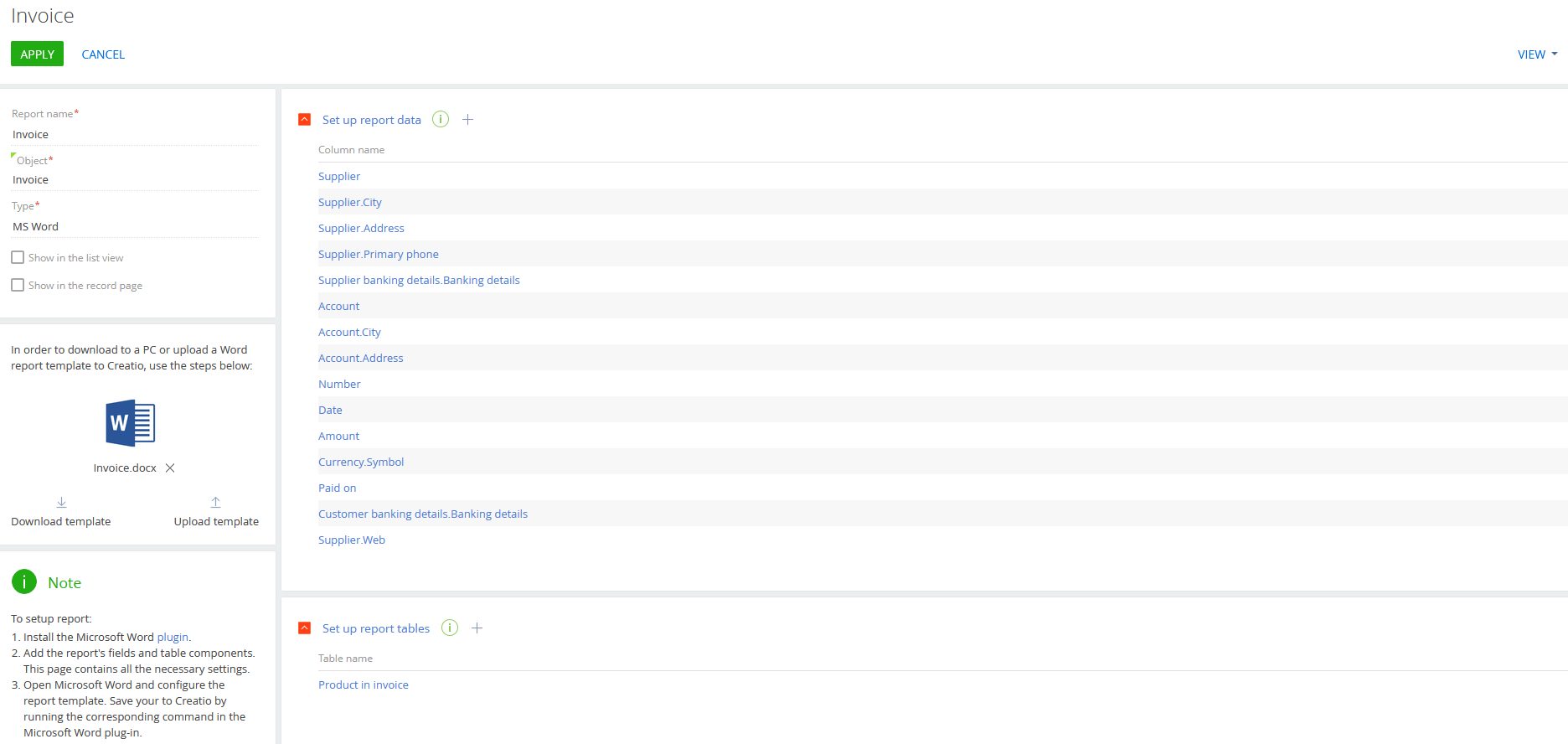
Very often CRM customers would like to set permissions on MS-Word Reports, to allow each users role to generate "only their reports".

The Report setup interface doesn't allow to set the roles allowed to select the report, and the SysModuleReport entity doesn't have the Record Permissions enabled.

How is it possible to setup permissions in MS-Word Report in Creatio?

Thanks

Regards 

Like 0

Like

1 comments

Hello,

Currently, Creatio does not provide an out-of-the-box option to configure user- or role-based access permissions specifically for MS Word reports.

It is also not possible to enable record permissions selectively "only for some reports." The SysModuleReport table contains definitions for all report types, and enabling record-level permissions on this entity would affect the entire reporting subsystem. This may lead to unpredictable behavior, including incorrect report visibility or access issues for other users and report types. For this reason, modifying its permission model is not recommended and is not supported as a partial or isolated configuration change.

If the project requires strict access control to specific reports, this can only be achieved through a custom development approach (e.g., custom UI logic, custom section replacing standard report generation buttons, or intermediary permission checks).

Show all comments
cyclicdependencies
Sales_Creatio

Hi, everyone! 
I am having trouble with editing Accounts form page in Custom 360.  I decided to try moving our system from Classic UI to Freedom UI, so I'm testing all the features on Dev. When I`m saving the Freedom page after adding some elements that were inherited from the Classic UI I am experiencing the following:

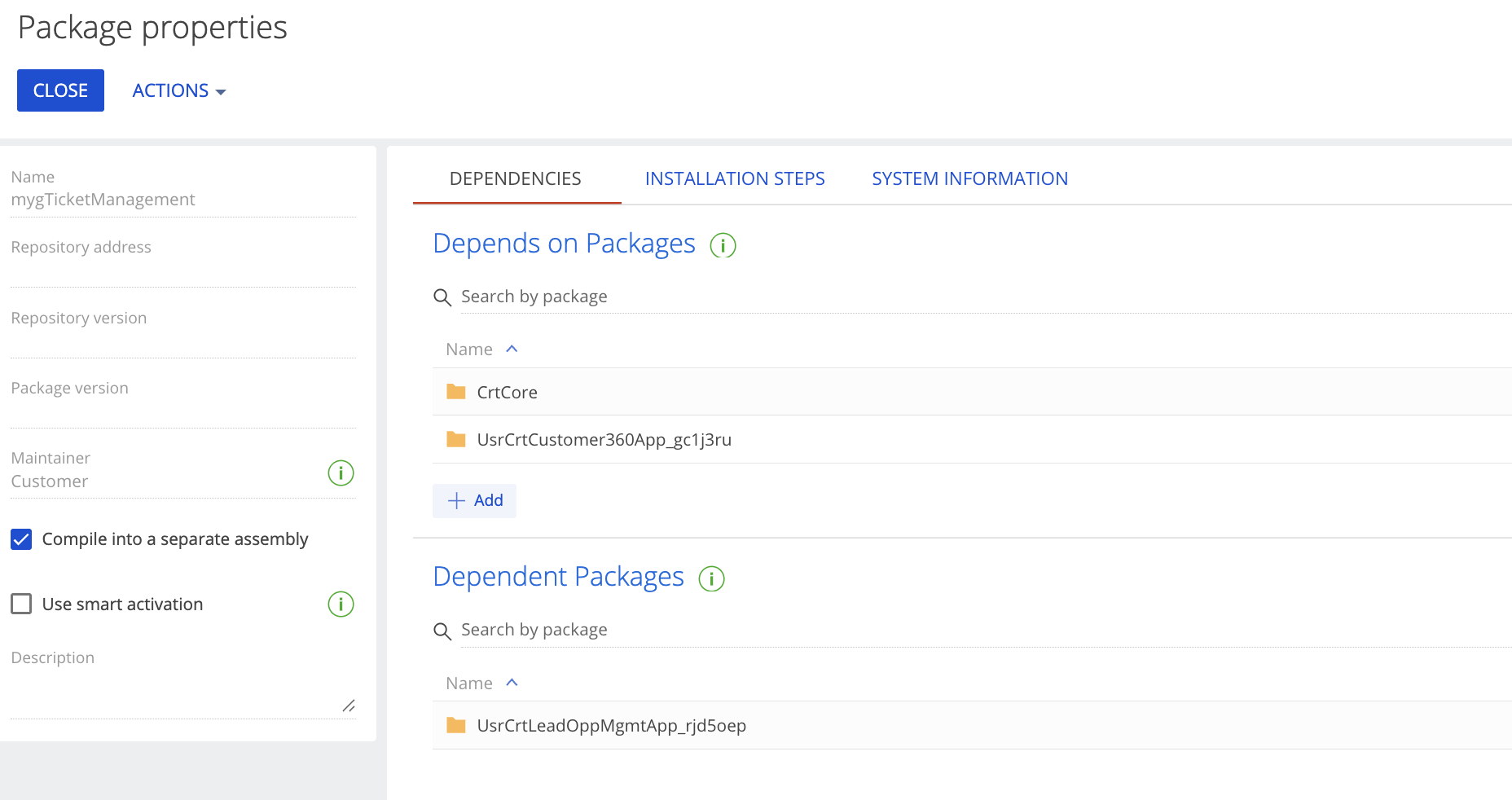
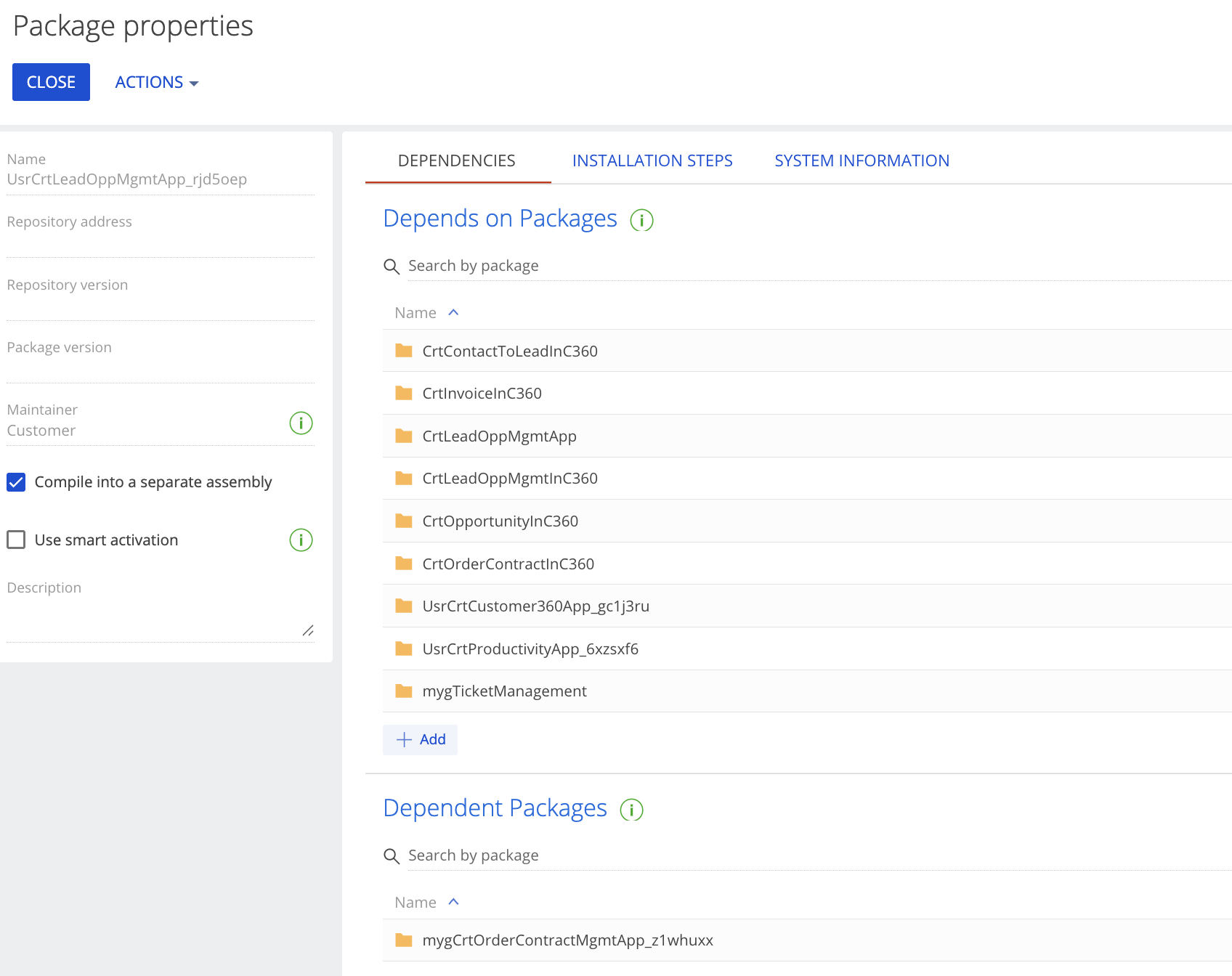
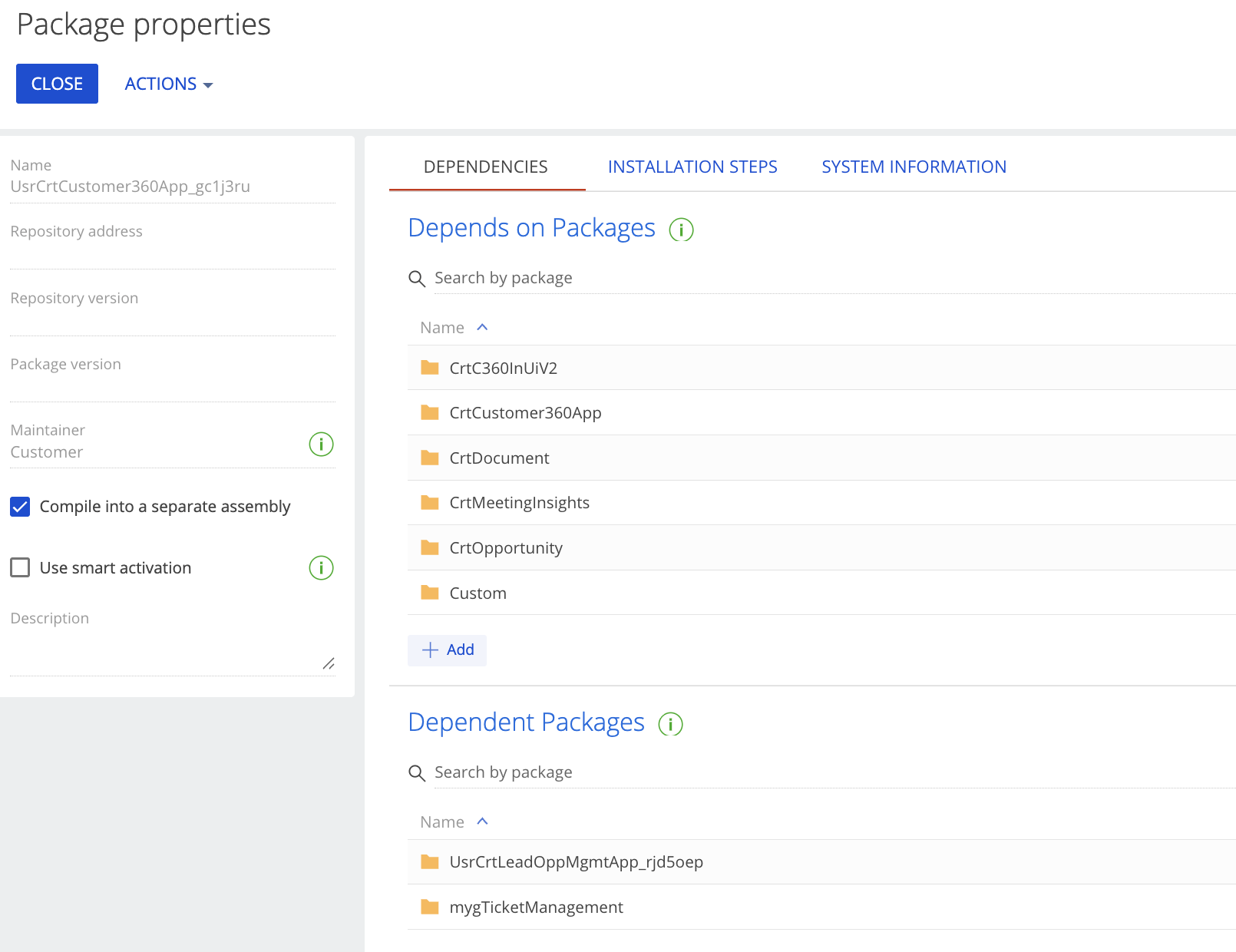
I've read the available article on the issue in Creatio Academy, but I still do not understand how to move packages and where.
More to it - the Custom package is at the end of the hierarchy as it should be - I cannot understand what the issue is here.

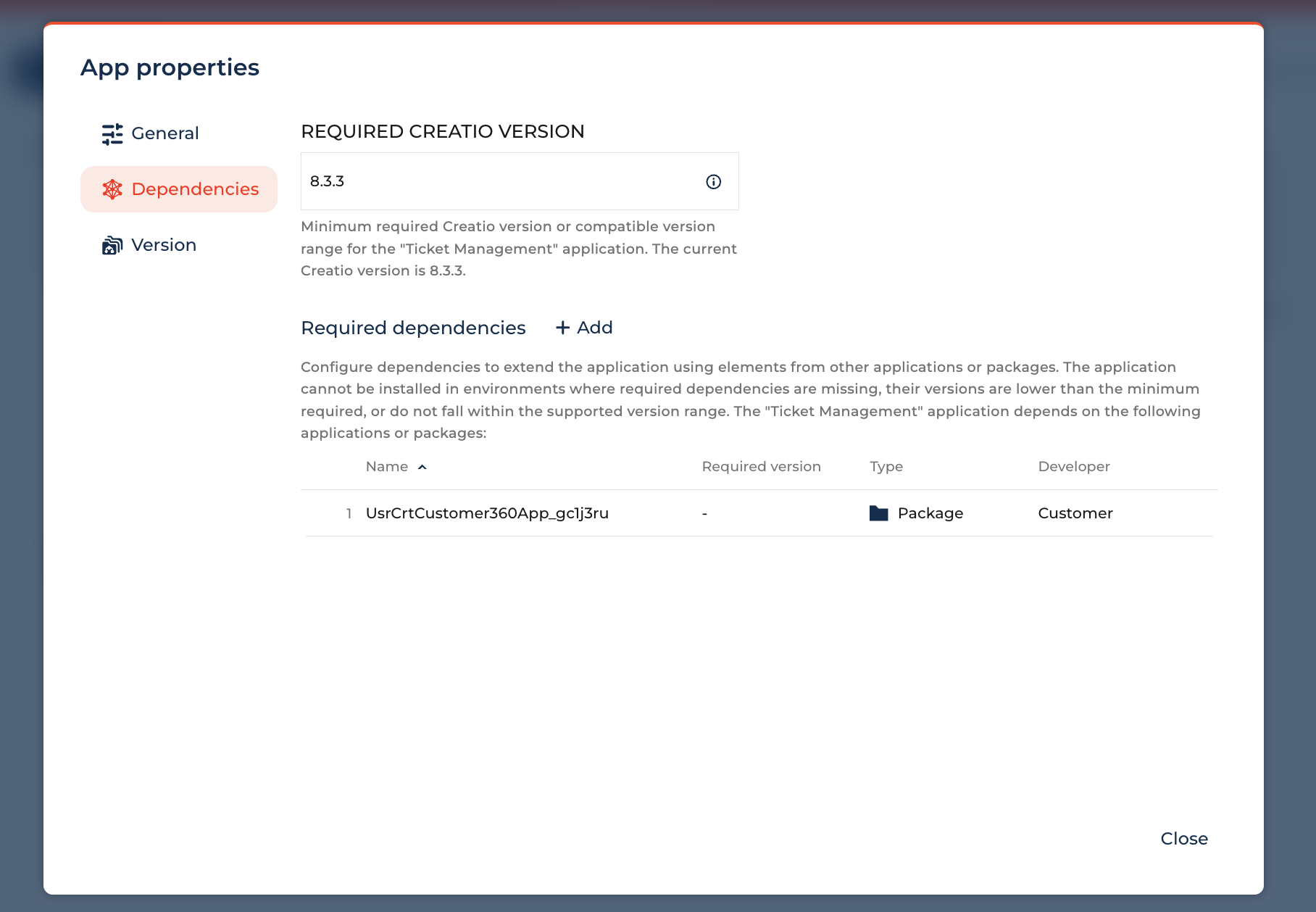
Can somebody explain what I should do in order to edit Freedom Accounts form page with all inherited elements from the Classic UI? I've never moved packages anywhere and never worked with dependencies. 

Thanks in advance

Like 0

Like

2 comments

Hello Varvara,

The error you’re seeing occurs because the columns you added to the schema (“Relationship Manager” and “EDRPOU”) were introduced via an object replacement in the Custom package (typically the last package in the hierarchy). However, the schema you are working with resides in the package above Custom, so these columns do not exist in that package.

To resolve this issue, you have two options:

  1. Move the object replacement from Custom to the package where the schema currently resides. This is the recommended approach, especially if you plan to transfer the schema to another environment.
  2. Create a replacement schema directly in the Custom package.

Following the first approach generally ensures smoother migration and consistency across environments.

I hope this helps. Have a great day!

Alina Yakovlieva,

Thanks, that's a little bit confusing for me - never moved anything between packages. It's easier to stay with Classic UI for now.

Show all comments
FreedomUI
Entity
businessrules
Sales_Creatio
8.0

Hello,

About the Contact Career entity, I would like to change the current behavior. 
 

Our contacts can be associated with many different companies, with various career states.
Currently, for a given contact, when the Primary field is checked on one record, the Current field is automatically unchecked on any record linked to a different account than the primary one.

I was not able to find the code responsible for this behavior.
Is it possible to modify it?

Best regards,
Patrice

Like 0

Like

2 comments
Best reply

Hello,
Most of the times, such logic is located inside of event logic of configuration objects. In your case, the code you are looking for is most probably located in the object ContactCareer package CrtBase.
When you open this object, in the Actions click on "Open process"

Hello,
Most of the times, such logic is located inside of event logic of configuration objects. In your case, the code you are looking for is most probably located in the object ContactCareer package CrtBase.
When you open this object, in the Actions click on "Open process"

Many thanks ! yes the code is exactly in the object ContactCareer package CrtBase. Now i have to write some overide i guess.

Show all comments