

How to get Attachment Id when clicking a file in Attachments list in Freedom UI

Hello everyone, Is there a way to obtain the ID of the selected file in attachments in a Freedom UI section?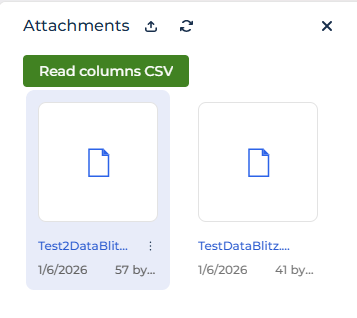
Like

I assume you could get it using the following (this works for lists, I assume it's the same for gallery mode)
const selectedId = await request.$context.TheListNameHere_ActiveRow;See https://customerfx.com/article/responding-to-a-row-selected-event-in-a-creatio-freedom-ui-list/
Also, you could add the button/action as a menu item when you click the three-dots button, see https://customerfx.com/article/adding-row-action-menu-items-to-a-creatio-freedom-ui-list/
Ryan
I assume you could get it using the following (this works for lists, I assume it's the same for gallery mode)
const selectedId = await request.$context.TheListNameHere_ActiveRow;See https://customerfx.com/article/responding-to-a-row-selected-event-in-a-creatio-freedom-ui-list/
Also, you could add the button/action as a menu item when you click the three-dots button, see https://customerfx.com/article/adding-row-action-menu-items-to-a-creatio-freedom-ui-list/
Ryan

Hello,
Basically there is no way to get the id when clicking, but maybe one of the options will be useful:
- you can create a list with files to write and display the id column
- when hovering over the file, the file id is displayed in the link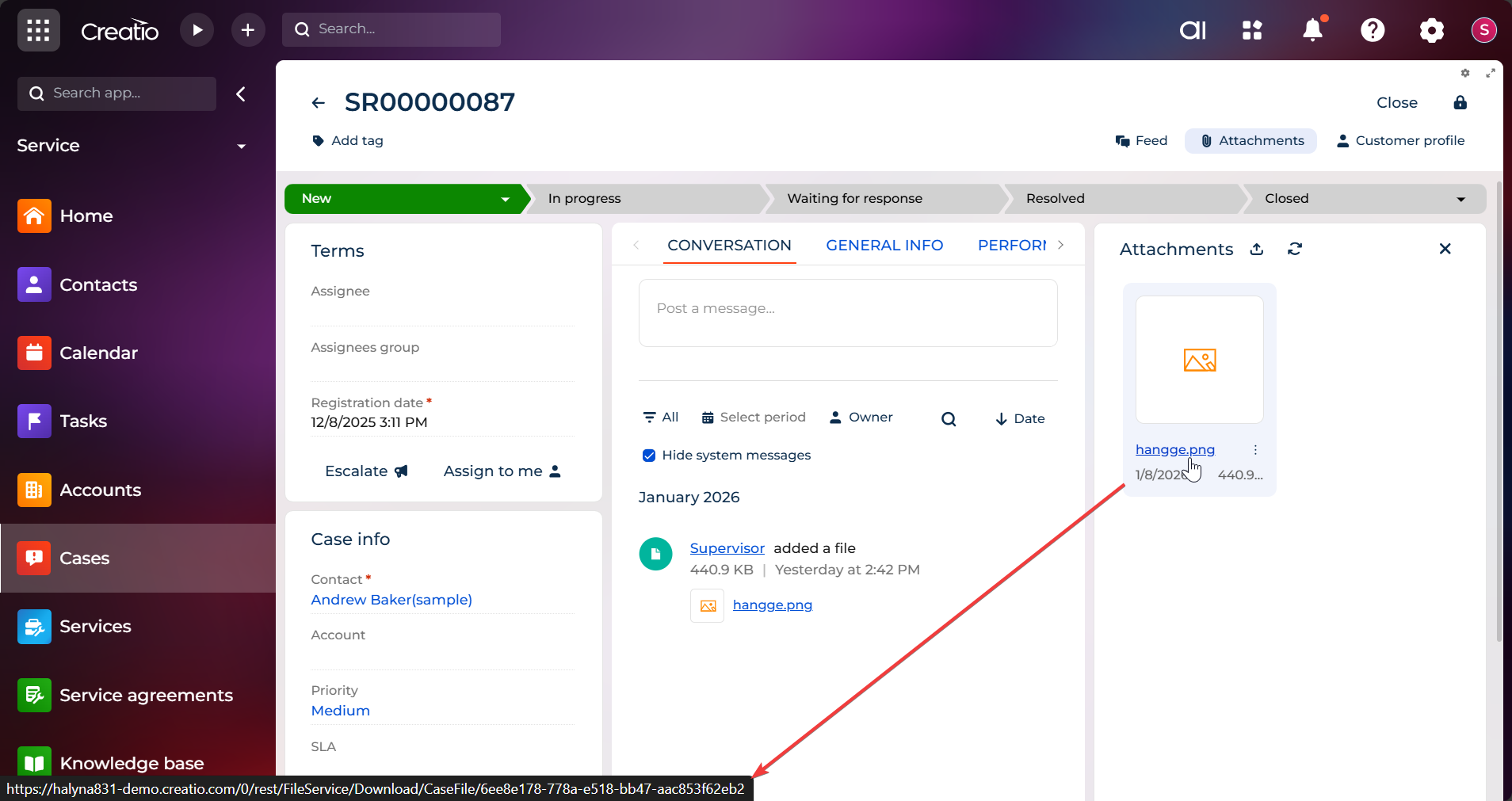
Ryan Farley,
Hi! Thanks for the suggestions.
I actually checked both approaches, but the AttachmentList component seems to behave differently than a standard datagrid :
- The ActiveRow issue: I tried
request.$context.AttachmentList_ActiveRow(and variations), but it appears theAttachmentListcontrol does not populate the ActiveRow attribute in the ViewModel when you click on a file name. It seems the control handles the click event internally for downloading/previewing, without updating the page state. - The Menu Items: Adding items via
rowToolbarItemsworks visually, but there's a context issue. When using$Idas a parameter in a custom request within theAttachmentList, it returns the page Id (the parent record) instead of the File Id . Unlike the DataGrid, the AttachmentList doesn't seem to "bridge" the row context to custom menu items easily.
Thanks!
Mario.
Mario Toro,
As for the selected row when clicked, you can try adding a change event handler and then output the change attributeName in the console, then click a row to see if it changes an attribute.
As for the context menu, you can get the selected record Id, but its name won't be $Id. Somewhere in the page code you'll see the attributes for the data source for the attachments, you'll need to make sure you've wired it up correctly (I do know this works, I've added this for attachment lists before)
Ryan
Mario Toro,
If you look at the Attachment list on the Cases_FormPage you'll see it is named "AttachmentList" and has a an attribute for the primaryColumnName as "AttachmentListDS_Id" and it's Items collection is named "AttachmentList" (you can see this in the base page "PageWithTabsFreedomTemplate").
So, to wire up the menu, you'd use:
{
	"operation": "merge",
	"name": "AttachmentList",
	"values": {
		"rowToolbarItems": [{
			"type": "crt.MenuItem",
			"caption": "Do something",
			"icon": "edit-row-action",
			"clicked": {
				"request": "cfx.doSomethingHandler",
				"params": {
					"itemsAttributeName": "AttachmentList",
					"recordId": "$AttachmentList.AttachmentListDS_Id"
				}
			}
		}]
	}
}
Then the event handler would be:
{
	request: "cfx.doSomethingHandler",
	handler: async (request, next) => {
		const id = request.recordId;

		// do something here with the id

		return next?.handle(request);
	}
}
Ryan