


Hi.
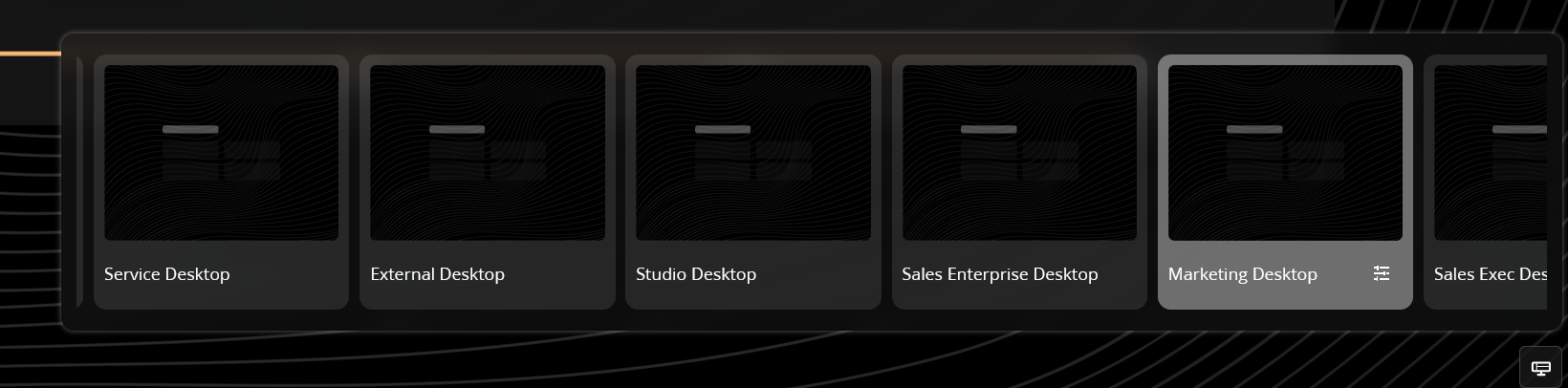
We have several desktops, accessible by all users. I know that if a user selects a different desktop, that is now their default.
But, how do I set the default for new users?
99% of our users will use a "sales" desktop and never change it, and that needs to be what they see their first time they log in to Creatio.
Thanks
Rob
Like
Hello,
In Creatio, a new user’s initial landing page is determined by the first desktop in the desktop list (if no custom homepage is configured). To make sure new users see the Sales desktop on their first login, place the Sales desktop first in the list.
What to do
1) Open System Designer -> Workplace setup
2) Open Workplace setup and locate the list/order of desktops.
3) Move the Sales desktop to the top (first position).

Artem Udachyn,
I think what you're referring to here is the Workplace, not desktop (see screenshot in original post). I don't see any way to order the Desktops in the way you describe (but yes, can order workplaces there). The order of desktops doesn't seem to be alphabetical or anything, possibly database order?
How do you set a default desktop for user or role?
Ryan
Hello,
At the moment, there is no option to set a specific desktop as the default desktop for other users.
The information about a user’s default desktop is stored in SysUserProfile entity and is set only when the user selects that desktop themselves.
Therefore, for now, each user needs to manually select the required desktop during their first login. After that, the same desktop will be opened automatically during subsequent logins.
At the moment, the only available workaround is to restrict users’ access to other desktops if they are not supposed to use them. You can find more details here:
Customize the Freedom UI
We also have a registered task to add this functionality out of the box in the future.