


Hi All, question please.
I want to delete all attached files using Business Process, I already tried using "Delete Data" with Id = Parameter1.
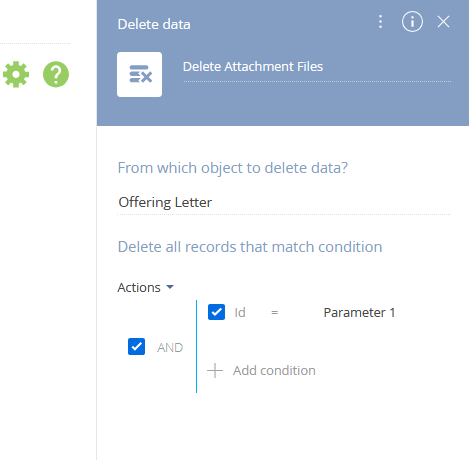
All values in data table is deleted, but the attached files till there.
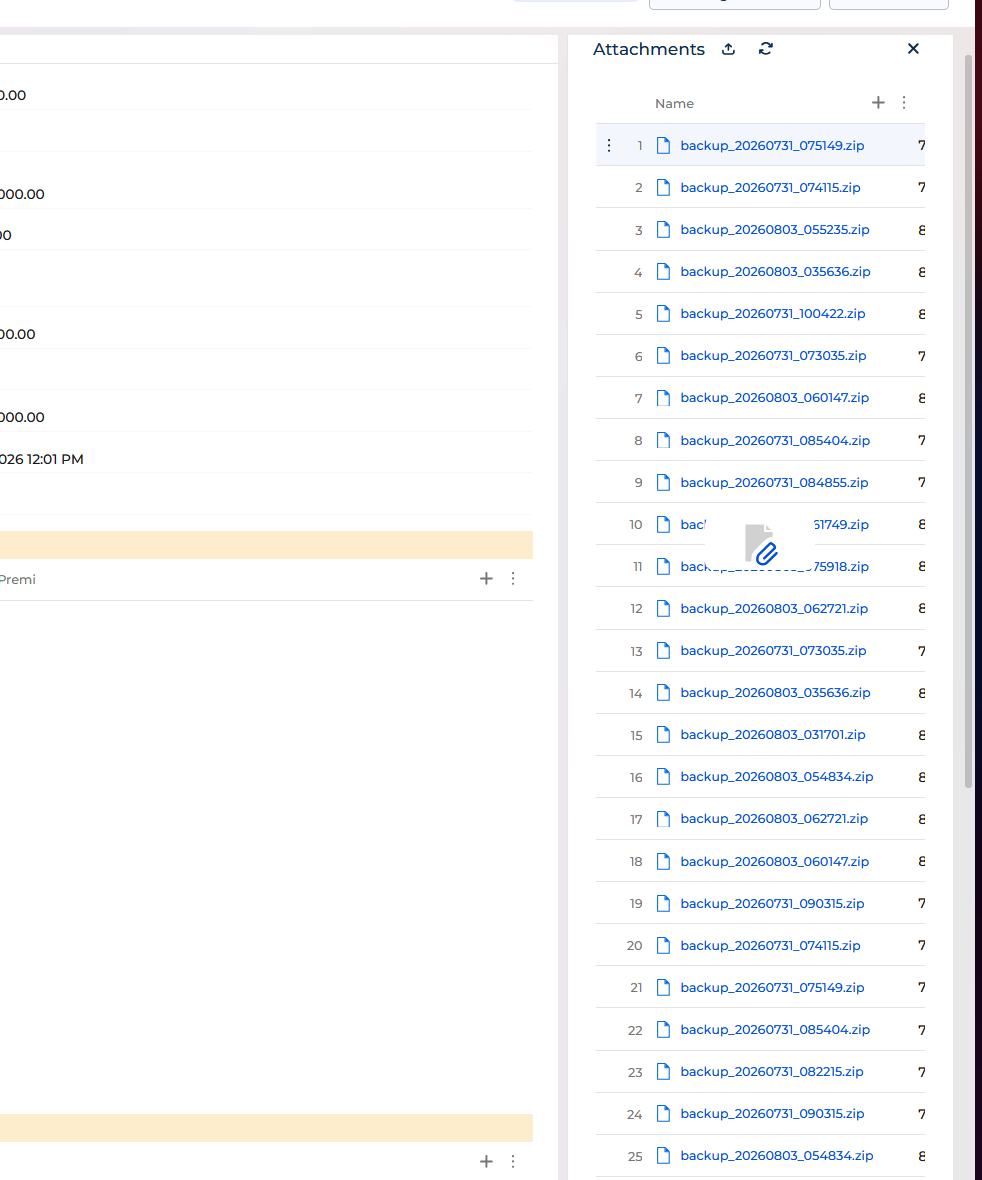
I tried using "Delete Data" because I read from this article after googling it :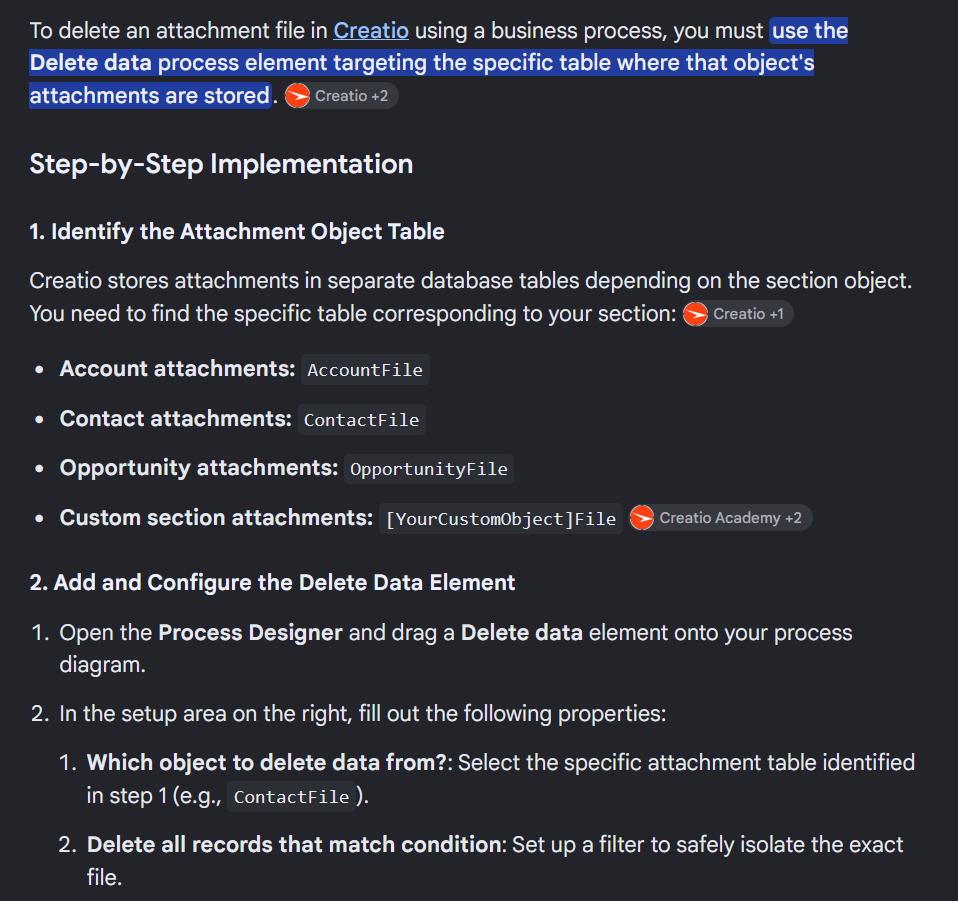
Need advice please, and thank you.
Like

Hi Dedi,
Based on you picture, it seems that you are deleting records from Offering letter section, not from attachments that are connected to one specific record in your Offering letter section. If Offering record is custom Freedom UI section than object that should be setup in your "Delete attachment Files" is Uploaded file, and you can filter files based on the filter Record Id = Office letter Id (Parameter 1). Something like this:
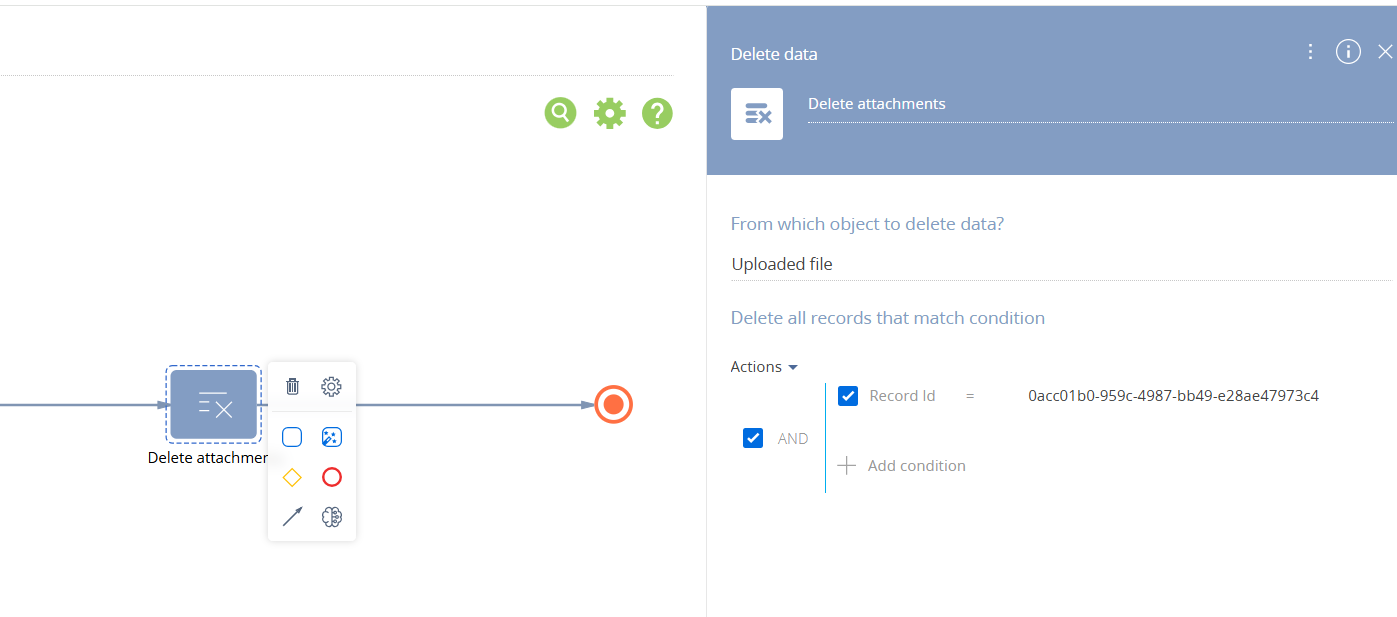
I hope this can help. Let me know if you have some questions.
BR,
Jelena
Hi Jelena, thank you for feedback, now I already filter by ID, but not in Business Process, but in Design Form Page.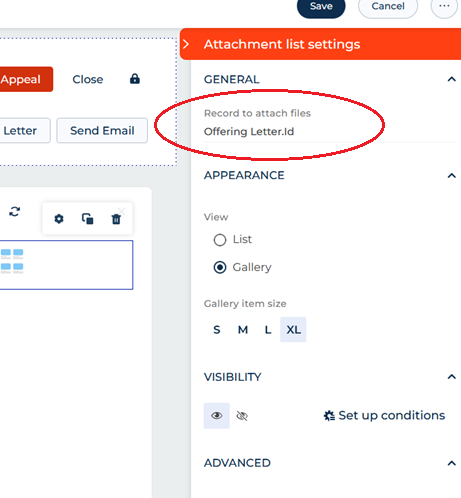
Thank you Jelena, appreciate it.