


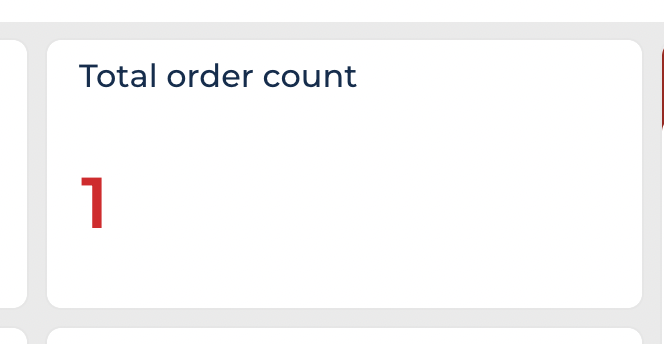
Hi team, Anyone managed to disable the crt.IndicatorWidget link to the list? the idea is to prevent open the list of records on click the number.
Thanks,
Like

You could try adding CSS and add this to the link for the number?
pointer-events: none;
We've use the handler crt.AnalyticsDataGridGetColumnsRequest to override what clicking on the widget does in order to have it open a specific page - you could also use this handler to disable it from opening the list popup by simply not calling next?.handle(request) within the handler code, e.g.:
{
	request: "crt.AnalyticsDataGridGetColumnsRequest",
	handler: async (request, next) => {
		if(request.widgetAttributePrefix == "DYN_IndicatorWidget_2dfak12") {
			return;
		} else {
			return next?.handle(request);
		}
	}
}Hi Ruan and Harvey. Thanks both for the quick response. I used the fuction above plus a css class to hide the underline on move over.
.indicator-widget-wrapper:not(.design-time,.not-clickable-metric):hover
.indicator-widget-label-position-above-under
.indicator-widget-metric {
   text-decoration: underline;
}
Hello,
Add this to the values of your IndicatorWidget component on the page:
"drilldownEnabled": false,
So it should look like this:
{
"operation": "insert",
"name": "IndicatorWidget_woinwom",
"values": {
"drilldownEnabled": false,
"layoutConfig": {
"column": 1,
"colSpan": 1,
"row": 2,
"rowSpan": 1
},
"type": "crt.IndicatorWidget",
"config": {
"title": "#ResourceString(IndicatorWidget_woinwom_title)#",
"theme": "without-fill",
"layout": {
"color": "green"
},
...
This will disable the number's clickability in the widget (tested in version 8.3.4).