

How to Migrate Report Setup Between Environments Without Recreating Manually?

Hi everyone,
Is there a way to migrate Report Setup from one sandbox to another in Creatio without recreating the reports manually?
I have multiple MS Word reports in Sandbox A and want to move them to Sandbox B, but I can't find them in the Configuration/Packages section to export via the usual package method.
Does anyone know the correct approach for this? Should I use a data binding in a package, a SQL script, or is there another method?
Thanks in advance!
Like

Hi Muhammad,
Reports are stored as Data on DB, so Data binding is the appropriate method. After installing this data on a new environment, the reports should appear.
For binding the data, Creatio Academy mentions SysModuleReport and SysModuleReportTable.
Click  to open the System Designer.
- Go to the Admin area block → Advanced settings.
-
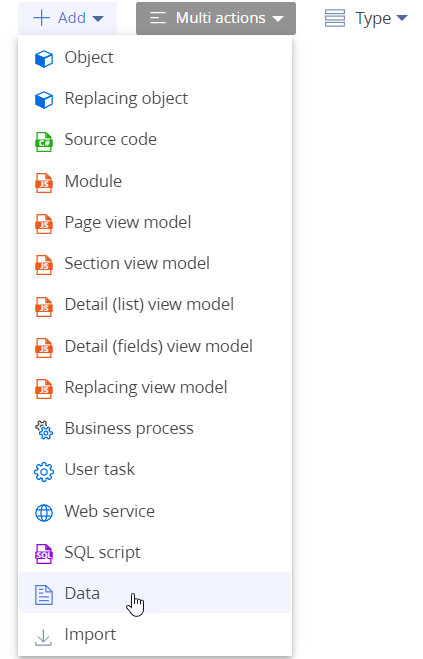
Click Add → Data in the section list's toolbar
-
Bind the data to the following elements (Fig. 9):
- SysModuleReport_ReportName: the report. Use the report Id from the dbo.SysModuleReport database table to bind it. For example, it is "SysModuleReport_MeetingMinutes" for the "Meeting minutes" report.
- SysModuleReportTable_ReportName: the table part of the report. Use the report Id from the dbo.SysModuleReportTable database table to bind it. For example, it is "SysModuleReportTable_MeetingMinutes" for the "Meeting minutes" report.

Proceed to transfer the package that contains the report to another environment.
Source: Add a new Microsoft Word report in Creatio | Creatio Academy
Best,
David