

Issue Adding WhatsApp Channel in Creatio WhatsApp Integration

Hi Creatio Support,
We are facing an issue while setting up the WhatsApp channel in Creatio.
For your information, I created a trial Creatio CRM instance to test the WhatsApp integration. I followed the steps mentioned in the link below:
Set up WhatsApp integration | Creatio Academy
The first step is marked as optional, so I skipped it. I created a Twilio account, but when I try to add the WhatsApp channel in Creatio, I receive an error. The steps mentioned in the document are:
- Set up a Twilio free trial account to get acquainted with the integration (optional). Read more >>>
- Set up a Twilio business account. Read more >>>
- Set up a WhatsApp chat channel in Creatio. Read more >>>
As mentioned in the same document, we verified the following system settings, and they are available in the system:
- "Identity server Url" ("IdentityServerUrl" code)
- "Identity server client id" ("IdentityServerClientId" code)
- "Identity server client secret" ("IdentityServerClientSecret" code)
However, Creatio still shows an error when we try to add the WhatsApp channel in the Chat settings.
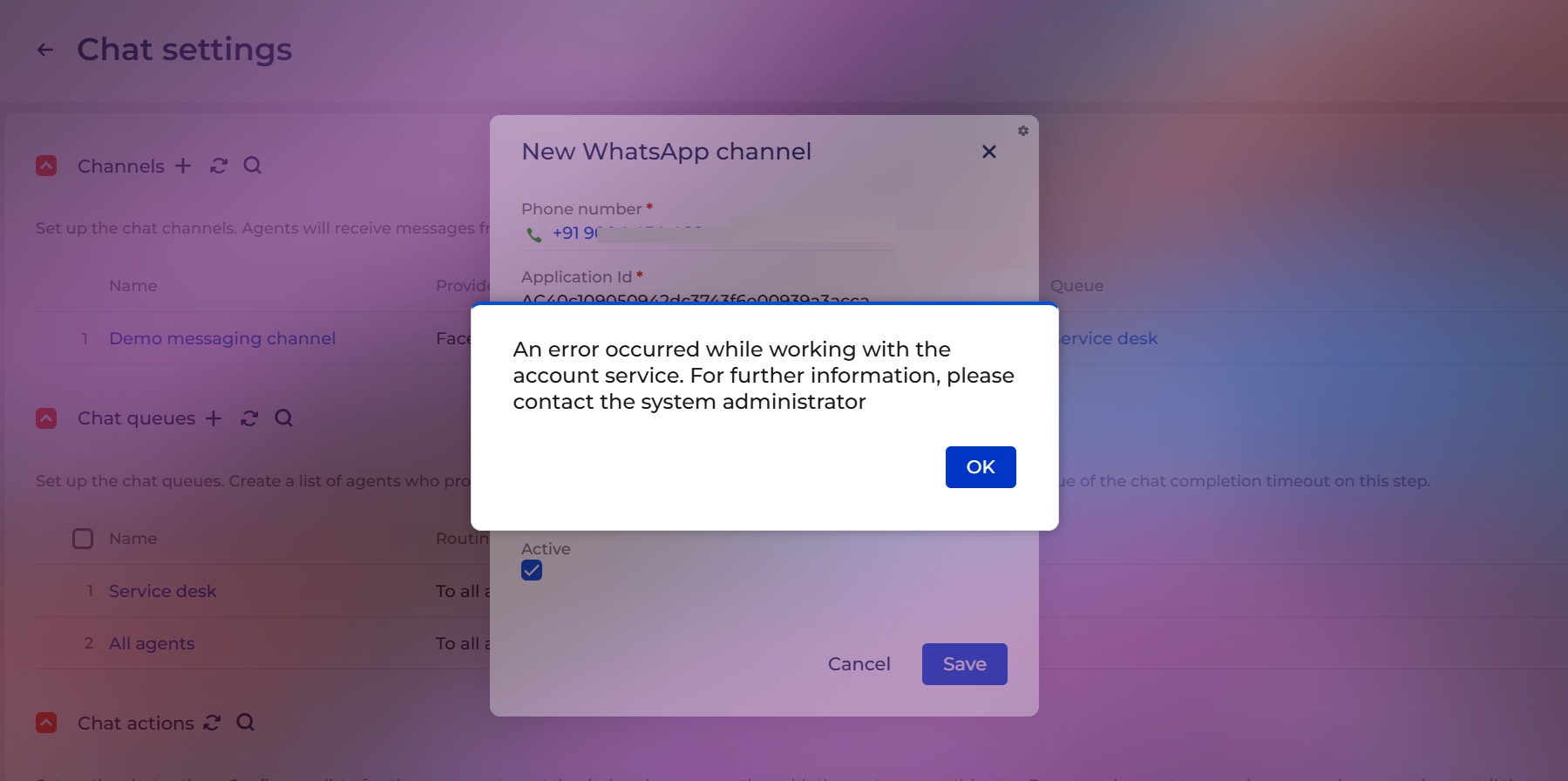
Please let us know what we might be missing. We would appreciate it if we could set up a quick call to review this issue.
Like

Hello,
If, as you mentioned, the system settings already contain the default values, please make sure that this account is connected to only one instance.
Additionally, we recommend generating a new webhook URL (navigate to
https://sitename.creatio.com/0/Shell/#Page/LandingiDesigner_Page → Other landing pages → Click to get your webhook URL) and then trying to reconnect the WhatsApp account.
If the issue persists after performing these steps, please contact us at support@creatio.com, and we will be able to carry out a more detailed analysis.
Yelyzaveta Shchyrova,
Thank you for sharing the details. After following the suggested solution, the WhatsApp channel was added successfully.
However, I am not receiving any WhatsApp messages when I send a message to the number used during the Twilio configuration.
For your information, I created a Twilio trial account by following the steps outlined in the link below. I am not sure if I am missing any required configuration.
Set up WhatsApp integration | Creatio Academy
Could you please let me know if anything is missing in the Twilio setup or on the Creatio side?
ANIKET RAMCHANDRA NANAVARE,
Hello,
To be able to identify the exact cause of the issue, we need to review your site configuration.
Please create a support case, and we will be happy to assist you further.