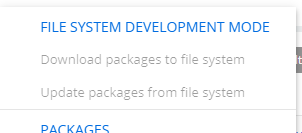
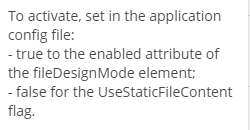
Hello, im trying to migrate a package to a new project, but i cant upload my files since the configuration is not available and I have not found a way to activate it.
I had tried to use the tutorial in creatio academy but is still confuse for me.
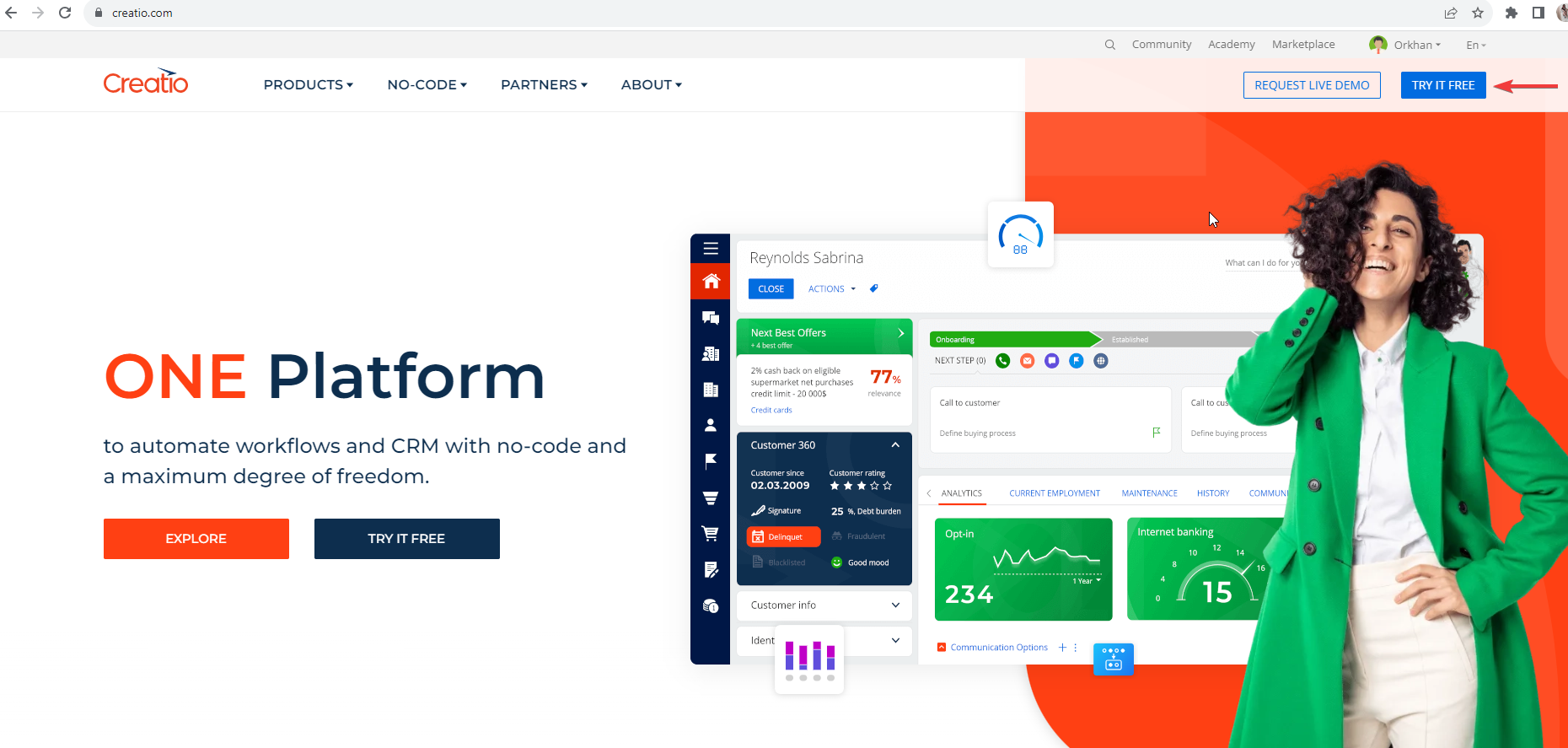
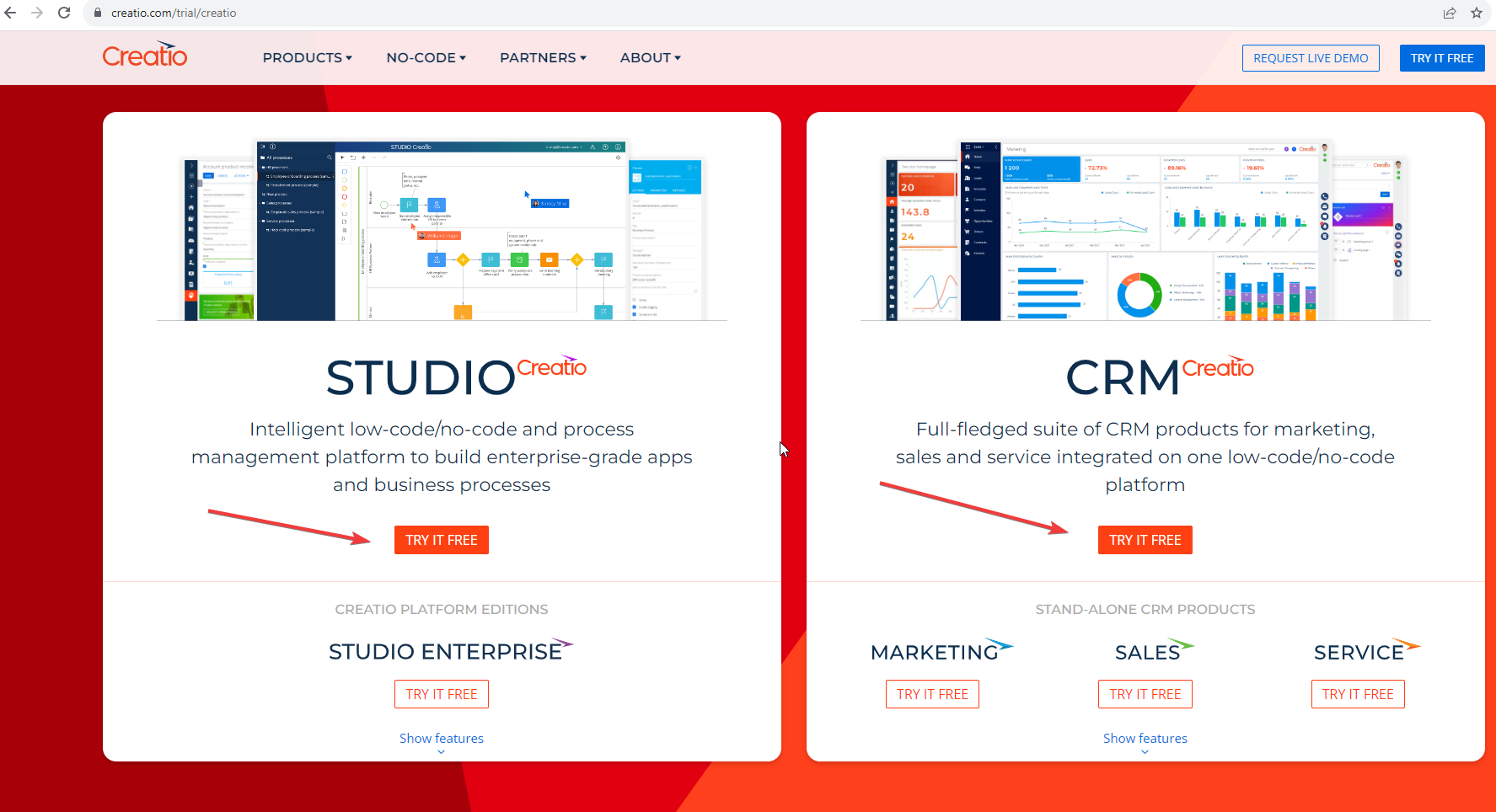
I have started with Platform basics and on module #2, I need to perform the practical task, so form where I can do this? Is there any admin/dashboard site where I can do the task.
I'm trying to create a business process where I'll be able to modify the currency "rate" value (I have my own data source), but I can't see this field to modify. This is the only field from the 'Currency' lookup which I cannot choose. Could you please tell me what I need to do? Thank you a lot in advance.
The Exchange rate column in the Currency object is virtual, so it is not shown in the Lookup and cannot be edited directly from the Lookup.
The Rate itself is saved in the CurrencyRate table with a link to CurrencyId each time it is changed.
The base stores the inverse of the exchange rate. For example:
Base currency: 人民幣(RMB)
Dollar exchange rate: 0,15
Which is inconvenient to understand, so a Lookup with a more user-friendly currency display, but converting to a reverse exchange rate, has been developed to support backward compatibility.
This way you can enter the usual exchange rate of USD = 6.79 (RMB to USD) on the interface. And the base will already save 0.15 (USD per 1 RMB).
These different types of rate (6.79 and 0.15) will determine the formula by which you will then calculate the amounts. You can read from the CurrencyRate table and get a rate of 0.025 and:
1) convert it to a familiar rate - 1/0.15 = 6.79.
2) either work already with 0.15, but then the calculation of the amount will be different.
So, the Rate column is virtual, but you can use CurrencyRate (exchange rate) to calculate the exchange rate.
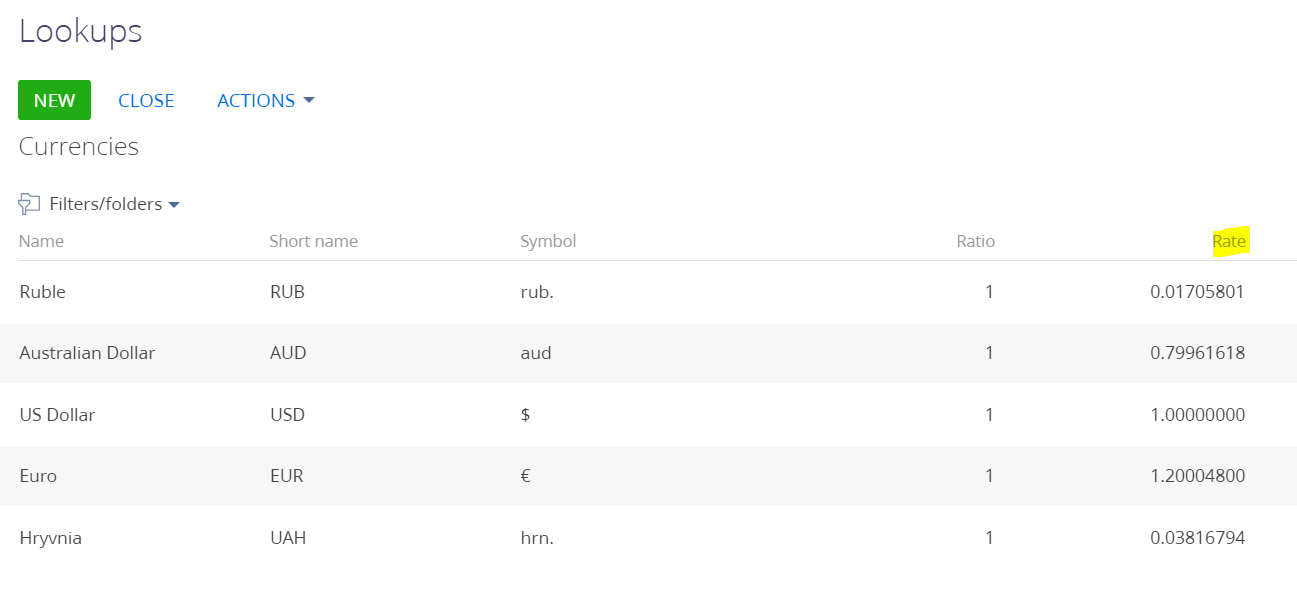
Please note that you can easily change the "rate" column of the Currencies lookup in the lookups content:
If you need to change it specifically via buiness process, can you please specify what for and what is the business logic you are trying to achieve this way?
Thank you for your reply. I am aware that I can modify this column through a lookup, but what I really need is to automate this process.
I have currency rates stored in different lookups, and I want to create an automated process to update the currency values every night. Currently, I am unable to modify the "Rate" field directly because it is not visible in the business process editor when the Currency object is selected.
The Exchange rate column in the Currency object is virtual, so it is not shown in the Lookup and cannot be edited directly from the Lookup.
The Rate itself is saved in the CurrencyRate table with a link to CurrencyId each time it is changed.
The base stores the inverse of the exchange rate. For example:
Base currency: 人民幣(RMB)
Dollar exchange rate: 0,15
Which is inconvenient to understand, so a Lookup with a more user-friendly currency display, but converting to a reverse exchange rate, has been developed to support backward compatibility.
This way you can enter the usual exchange rate of USD = 6.79 (RMB to USD) on the interface. And the base will already save 0.15 (USD per 1 RMB).
These different types of rate (6.79 and 0.15) will determine the formula by which you will then calculate the amounts. You can read from the CurrencyRate table and get a rate of 0.025 and:
1) convert it to a familiar rate - 1/0.15 = 6.79.
2) either work already with 0.15, but then the calculation of the amount will be different.
So, the Rate column is virtual, but you can use CurrencyRate (exchange rate) to calculate the exchange rate.
I am a new bee with here and not much familiar with Creatio Studio as well. I have created a demo environment of creatio studio from downloadable. I created a new application where I am creating a list and detail page.
The issues I am facing are:
The list view page shows that its continuously loading, because of which I am not able to hide or create a new column which is obvious.
on the Form page when I try to save my form elements/objects It is showing an error as Failed to update the structure for following schema and the schemas are my form objects which I am trying to save.
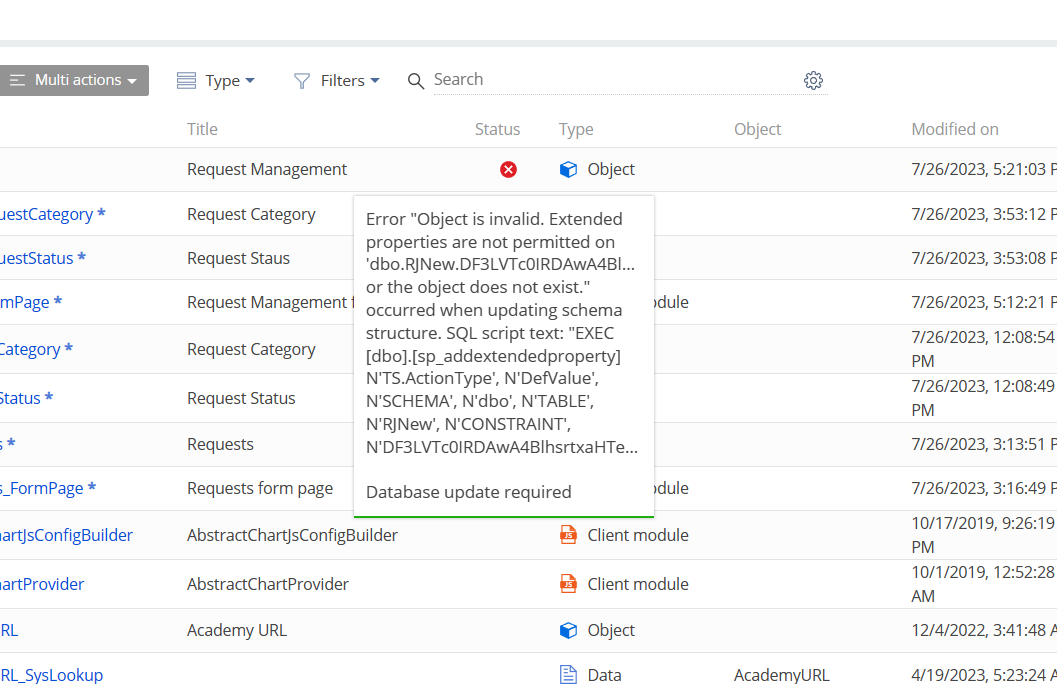
I found one solution on the community here that by updating the objects showing error on Workspace explorer page (System designer->advanced settings->configuration. I see my objects showing error in the status column. I did try updating the DB objects from there but showing the DB error. I think the above issue and this one is related and due to the same reason(Screen shot2)
When I try to compile all in configuration, I get an error. (screenshot 3) I tried uninstalling and reinstalling the SDKs(The solution again I found here) but it doesn't seem to be working for my case.
I really Appreciate if someone could help me to figure this out.
I've reviewed the screenshot shared and to understand what happens with the object the actual error message from the SQL server logs should be shared. If this is MS SQL you need to take a look at the extended evens logs, if this is PostgreSQL - find the logs using this article. In the SQL server logs there will be an actual database query that fails to execute. Try executing it manually in the database and let's see which error message we face.
I want to filter the change approver lookup based on some conditions. I tried to find the module that is responsible for this but couldn't find it. Can anyone help me on this?
When clicking the "Change approver" button the ApprovalDashboardItemViewModel module onChangeApproverButtonClick method is called. This onChangeApproverButtonClick method calls the changeVizierAction method from the BaseVisaProvider module. Lookup opening is performed in this part of code (inside the checkRightCallback callback method):
When clicking the "Change approver" button the ApprovalDashboardItemViewModel module onChangeApproverButtonClick method is called. This onChangeApproverButtonClick method calls the changeVizierAction method from the BaseVisaProvider module. Lookup opening is performed in this part of code (inside the checkRightCallback callback method):
Is there any possibility to add an icon to custom channel provider? When creating new channel provider lookup value, it is impossible to specify icon there, as well as if we import channel provider data from excel file. So we wonder if it is possible at all (so this icon would be displayed in the chat when a new chat for this provider would be created)?
I want to update MaxFileSize and ActiveFileContentStorage using a query to save time. But whenever I tried to run the query from SQL Console it successfully update the values in the database but they are not reflected in the Creatio Portal.
When I add the query in the SQL file in advanced settings and run it, it updates the data in the database and in the portal as well. The problem is that it's not dynamic which will kill the purpose of using the query.
In other words, if I have to go and change the value in that file and run it again then we can do the same for the system settings as well.
The issue here is that these values are also storred in cache and direct updating of these values are not reflected in the cache. That's why you have old values after updating values from the database directly.
What should be done after updating values in the database is Redis flush. But this will lead to all users to be logged out from the system and obviously cannot be performed during business hours for the application (or users should be notified that the Redis will be flushed soon). After Redis flush new system settings values will be used when working in the application.
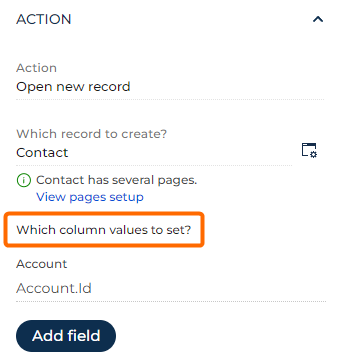
I recommend checking if you have properly connected the account with the new contact. Specifically, please verify the "Which column values to set?" button parameter and ensure that you are transferring the necessary values correctly.
By ensuring that the account and contact settings are properly aligned and the appropriate values are being transferred, you can resolve the issue and achieve the desired functionality.
Solving it with CSS styles is wrong and could stop working at any moment. It uses parts of CSS that are not publicly documented or checked for backward compatibility.