email templates
formatting
custom
Macros
Studio_Creatio
7.18

Creatio Community,


Is it possible to format a custom macro field on an email template? I need to display a date with the long format date on an email (eg. August 25, 2022) 


The email definition that has the date looks like this:


The details of this fee were [#UsrPatientContactPreference.UsrEmailText#] to the patient or dispute submitter, on [#UsrRequestForAdditionalInformationSentOn#]


The  last field is the one I need to format.


Thanks,

Jose

Like 0

Like

1 comments
Best reply

Hi Jose,


Unfortunately, of now, there is no such functionality, but our R&D already has plans to implement it in future versions of Creatio!


As a workaround you can add a macro handler into the template:

https://academy.creatio.com/docs/developer/application_components/email…

Hi Jose,


Unfortunately, of now, there is no such functionality, but our R&D already has plans to implement it in future versions of Creatio!


As a workaround you can add a macro handler into the template:

https://academy.creatio.com/docs/developer/application_components/email…

Show all comments
email templates
action buttons
Buttons
Marketing_Creatio

Hello,


I am trying to set up an action for a button in my email template. I want to create a "forward this email" button that opens up an email client when the user clicks it but there doesn't seem to be a way to do this. I can see that you can set up a text hyperlink that will open up an email to specific address, but that isn't quite what I'm after.


Does anybody know a way to do this?

Like 0

Like

4 comments

Hello Evie,

What do you mean by "opens up an email client"? Do you want to create a similar button to the base one but in the template itself? 

Dmytro Vovchenko,

Hiya,


Yes, that's it – by email client I mean whatever the end user has on their desktop for opening emails. I want the button to act as a forward button as you have shown, so that when they click it it opens their emails automatically. Do you know if that can be done?


Thanks!

Evie Cobbin,

Please take a look at this conversation, I believe this is exactly what you need.

Dmytro Vovchenko,

Hiya,


Thanks for your help but I found the conversation in the link a bit confusing to be honest. I'm wondering if there is a bit of a simpler way to do it?


Thanks,

Evie

Show all comments
email templates
#Email_Signature
EmailTemplateRemoveDefaultSignature
Financial_Services_Creatio_customer_journey_edition
7.15

When we try to send an email directly from the contact's 360 view, the default email signature gets removed when a template is selected. Is this an out of the box feature? How to make the signature remain at the bottom even when a template is selected as the body of the email?

Like 1

Like

1 comments

Hello Suman,


We investigated this behaviour and currently, the system behaves correctly since you can add a macro in the signature so it could fit the template or depend on some value.


I informed our R&D department about this case so they could consider enhancing the following functionality in the upcoming releases.


Best regards,

Bogdan

Show all comments
email templates
linktoobject
Studio_Creatio
7.18

Hi Community,


We are creating email templates in DEV environment. In the DEV, we are adding link to object in the template and it works perfectly on DEV. But the issue comes when we migrate the changes to higher instances, it still shows the link to DEV.


How we can show the link for the same application from which the email is being sent? Really appreciate any suggestions.


Regards,

Sourav Kumar Samal

Like 1

Like

4 comments

Hello Sourav,


It seems that you are typing the whole link in the string value. Perhaps it would be suitable to replace them with macros and use Website Url (system setting for example) value to populate it. 


If your case does not allow you to use macros - please provide more details and screenshots along with step-by-step recreation of the misbehavior and a description of the expected behavior you want to achieve.


I hope this reply was helpful to you.


Best Regards,

Dan

Denis Bidukha,


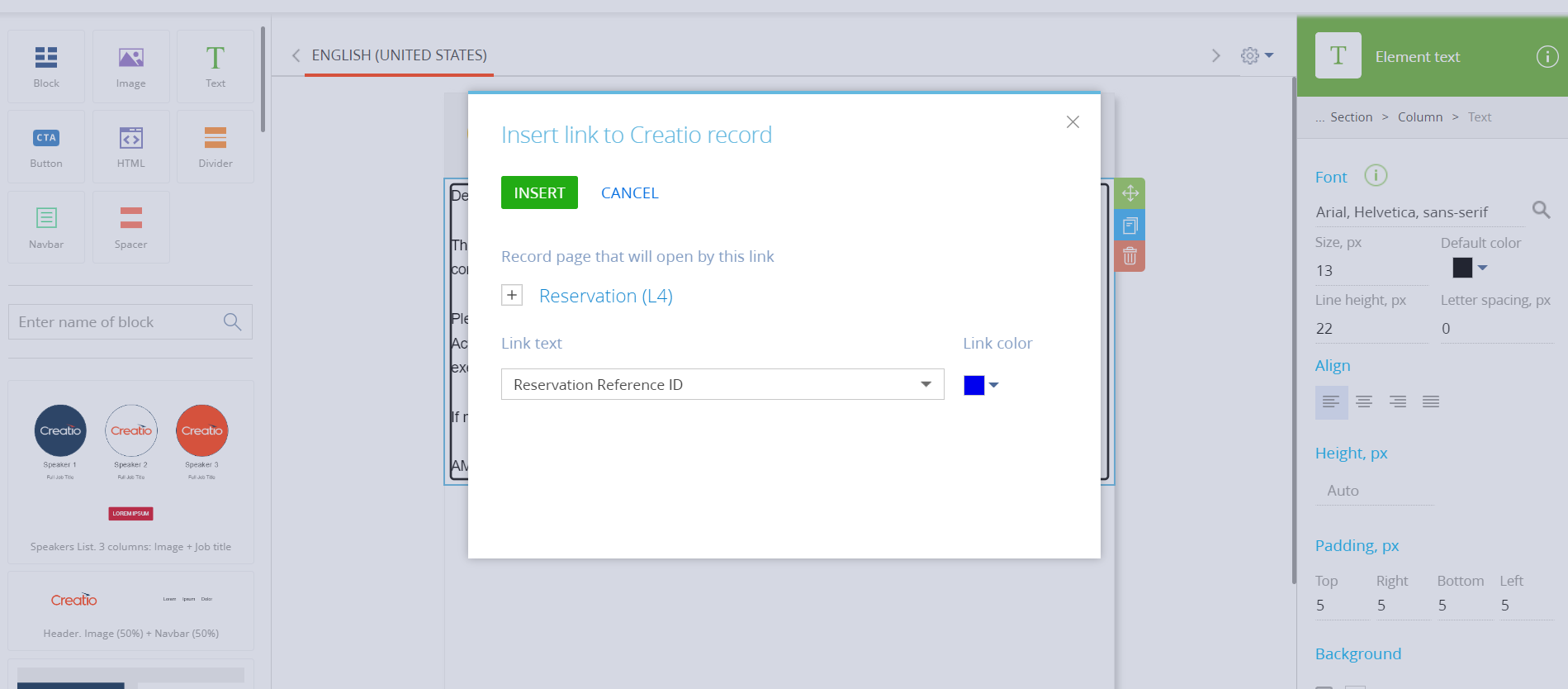
We are using templates from Template section. We are using the link to object in the template as shown below,


Regards,

Sourav

Sourav Kumar Samal,


Unfortunately, the link to the object is absolute and not website-dependent. You should either modify it manually after migration or use the macros that was mentioned above. It is planned to change this in future versions, but there are no details available yet.


Best Regards,

Dan

Hi, is in the R&D plan to solve this?

Show all comments

Hello there,

I've got a question about email templates in business processes and the signature configured in the mailbox settings.

Is it possible to remove the signature from emails with templates?

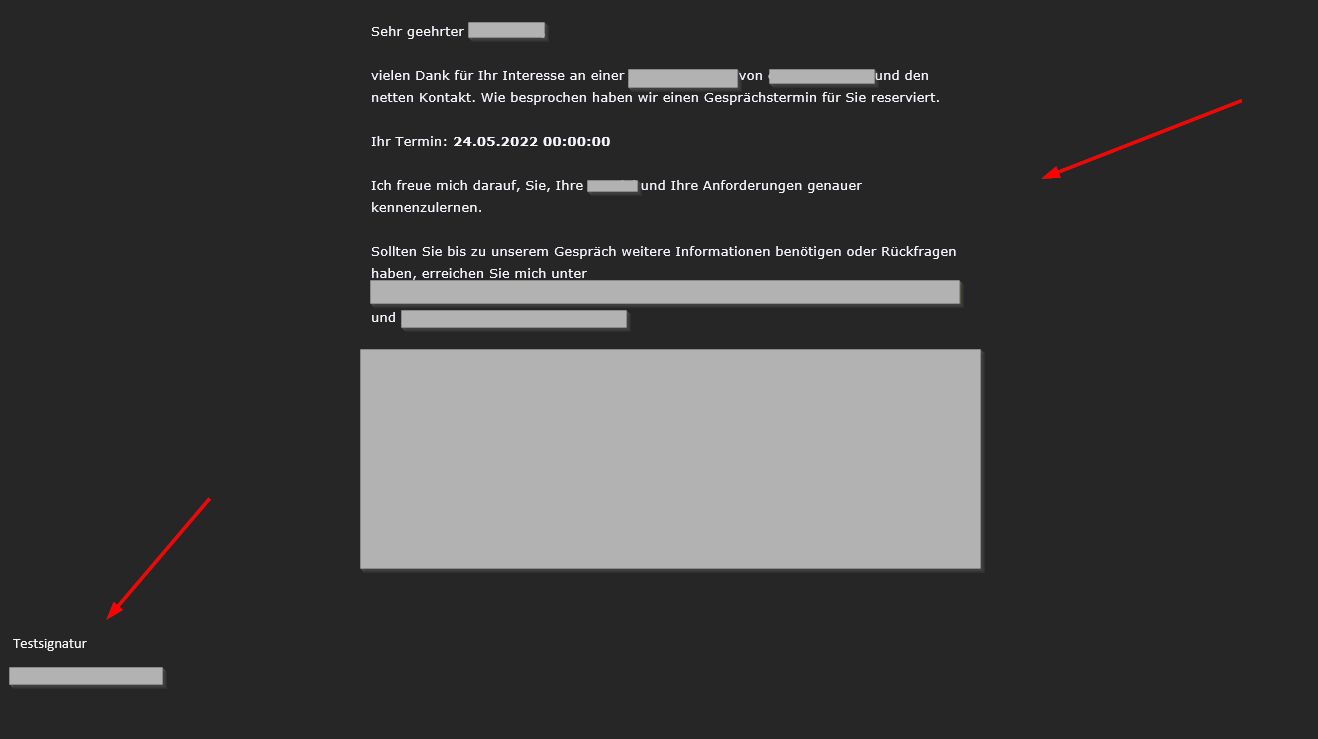
Our problem is that the signature is bound to the left and the templates is in the middle, so the signature won't fit style wise. 

On normal emails the signature should still be filled in automatically.

Like 0

Like

1 comments

Hello Markus,


We investigated this behaviour and currently, the system behaves correctly since you can add a macro in the signature so it could fit the template or depend on some value.


We have already registered the idea for our R&D team to implement this functionality in further releases. I will assign your case to this project in order to increase its priority. 


Best regards,

Bogdan

Show all comments
Email
email templates
Service_Creatio
7.18

Is there a table I could query that would show me all the email templates that have been used?

Like 0

Like

1 comments

Hello Mitch,


Could you please elaborate on the task you are trying to do?


Thank you,

Artem.

Show all comments
localization
email templates
bulk emails
Marketing_Creatio

Hi!

I want to use localization in Marketing Emails. Adding a localized Message-template in a bulk email seems not to work. Does anyone have experience with localized marketing emails?


Like 0

Like

0 comments
Show all comments
email templates
Studio_Creatio_enterprise_edition
7.18

I've created a process that send email.

I'm trying to inject process parameters into an HTML element of a custom email template, But the values are NOT populated into the html output.

 (see attached screenshot..)


Thank

Eran 

File attachments
Like 0

Like

2 comments

 Hello Eran, 


in order to do that first you need to add a block to the designer, and then add a text element. When you click on the text element, you will see at the top corner a thunder. If you click on the thunder you will be able to add your parameter to the text element.


Then, you need to click again on the text element, and you will see near the tunder another button, which has a tag inside <>, it is called "Edit source HTML code". You can click on it and it will show you the HTML for this text element, including the HTML for the parameter. Now you need to copy the  HTML code for this parameter (it will be an image tag) .


Then, you can go to the HTML block where you want to use this parameter, and paste it.  This will be enough to pass the parameter.

Also, you can create a parameter at the HTML element, and at the  "Value" field, you can pass this image tag that represents your parameter. 


Both options are valid to pass a parameter to your HTML element. I'll attach here photos showing how to do the steps mentioned above.


Best regards,

Dariy


Hello Eran, 


following our conversation over the email, I'll share here as well the two ways to dinamically insert Id's into a link, in order to use that link at an email.


-The best one is creating a formula where you will concatenate two strings, the URL + the activity ID. 

You just need to create a formula before the email and modify the strings like this

"http://my.domain.com/0/Nui/ViewModule.aspx#CardModuleV2/ActivityPageV2/edit/"+[#Parameter 1#]  

I'll attach a photo showing how you can do this.


After that, your Parameter 1, will be a ready to use link with the ID attached at the end.

Now you can insert it into a text block (clicking on the thunder icon as I've shown in photos from previous messages) .

Or you can directly insert the img tag into the HTML code, you dont need to use the <a> tag because the img tag will be automatically converted to a link once you send the email. The formula will be responsible to merge the dynamic value of the parameter with the URL, and when you insert that into the email it will be a ready to use link.


-You can also create a text block in the email, then copy and paste the URL, after that you insert the Parameter with the ID, and then you put quotation marks between them "http://my.domain.com/0/Nui/ViewModule.aspx#CardModuleV2/ActivityPageV2/edit/[#Parameter 1#]".

This method is less desirable to use but i'll also attach a photo showing how does it look in the email designer.


Best regards,

Dariy

Show all comments
marketplace
email templates
7.18

Hello Community!

I am using an Add-On, Send Email with Attachements from MarketPlace. When i try to Create an Activity (picture below) and then Save the Busines Process, the activity that I I created is not saved. Is there any Fix to this Bug ?

As soon as i try to create a connection(image below) , and try to save , the process of saving doesnt work ?

Like 0

Like

1 comments


Hello Petrika!


The add-on does not support this functionality.

However, Creatio includes a similar functionality out-of-the-box since version 7.17.1.

I recommend using the standard "Send Email" element in business processes.


Show all comments
approval
email templates
Lead

Dear Community,


I'm creating a section with a case where an email will be sent as soon as the approval start.

Is it possible for the one receiving the email to approve from the email rather than having to log in?

https://prnt.sc/26kta19


Kind regards,

Yosef

Like 0

Like

3 comments

Hello Yosef,


Unfortunately, it is impossible to implement your business task, as for now.

But we have already registered the idea for our R&D team to implement this functionality in further releases. I will assign your case to this project in order to increase its priority.  


Best regards,

Bogdan

Hello community, is there any update on the request? Does new Creation version allow this somehow?

Artem Evdokimenko,

At the moment, this functionality is not planned for the upcoming releases. 

However, we will continue to monitor relevant user requests and feedback and take them into account for future product planning. 


Thank you for sharing your suggestion with us - we appreciate your input.
 

Show all comments