


Hi all,
contrarily to normal quickfilters, there does not seem to be a nocode option to filter the owner in the timeline component using nocode tools. Any idea how to fitler the owner, for example by system users of a certain role ?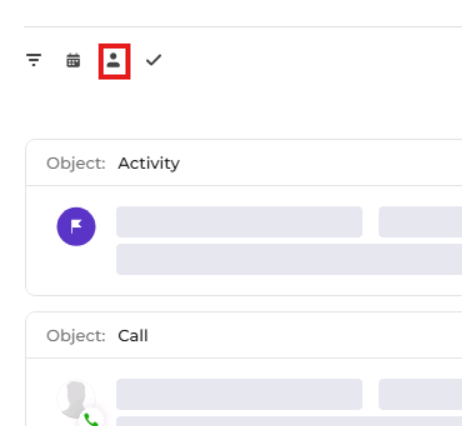
thanks,
Damien
Like

Hello,
As far as I understood you need to filter options in the "Owner" filter dropdown list. There is only one option to do that - override the crt.LoadDataRequest as (and also include "@creatio-devkit/common" to the schema dependencies):
{
request: "crt.LoadDataRequest",
handler: async (request, next) => {
if (request.dataSourceName?.includes("ByOwnerQuickFilterInTimeline_ComboBox_List_DS")) {
const filterGroup = new sdk.FilterGroup();
await filterGroup.addSchemaColumnFilterWithParameter(
sdk.ComparisonType.Equal, "Name", "Supervisor"); //add other filters here
const filterParameter = {
type: "filter",
value: {
filterType: 6,
logicalOperation: 0,
isEnabled: true,
trimDateTimeParameterToDate: false,
items: filterGroup.items
}
};
request.parameters = request.parameters
? [...request.parameters, filterParameter]
: [filterParameter];
}
return await next?.handle(request);
}
}
You also need to confirm the data source name. The easiest way to do that is to add console.log("LoadDataRequest:", request.dataSourceName); to the crt.LoadDataRequest override and see which datasource is logged when you first click this "Owner" filter.