

Error while adding WhatsApp channel using Twilio

Hi,
I am trying to set up a WhatsApp channel in Chat settings using Twilio by following the steps from the link below:
Set up WhatsApp integration | Creatio Academy
While following the steps, at step #3, when I try to save the WhatsApp channel, I receive this error:
An error occurred while working with the account service. For further information, please contact the system administrator.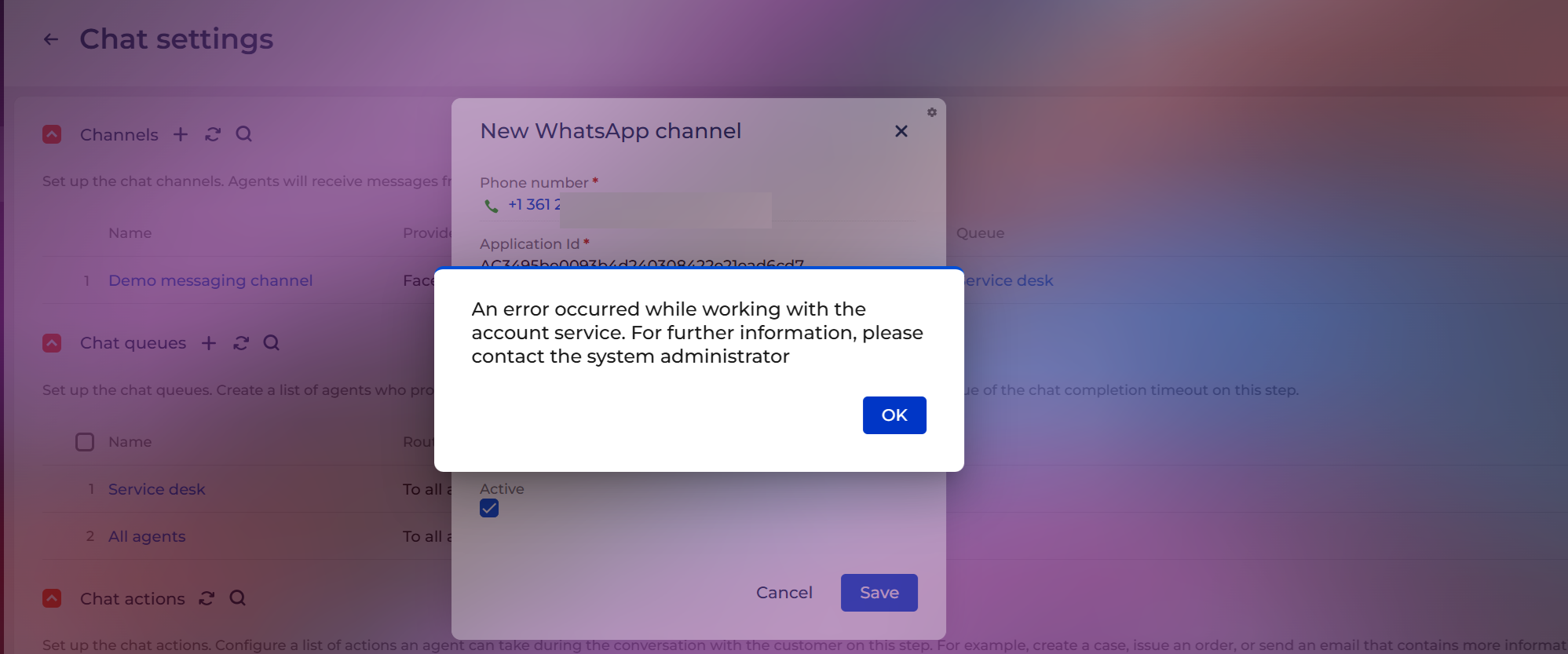
Details:
- Creatio version: 8.3.1.4498
- WhatsApp provider: Twilio
I have checked the Twilio credentials and phone number format, but the error still appears.
Has anyone faced this issue before?
Is there any missing setup, system setting, or hotfix required for Twilio WhatsApp in Creatio?
Like

Hello,
Please verify that the following system settings are correctly populated:
— Identity server Url (code: IdentityServerUrl)
— Identity server client id (code: IdentityServerClientId)
— Identity server client secret (code: IdentityServerClientSecret)
You can check these under System settings in the application. If any value is missing, please contact your system administrator or Creatio support to set them up.
After confirming these settings, try to add the WhatsApp channel again. If the error persists, please contact Creatio support directly so we can assist further.
Tomasz Szpunar,
Thank you for your response. Yes, those three system settings are populating correctly.