

Getting Errors from Base Packages After Installing the Latest Package v8.3.4

Hi Community,
I need some help with an issue I’m facing in my local Creatio instance.
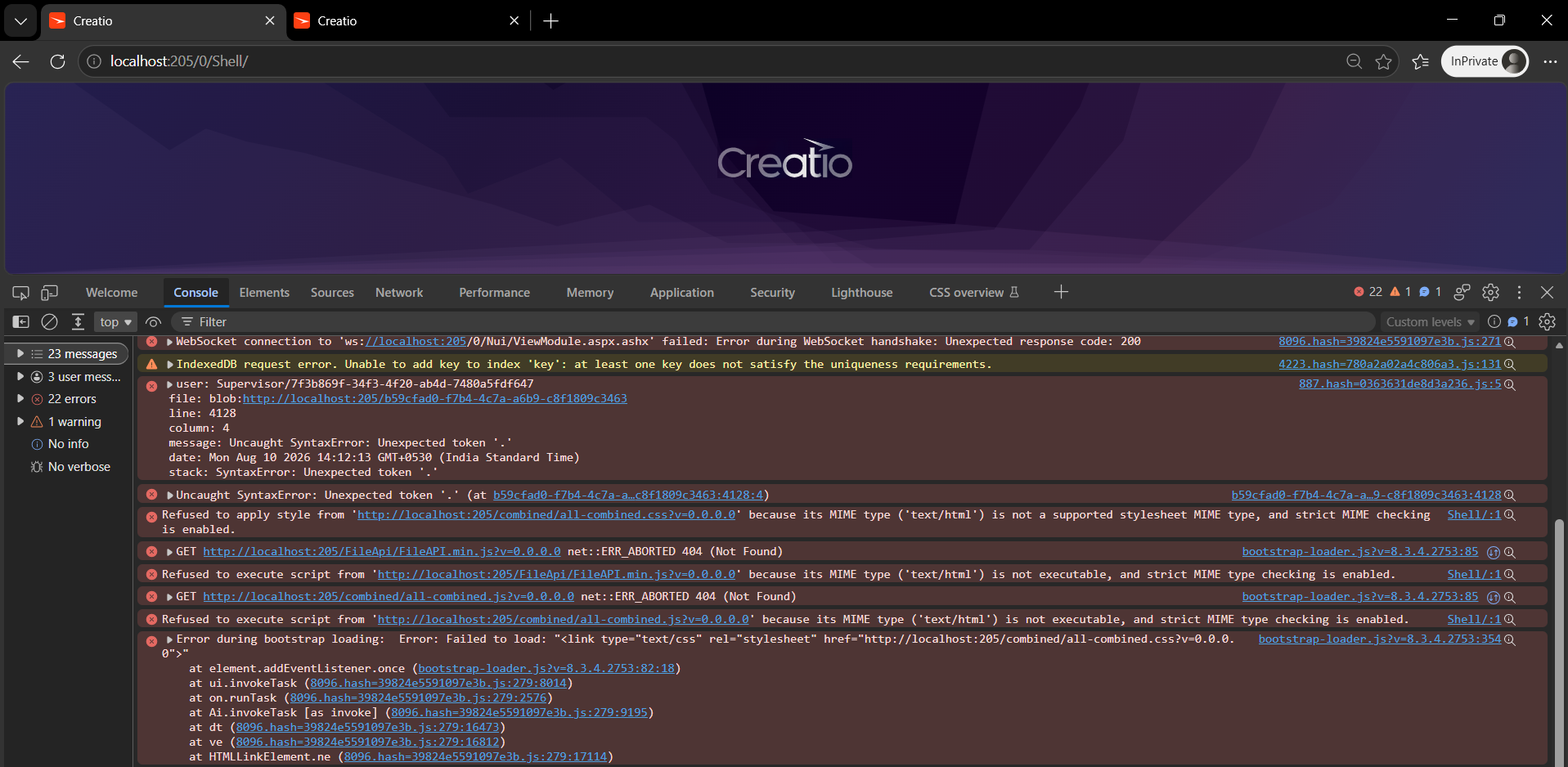
After installing the latest package version 8.3.4, I started getting errors from the base packages. The issue occurs immediately after I log in to the application.
I have attached a screenshot of the error for reference.
Has anyone experienced a similar issue after installing or updating a package? Could you please suggest what might be causing this and how I can troubleshoot or resolve it?
Any guidance would be greatly appreciated.
Thank you in advance!
Regards,
I Yasaswini
Like

Hello,
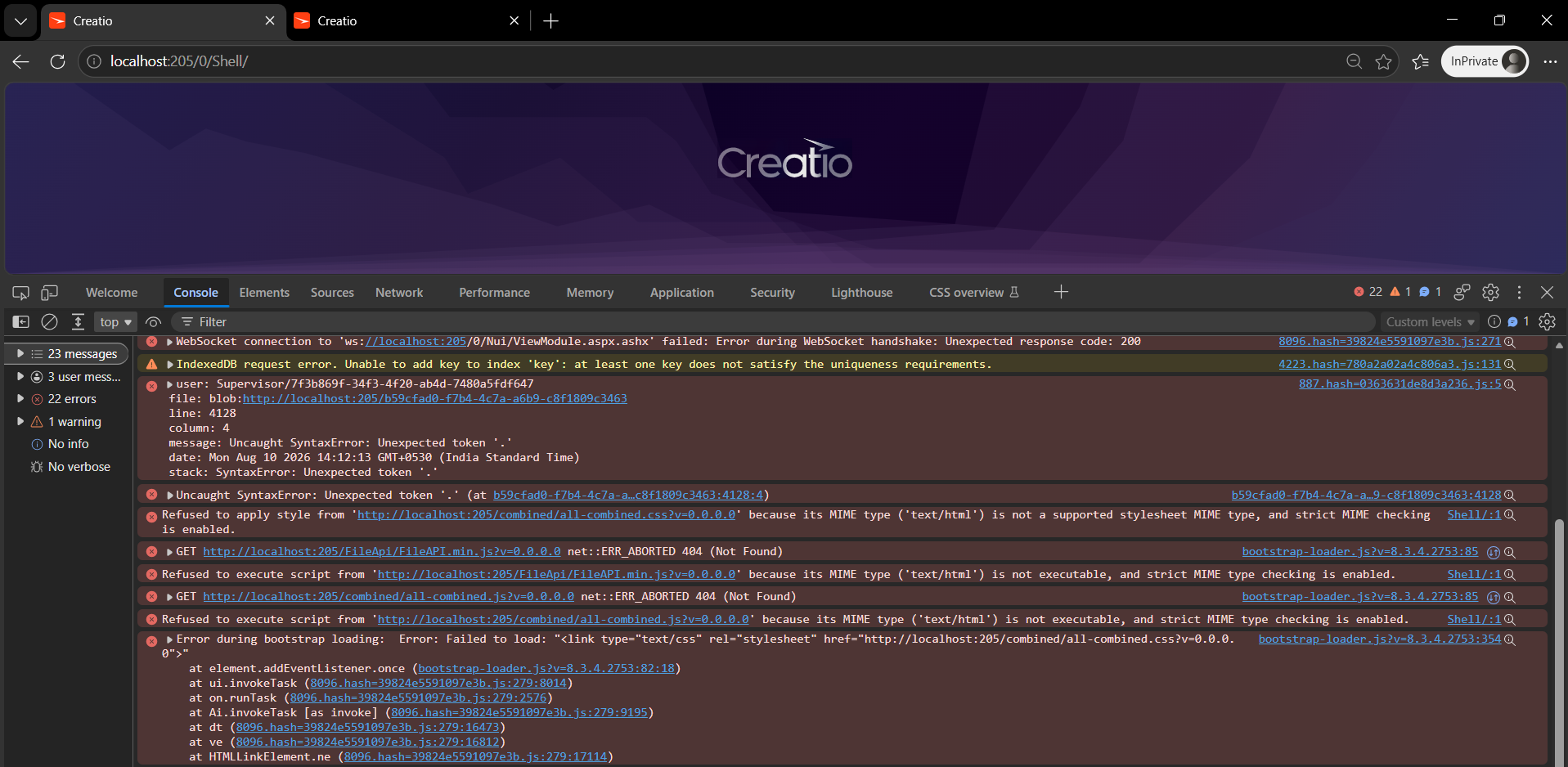
This issue appears to be caused by corrupted static content. Since it occurred right after a package installation, the most likely cause is an invalid "." character present in an object name or in the source code.
To resolve it:
- Log in and open the Configuration section via localhost:[port]/0/dev — this provides direct access to packages and objects on the environment even if the standard interface fails to load.
- Locate the package or object whose name contains the invalid "." (or another special character) and rename it using only letters, digits, and underscores.
- Regenerate the static content — either by running Compile all in the Configuration section, or by executing the BuildConfiguration operation via the WorkspaceConsole utility with the -force=true parameter.