


Hi. We are using the Excel add-in to create a spreadsheet and attach it to an email.
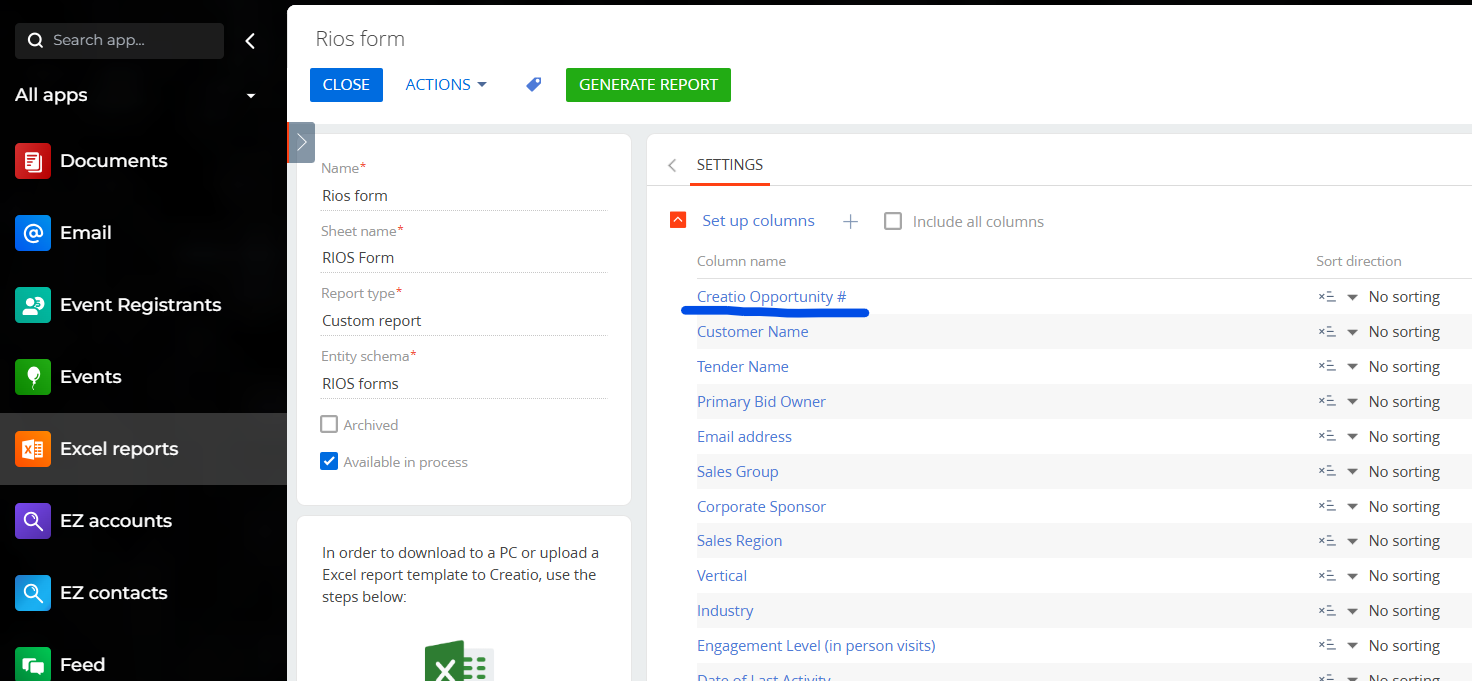
Is there any way to create a link in a cell? We have the Opportunity # listed in the spreadhseet, and it would be handy if the user could just click the cell and open that Opportunity in Creatio directly.
I know I can open Excel and create a hyperlink like Oppy-123456 but can this be created in the Excel add-in somehow?
Thanks
Rob
Like

You could likely add a formula using the Excel HYPERLINK function in the template for the Excel report.
Essentially, create a template for the Excel report. In the Excel report you'd have a column for the record Id. Then use that Id in the formula to create the hyperlink. You could hide the column for the Id as well. If you've not created a template for an Excel report before I have some info here.
Ryan
Thanks -- that's a helpful video! I will give all this a try and post my results here.
~~~ rob