

Question
How to create a custom report in the Order section and put into the attachment or Download it by using a BP

08:03 Nov 19, 2025
Hi, all mentors
I'd like to generate an Excel report (using the Excel Report Builder app) based on the “Products in Orders” detail within the order section by triggering a button. I already know how to create the report, but I'm not sure how to automatically upload the generated file to the Attachments section.
Could you please explain how to configure this in the business process?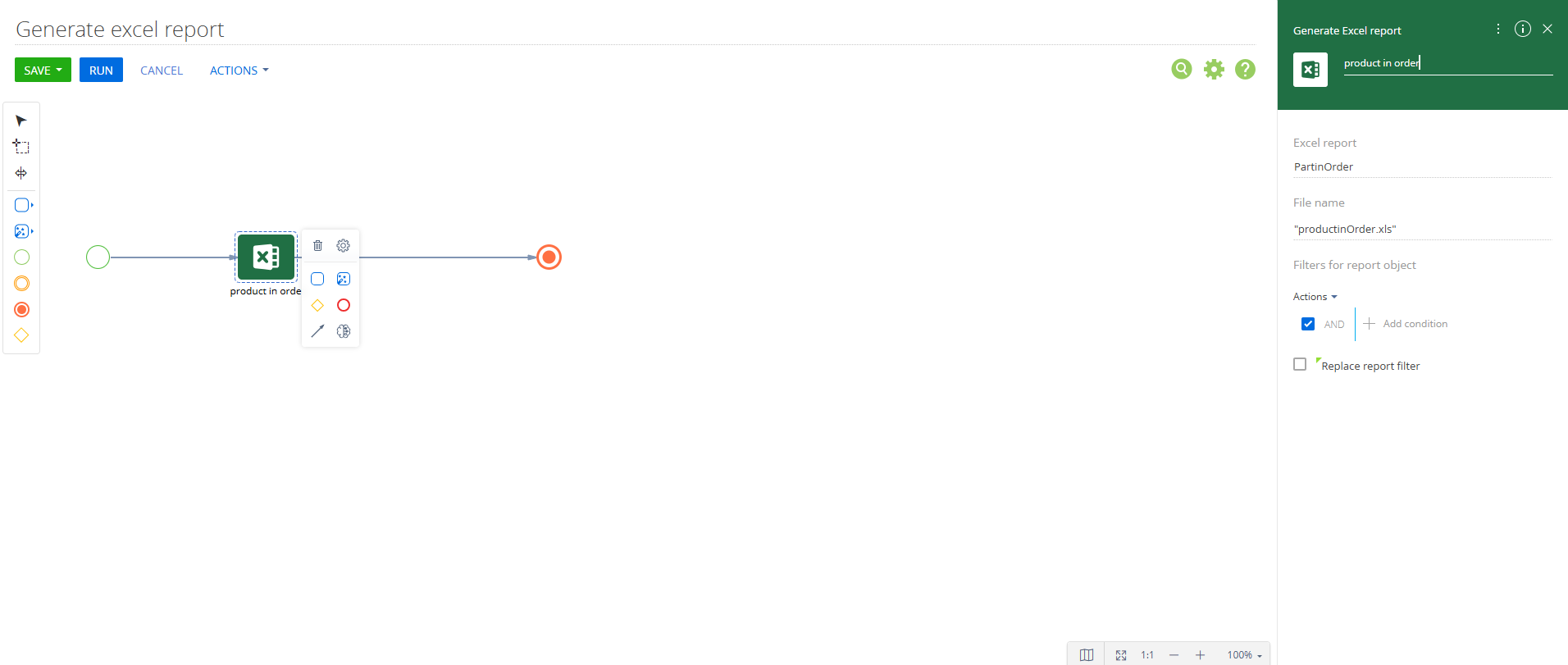
Like
1 comments

18:04 Nov 19, 2025
Add a Process File element after the Excel report element. For the Process File element, select "Process parameter" for the "What is the source of the file?". Then you can map the File result of the Excel reports element and select Order files as the "What object to save file to" parameter.
Show all comments