I need support regarding the DCM configuration.
When I add a task, I want it to be visible and editable only by specific roles. However, when I assign a specific role, the role name appears under the task, but users from all roles can still view and edit it.
I also need your support with the following:
- How can I make the “Result Details” field inside the task mandatory?
- How can I configure the request list so that each user can view only the requests assigned to them or related to their role?
Like

Hello,
Restricting Access to Tasks
Tasks created in DCM belong to the Activity table. So, if you would like to restrict access to them, this should be done via object permissions on the Activity object (or another object, if you have implemented a custom object for this purpose). You can find more information on object permissions in the article below.
Object operation permissions
Making "Result Details" Mandatory
We would recommend using a Business Rule on the page. In the Page Designer, select the field and add a rule such as: "When Status = Completed → make Result Details required." This approach avoids blocking users from saving a task at earlier stages.
Scoping the Request List to "Assigned to Me / My Role"
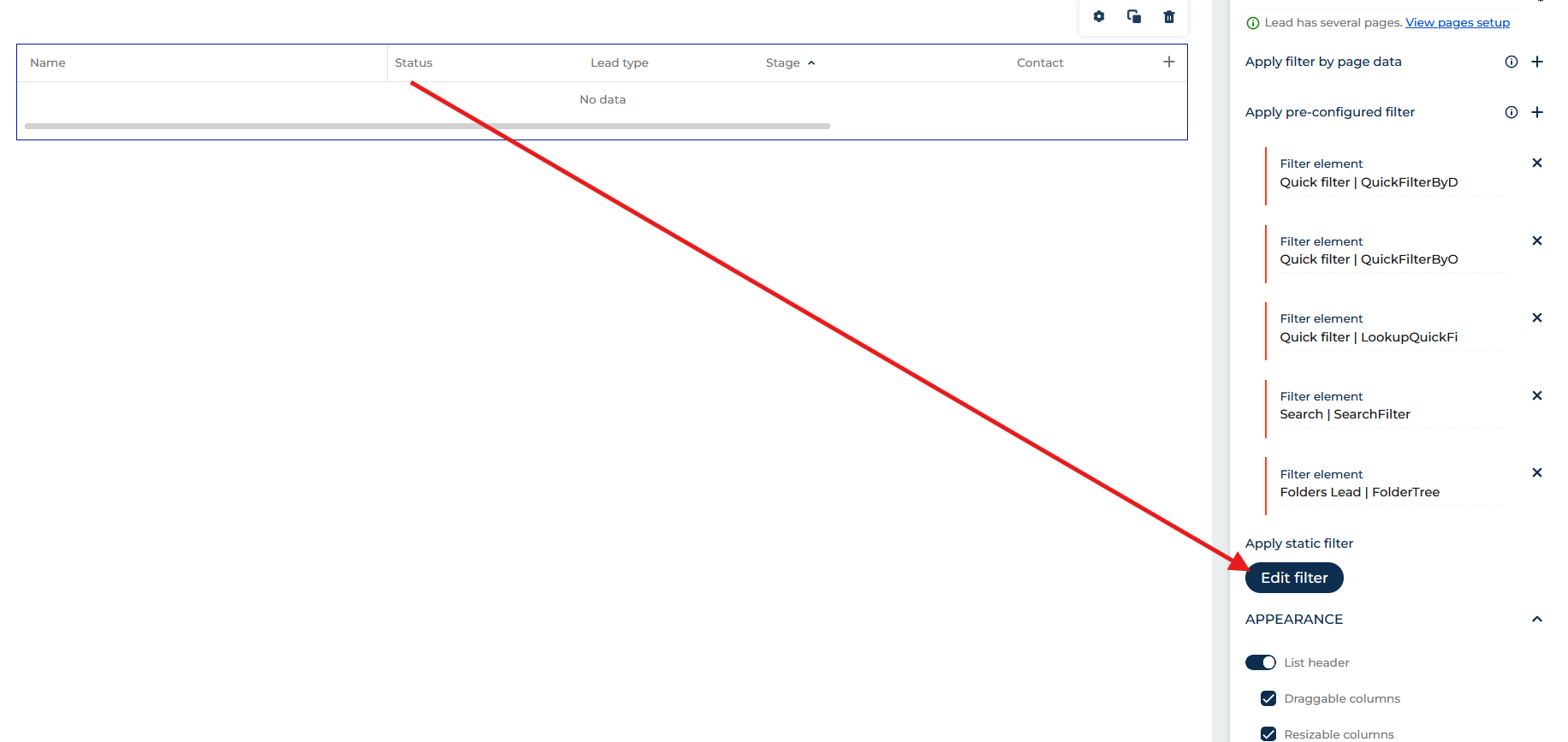
This can be done using a static filter in the list settings. There, you can define how records in the list should be filtered.