


Hello, i am trying to take a field from an object that is related to the main object
Main Object = LOS
Not-Main Object = Kunjungan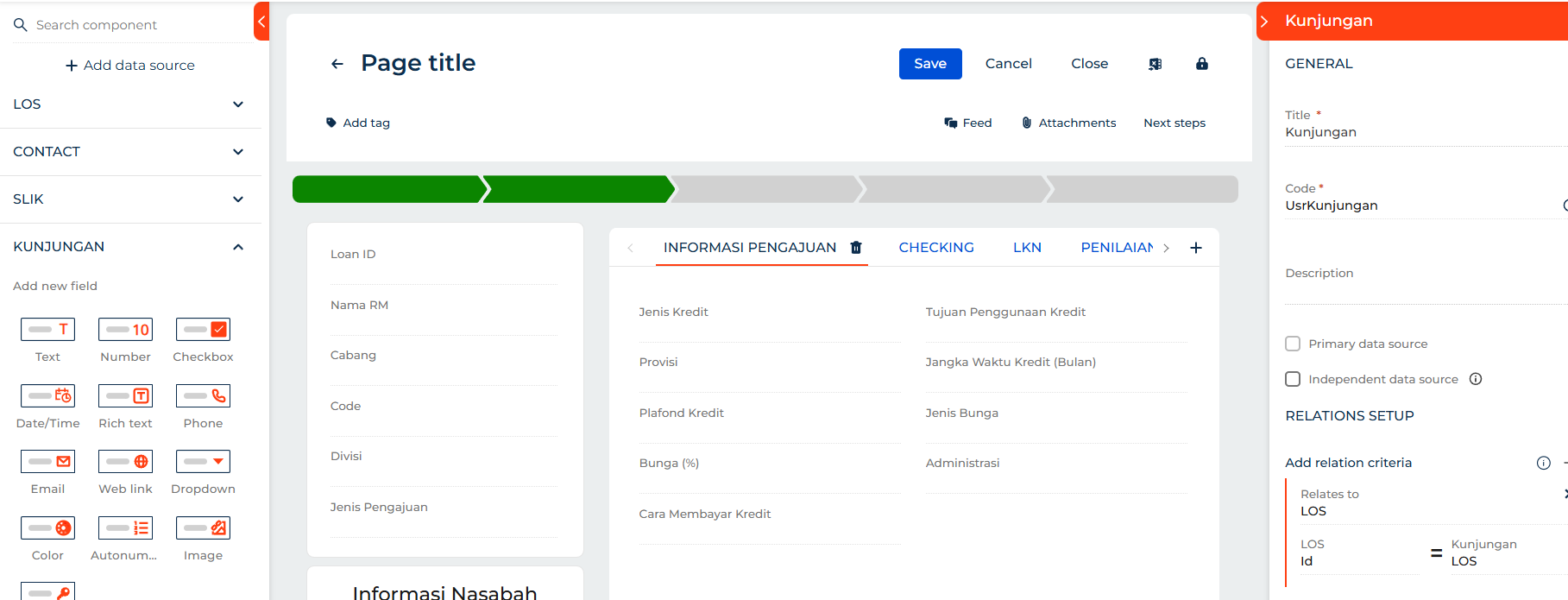
this is how it is setup
and now when i try to take the fields from the Kunjungan Object it would not let me
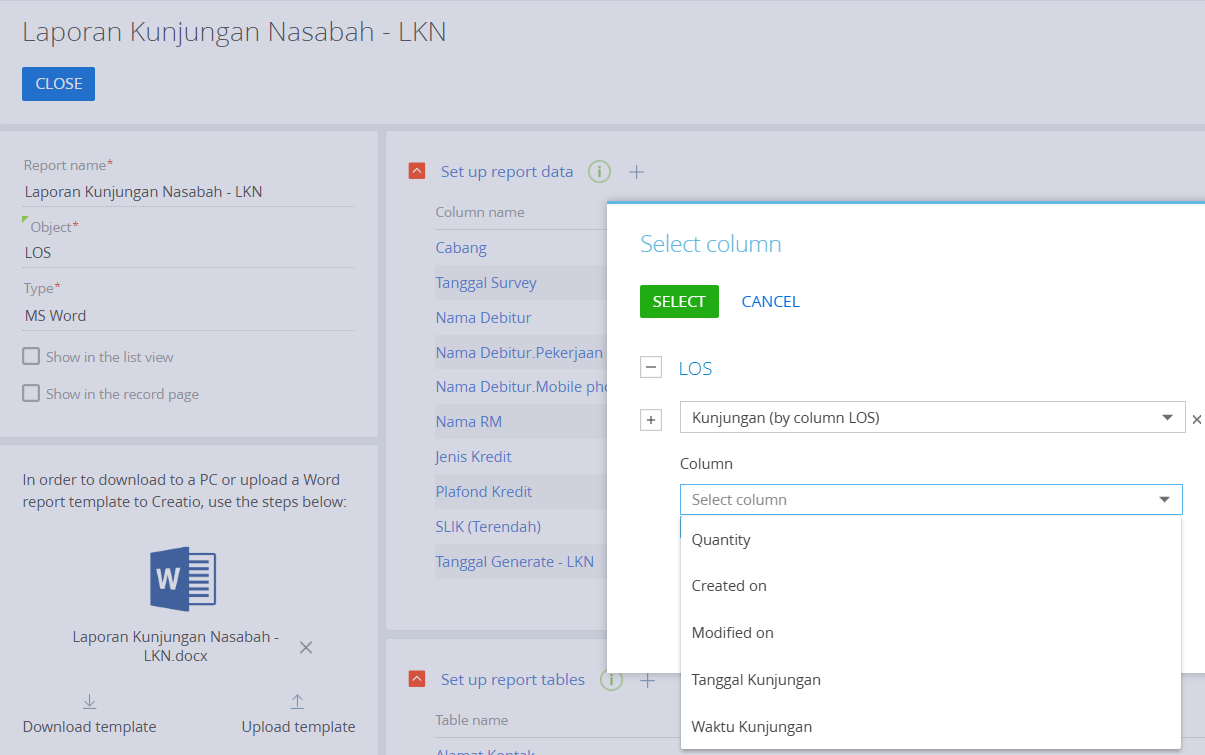
then when i try to add it into the report through the table and have it setup like so..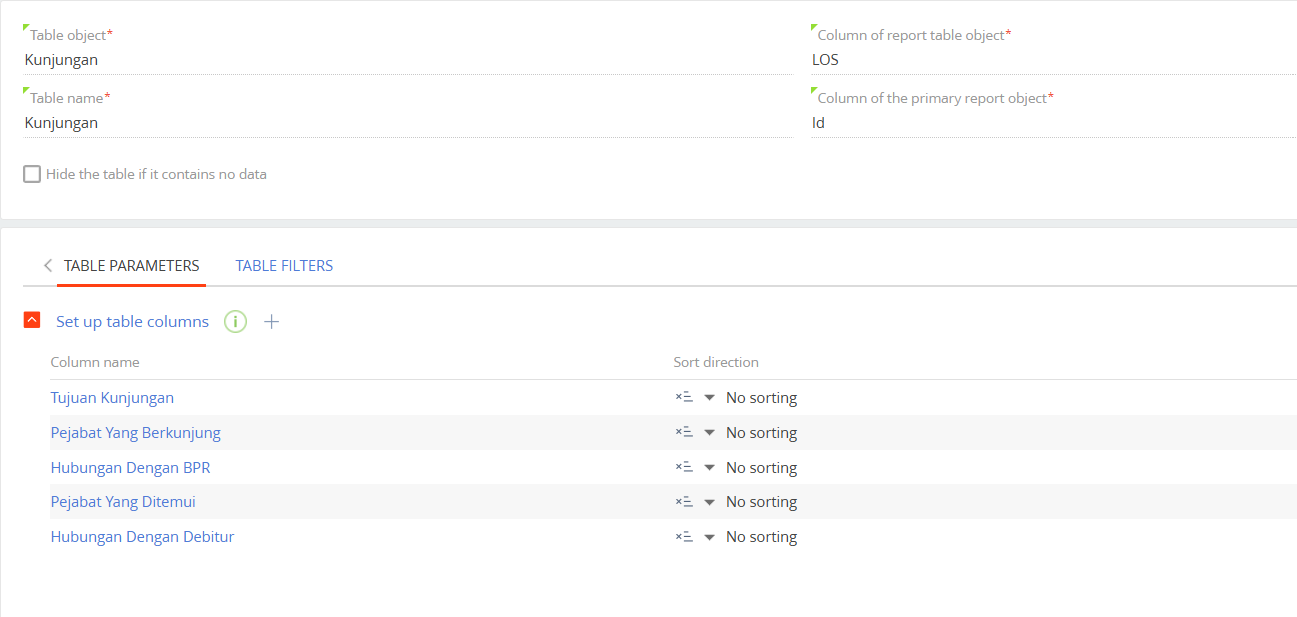
it refuses and doesn't let me generate the document
do i need to move the field from Kunjungan to LOS? or do i need to configure it ? and if i have to configure it then how..?
Like

Hello Michael,
To help us investigate this for you, could you clarify what happens when it refuses?
- Do you see an error message? If so, what does it say?
- Is the button for printing not visible or unclickable?
- Does the screen freeze or does it look like loading, but nothing happens?
Additionaly, if you are able to take a screenshot of the program, when the issue happens, please attach it here. That whould give me a lot of helpful context.
Creatio Support Team
Nicholas Horbenko,
no error message. just does not generate the dokumen
Button is visible and clickable
not loading but when i press the process log it says status error
missing columns and once i tried to find which columns are missing it is the fields on Kunjungan
Michael Fernando Handoyo,
Thank you for the information provided.
I would like to clarify whether you are using the Print Report button with its default functionality or whether you have configured a dedicated business process for this task.
If you are using a business process, there are two possible causes:
- The object’s columns were deleted and the object was not recompiled afterwards.
- The object’s columns were deleted, but the process still attempts to access those columns, which results in an error.