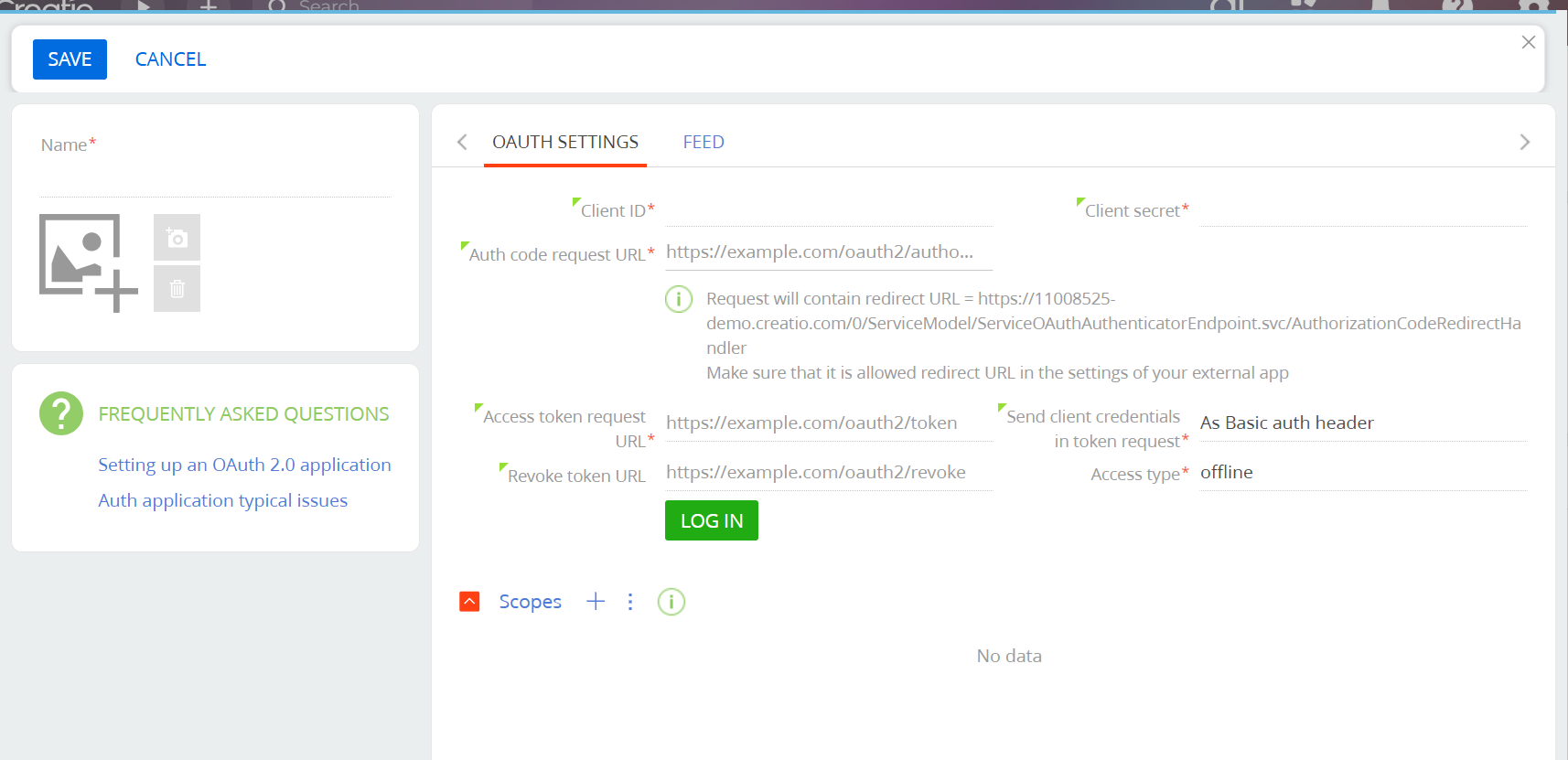
I have an API call that when I manually pass in the authorization code "Bearer ey..." into the parameter, it works. I also set up the OAuth 2.0 in the integration, and am logging in successfully.
How can I pass the authorization token from a login to the integration? It's already set up to run offline.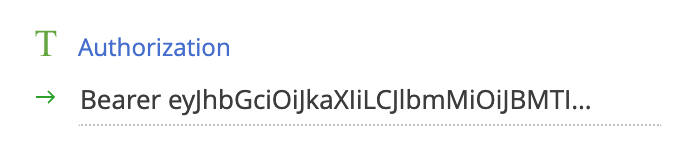
Like
Hello,
You don’t need to manually insert or refresh the token. Once OAuth 2.0 authorization is configured in the system, Creatio automatically handles token management.
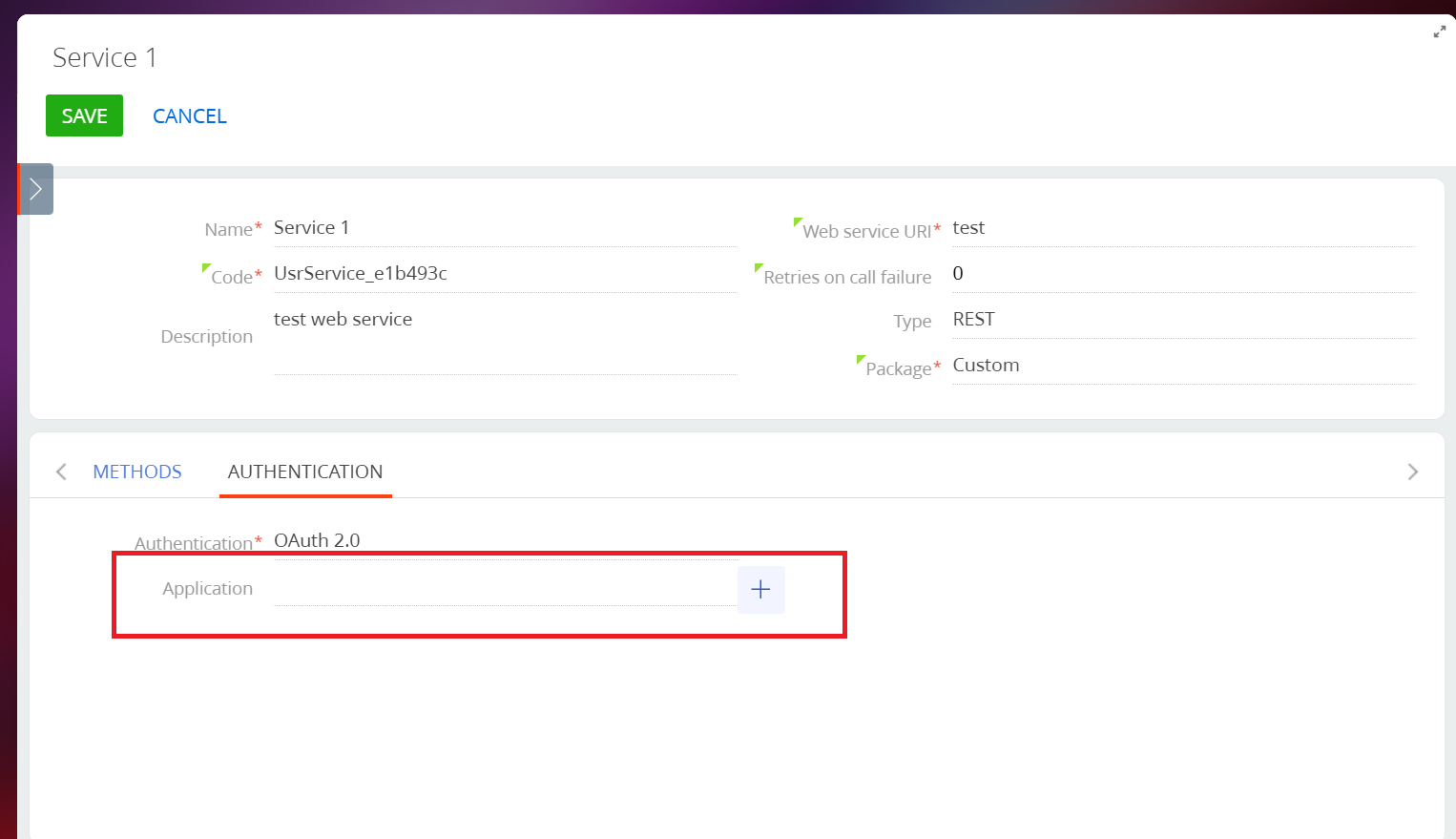
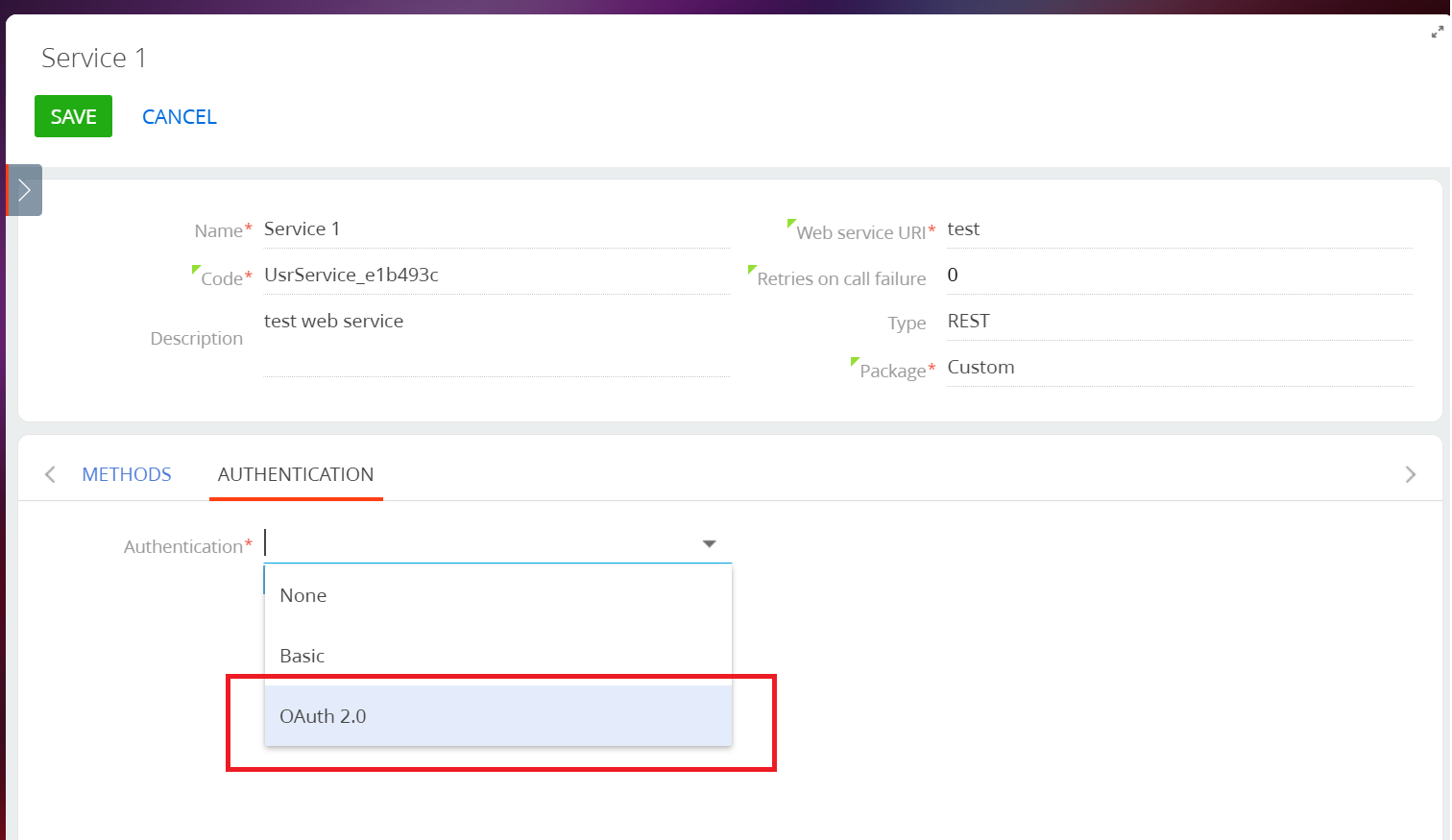
To ensure this works correctly, open your Web service configuration, go to Authentication, select OAuth 2.0, and link the corresponding application. After that, Creatio will automatically include the Authorization: Bearer <token> header in every request and refresh the access token using the stored refresh token when it expires.
This setup ensures secure and seamless authentication without the need for manual intervention.
If you are unable to use the default Creatio web service authorization, you can implement an alternative approach using a business process to automatically refresh and inject your authorization token:
First, create a custom system setting that will securely store your authorization token in encrypted form.
Then, configure a scheduled business process to run every 1–2 hours. Within this process, add an element that sends a request to your service to obtain the latest token and saves it to the custom system setting.
Next, update your existing process that currently injects a static token into requests so that it retrieves the token dynamically from the system setting.
Additionally, you can include a control element that checks whether the token is still valid and, if not, triggers the process to refresh it.
By applying this approach, you ensure that your integration always uses an up-to-date and valid token, maintaining continuous and reliable authorization.