


Hello,
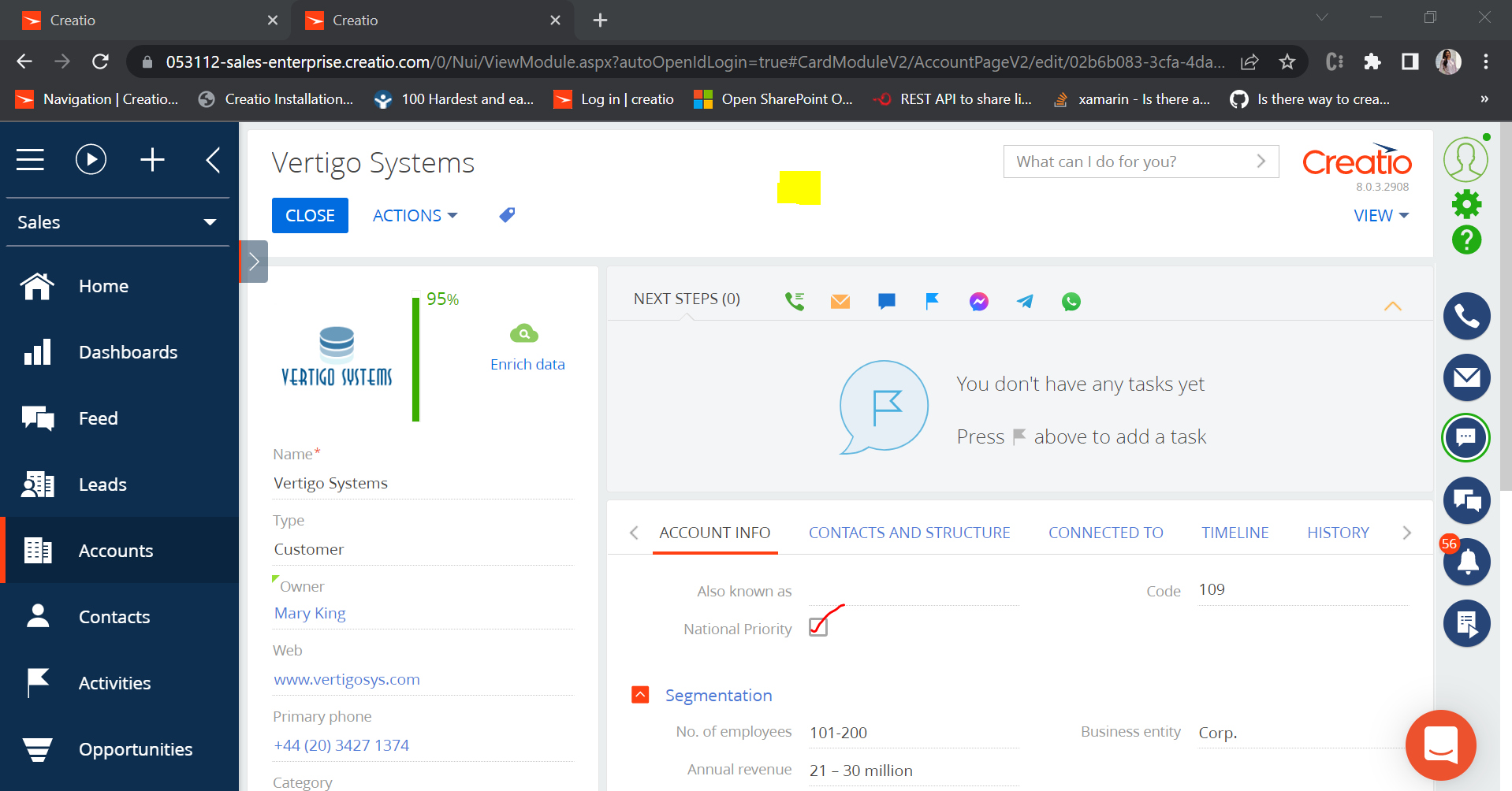
We have a boolean column in accounts section. If the value is checked, we would like to add an image on the header space as highlighted in yellow in image below. Is there a sample code/ recommendation for this?
Like
1 comments
16:28 Sep 09, 2022
Hello,
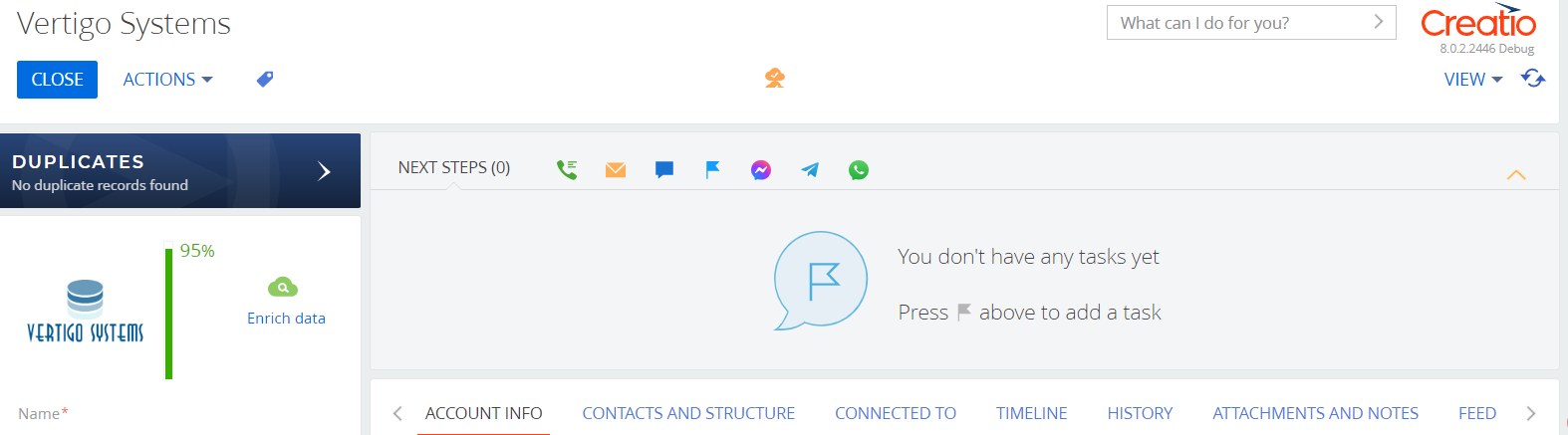
You can write a simple button and display it in the center.
{
				"operation": "insert",
				"name": "TestContainer",
				"parentName": "ActionButtonsContainer",
				"propertyName": "items",
				"values": {
					"itemType": Terrasoft.ViewItemType.CONTAINER,
					"wrapClass": ["test-container-wrapClass"],
					"items": []
				}
			},
            {
                "operation": "insert",
                "parentName": "TestContainer",
                "propertyName": "items",
                "name": "PrimaryContactButton",
                "values": {

                    "itemType": Terrasoft.ViewItemType.BUTTON,
                    "click": {bindTo: "testclick"},
					"visible": {bindTo: "checkVisible"},
                    "enabled": true,
                    "style": Terrasoft.controls.ButtonEnums.style.TRANSPARENT,
					"imageConfig": {"bindTo": "Resources.Images.EnrichedDefaultIcon"}
                }
            }
In the method checkVisible you can return true or false based on the condition.
To make it at the center just add a new CSS style:
define("AccountPageV2", ["css!UsrDStyle"], function() {
.test-container-wrapClass {
margin-left: auto;
margin-right: auto;
width: 6em
}
Show all comments