


bpm'online community,
How to create a custom editing page for details Files?
I need to change the value of custom lookup depending on the type of document.
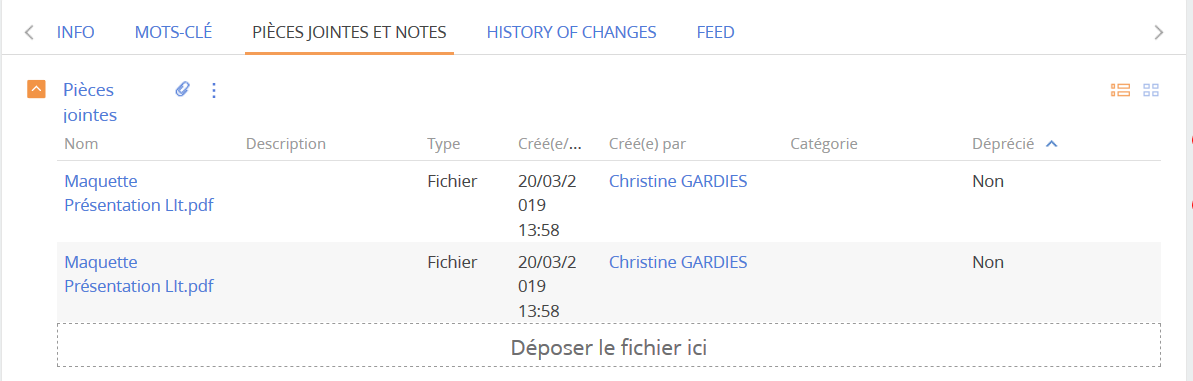
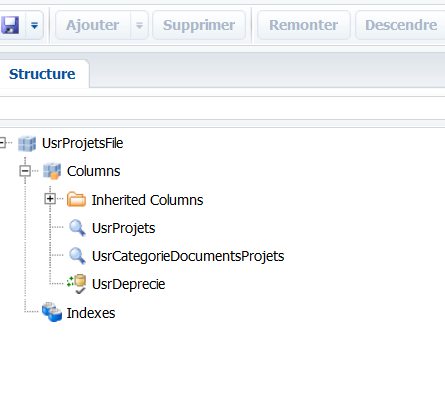
I've already added all the necessary fields to the object "UsrProjetsFile".
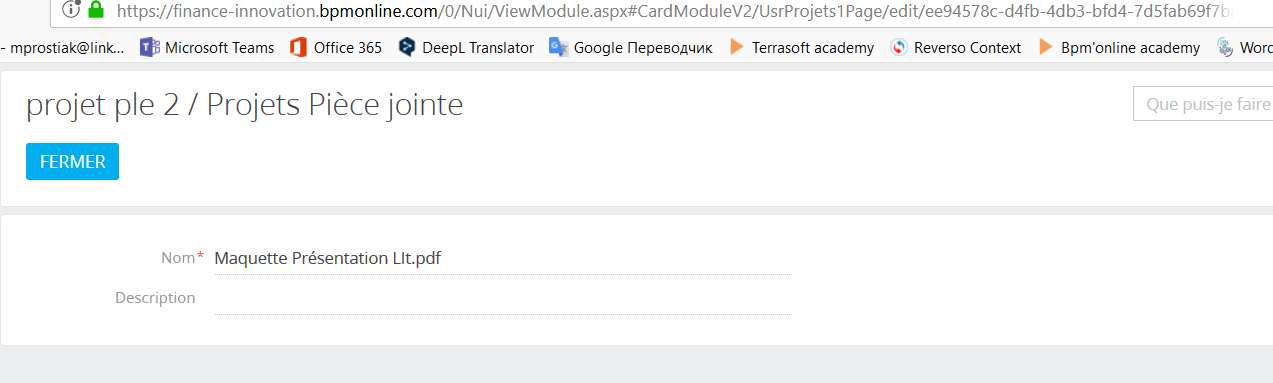
I don't know which scheme to change to insert the fields into the editing page, which is opened by double-clicking on the details record File.
Could you please help with this issue.
Thanks!
Like

Hello Yosef,
Yes, we have found a solution. It was simple for our case.
Firstly, you need to add the necessary column to the [Section]File object, where [Section] is the name of your section in which the detail files are placed (In my example the column with type lookup names "Nature").
Then you create a "Replacing Client Module" where the parent schema is LinkPageV2 ( UIv2 ).
And then you create your column in the diff part:
define("LinkPageV2", ["terrasoft", "BusinessRuleModule", "ext-base", "sandbox", "ConfigurationConstants"],
function(Terrasoft, BusinessRuleModule, Ext, sandbox, ConfigurationConstants) {
	return {
		methods: {},
		diff: /**SCHEMA_DIFF*/[
			{
				"operation": "insert",
				"parentName": "LinkPageGeneralBlock",
				"propertyName": "items",
				"name": "Nature",
				"values": {
					"bindTo": "Nature",
					"layout": {
						"column": 12,
						"row": 0,
						"colSpan": 12
					}
				}
			},
		]/**SCHEMA_DIFF*/
	};
});
That's it)
Best regards,
Mariia