



Hello everyone! 🌟
The Clio team is excited to announce that the new version of T.I.D.E 1.2.4 and Clio 8.0.1.15 now allow using T.I.D.E without the need for a separate server configuration. 🚀 This means that starting from this version, all features available for integration with Git are accessible for cloud versions of Creatio. ☁️✨
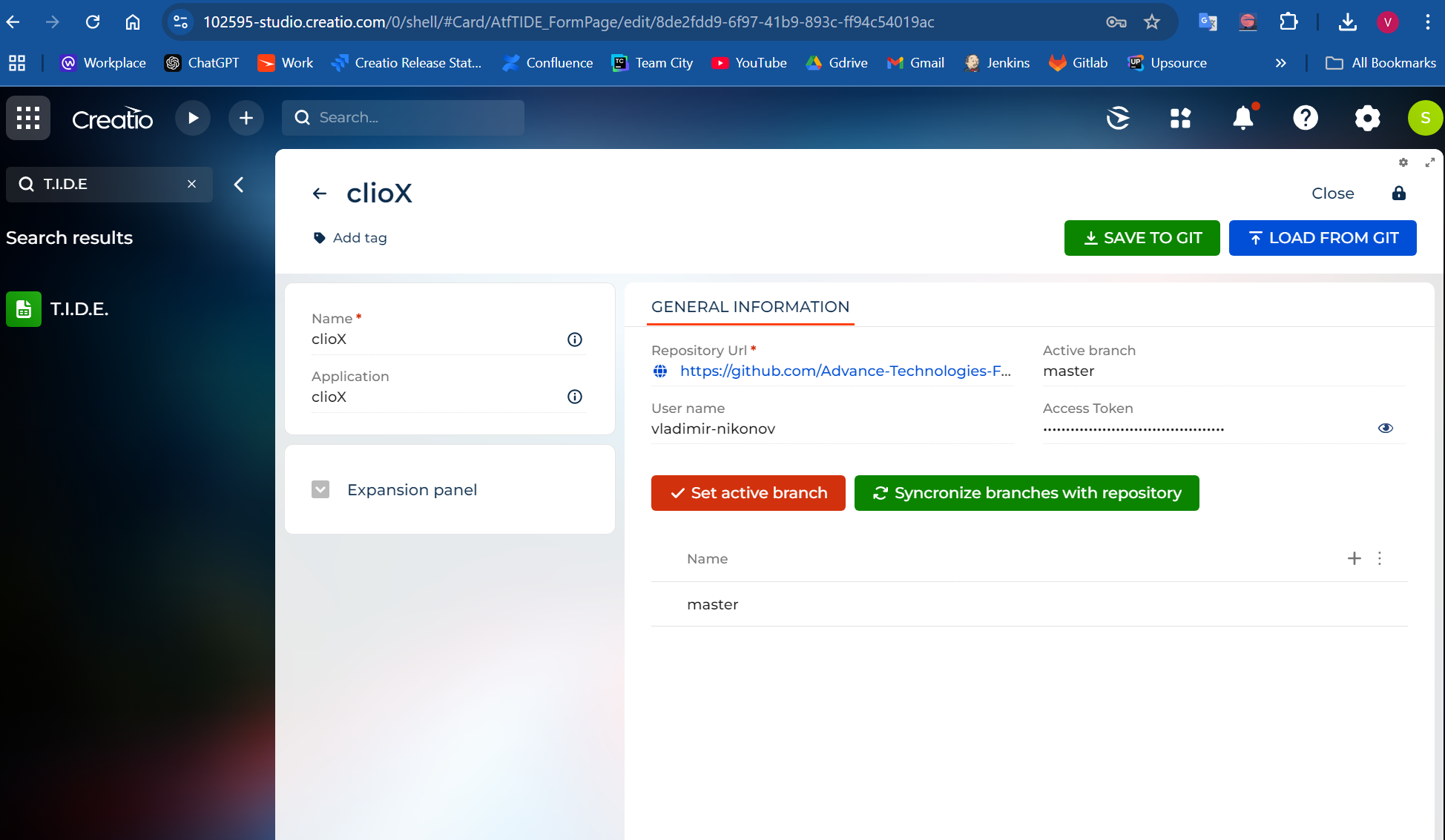
To install or update T.I.D.E. on your environment use the following command
clio tide -e YOUR_ENVIRONMENT_NAME
p.s. our goal is to provide complete abilities to no-code developers to work with git
#git #tide #clio #nocode
Do you like this idea?

This is fantastic. Kudos and a huge thank you to the Clio team!

hello, I'm having probles deployment TIDE
I’m getting an error trying to sync “load changes from Creatio”, getting need a cliogate over 2.0.0.0, but I’ve installed v2.0.0.37 it comes with the last release of TIDE: AtfTide_1.5.21. Getting:
Log messages
[INF] - Starting dotnet D:\App\11009434-demo\Terrasoft.WebApp\conf\clio\tools\net8.0\any\clio.dll tide -u https://11009434-demo.creatio.com -l Supervisor -p Supervisor --IsNetCore False --log creatio
[INF] - Starting TIDE installation...
[ERR] - [ERR] - To use this command, you need to install the cliogate package version 2.0.0.0 or higher.
Please help,
Thanks
Julio Falcón