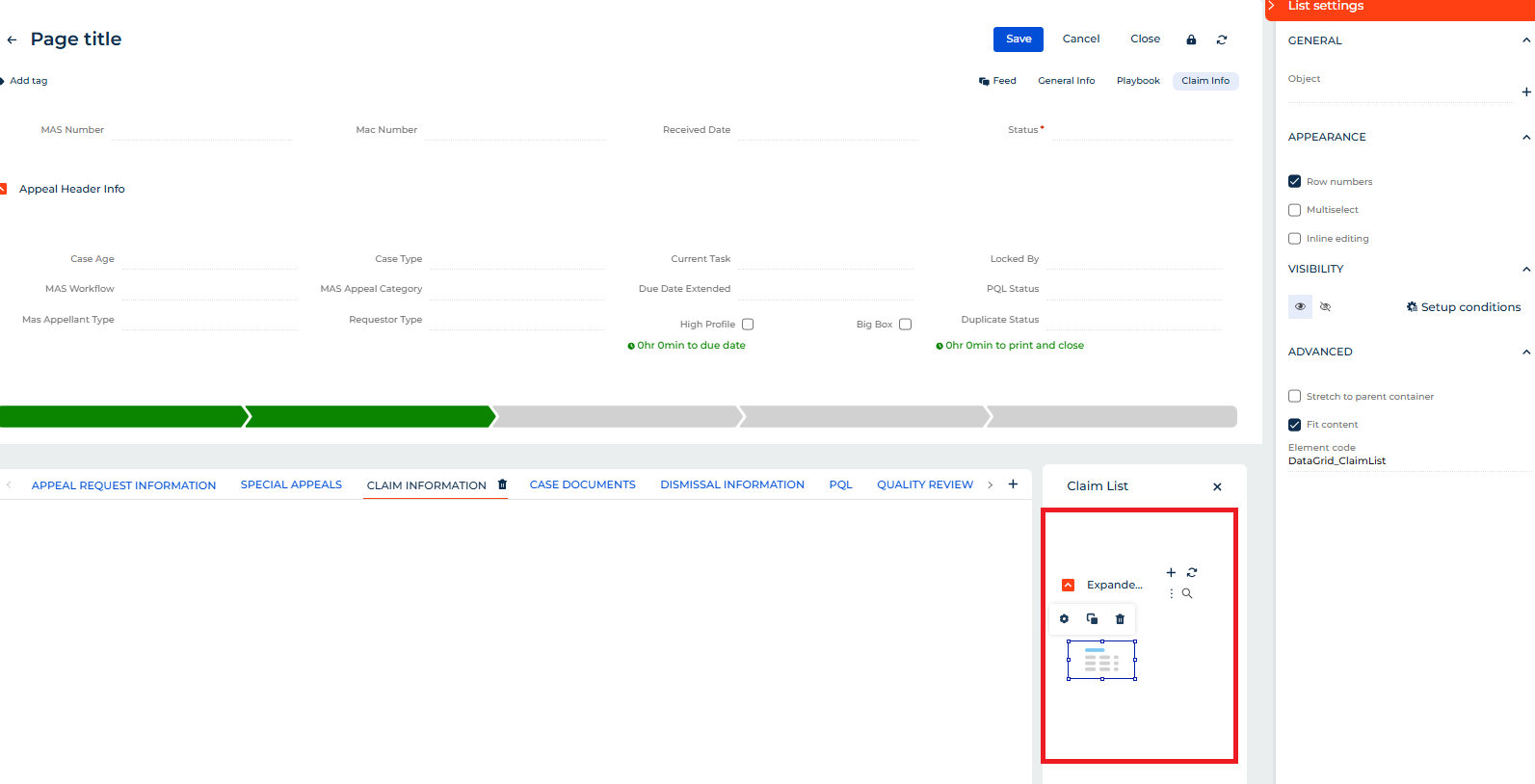
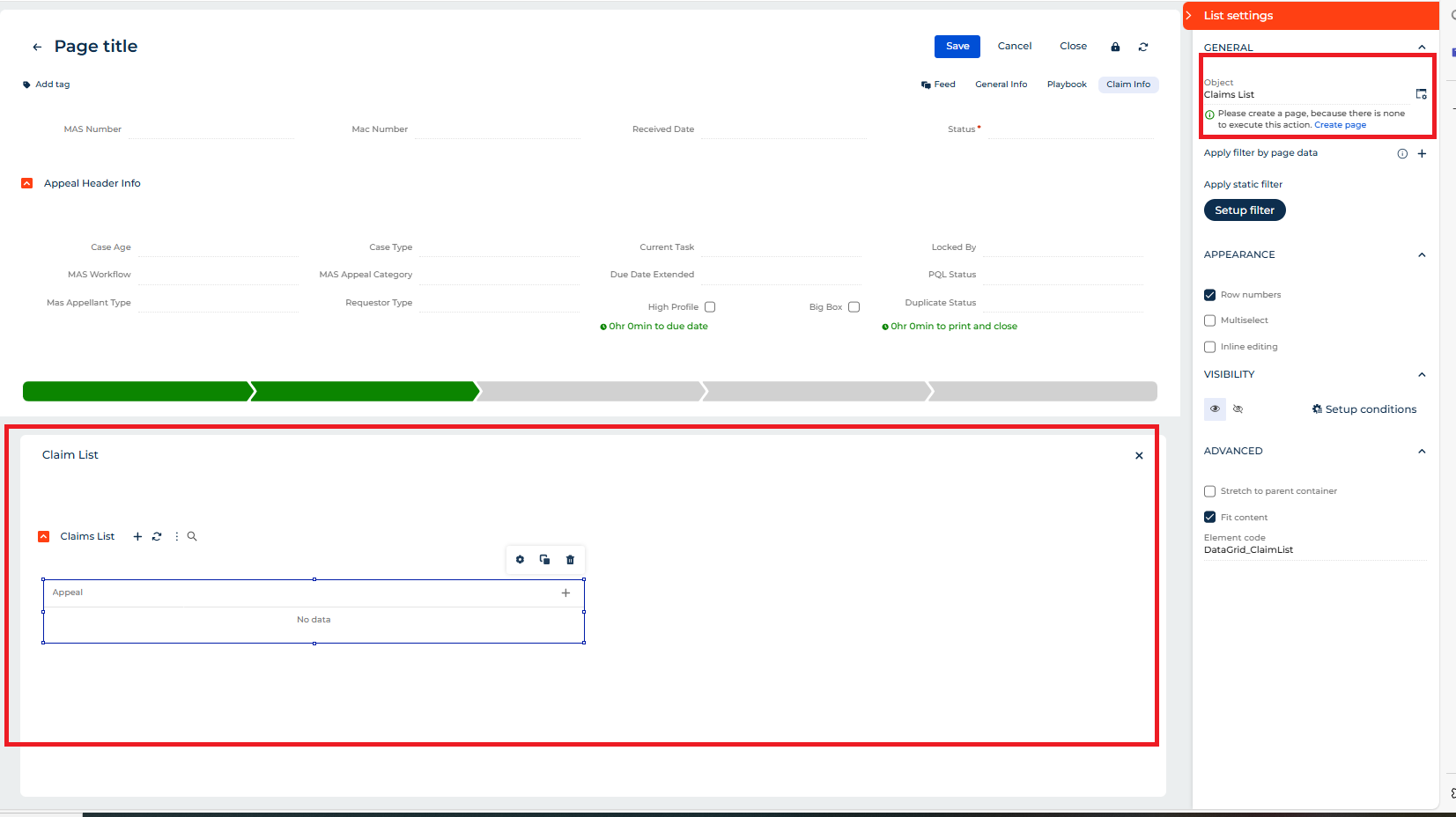
error
Error Message
Studio_Creatio
8.0

Hi all, 


I get the same errors every evening at 23:00: "Account not found with IdentityId ''". and: "Client token request was raised an error.". It seems to have something to do with the mailbox, which is functioning properly. Anyone an idea?

Like 0

Like

2 comments

Hello!


The system message you are encountering is related to the out-of-the-box process “Lead Generation: Consistency Check.” This message occurs when the system cannot connect to the service to verify that all leads have been successfully entered.

You can disregard this message if you are not utilizing the Lead Generation functionality. The process executes even if the integration with services like Facebook or LinkedIn has not been configured.

If you prefer not to receive these messages, you can deactivate the “Lead Generation: Consistency Check” process in the process library.

Thank you for choosing Creatio!

Alina Yakovlieva,

Thanks. Will try!

Show all comments
Customization
panel
Filters
Studio_Creatio
8.0

I need to make a panel appear based on a dynamic entity, which could be Contact, Account...


And I also need to be able to have the reference of the names of the fields that are selected and add them to another entity, to form a detail list.


The reference (Code of the column, like "Name", "Description", "Type.Name"...) of the fields can be either from the main entity or related to an entity of a lookup as in the image below. (Contact.Account.Name).


I'm trying to do this, but if anyone knows if it's possible, I'm accepting help.


Like 1

Like

1 comments

Hello,

Can you give more details on your task? Why do you need a panel to appear, during what actions, for what purpose, and so on?

Show all comments

i have a data model attribute period that show the period of time for some activity i like to use just year like 2023, 2024 so on, curently i use text as data attribute can i use date/time?

Like 0

Like

1 comments

Create a separate attribute of Date datatype, parse the date/time you receive and retrieve date from it (either using event listener, business process on the object or a business process and the DateTime.Parse and Date property of the parsed datetime) and paste the read date into this new attribute. this should do what's needed.

Show all comments
map
component
Formpage
Studio_Creatio
8.0

How to add a new component (for loading map in a specific field i.e.,Address etc..) in form page,Freedom UI

Like 0

Like

1 comments
guide
Studio_Creatio
8.0

Hello,


Does anybody know if pdf version of Creatio guides (marketing, setup and administration and etc.) exists for the latest version of the platform? I found several, but all were for 7.1x releases

Like 0

Like

4 comments

Hello Artem, 

Thank you for your question. 

You can find all the necessary information under the following link to our Academy:

https://academy.creatio.com/docs/8.x/

On the right corner, you will have the opportunity to choose the version you need. 

Hanna Shevchenko,

Hello Hanna, 


Thanks for the answer. Are these guides accessible in pdf version?

Unfortunately, we do not have a PDF version of the guides available at this time. 

Dear support, in the past (no more than one year ago) in the Academy we have a button to get the current guides on PDF, is not way to restore this VERY USEFULL feature of the Academy?

Show all comments
8.2
filter
look up filters
FreedomUI
FilterLookup_FreedomUI_FormPage
Studio_Creatio
8.0

Hello Community,


I'm trying to use the "Apply Filter" function to filter a lookup value based on three parameters. The business rule works correctly when adding a new record and copy record; however, when editing an existing record, only one filter is being triggered (marked).


Has anyone encountered this issue, and is there a solution to ensure all filters are applied when editing a record?

Like 0

Like

2 comments

Hello!

Please check the following points:

  1. Verify how the values are populated on the page and make sure that all conditions in the business rules match the actual fields and events on the page.
  2. If the values are populated by a process, please note that the standard business rules may not be triggered correctly because they expect client-side user interaction.
  3. For testing, we recommend splitting the rules — try applying one condition at a time to make sure the first filter works as expected. Once you confirm that, add the next condition. This incremental approach will help you identify which condition may not be working.

If you need, we can help you review the configuration or provide best practices for this scenario.

Alona Dolya,

Hello, thanks for the response.
We ended up implementing a filter in the client-side code. It took more effort, but it works as expected.

Show all comments

Hi there

I implemeted custom UI component (OsmMapsModule) and injected it on Freedom Ui list page using this article Implement a custom UI component based on a Classic UI page | Creatio Academy

Now I need to get feedback from that component on the page to trigger some logic on Freedom UI, bu fail to do so. Here is my code.

define("ClvObjectMapModule", ["ClvObjectMapModuleResources", "@creatio-devkit/common", "Base7xViewElement", "MaskHelper", "ClvJsConsts", 
							  "ckeditor-base", "Leaflet", "css!Leaflet"], 
function(resources, sdk, Base7xViewElement, MaskHelper, ClvJsConsts) {
 
    /* Declare a "ClvObjectMapModule" class. */
    class ClvObjectMapModule extends Base7xViewElement {
 
		_mapRecordClickedId;
		get mapRecordClickedId() {
			return this._mapRecordClickedId;
		}
		set mapRecordClickedId(value) {
            this._mapRecordClickedId = value;
        }
		...
 
		// Here I make change and want it propagate to Freedom UI page.
 
		_clvOpenPage(config) {
			this.mapRecordClickedId = config.recordId;
		}
    }
 
    /* Register the component. */
    customElements.define('clv-objectmap', ClvObjectMapModule);
 
    /* Register a component as a visual element. */
    sdk.registerViewElement({
        type: 'clv.ObjectMap',
        selector: 'clv-objectmap',
        inputs: {
			mapRecordClickedId: {}
		},
		// This is not documented and I just guessed it might work like for example inputs work.
        outputs: {
			mapRecordClickedId: {}
		}
    });
 
    return Terrasoft.ClvObjectMapModule;
});
Like 1

Like

2 comments

And here is code in Freedom UI

"MapRecordClickedId": {
	"modelConfig": {}
},
...
{
	request: "crt.HandleViewModelAttributeChangeRequest",
	handler: async (request, next) => {
 
 
// I want this handler to be triggered but it just does not when I make changes in custom component
 
		if (request.attributeName === "MapRecordClickedId" && sdk.isGuid(request.value)) {
			const handlerChain = sdk.HandlerChainService.instance;
			await handlerChain.process({
				"type": 'crt.OpenPageRequest',
				"schemaName": "ClvObject_FormPage",
				"modelInitConfigs": [{
					"recordId": request.value,
					"action": sdk.ModelInPageAction.Edit
				}],
				$context: request.$context
			});
		}
 
		return next?.handle(request);
	}
},
...
{
	"operation": "insert",
	"name": "ClvObjectMap",
	"values": {
		"type": "clv.ObjectMap",
		"mapRecordClickedId": "$MapRecordClickedId",
		"styles": {
			"width": "-webkit-fill-available"
		}
	},
	"parentName": "ClvMapContainer",
	"propertyName": "items",
	"index": 0
}

Andrii Orlenko,

Unfortunately, it's really hard to understand where the issue is with such parts of the code. I can advise you debugging to see step by step where the data is missing or where the issue appears.

You may also create a new community question with a more general description of your needs to receive some examples.

Show all comments
Studio_Creatio
8.0

Hello,


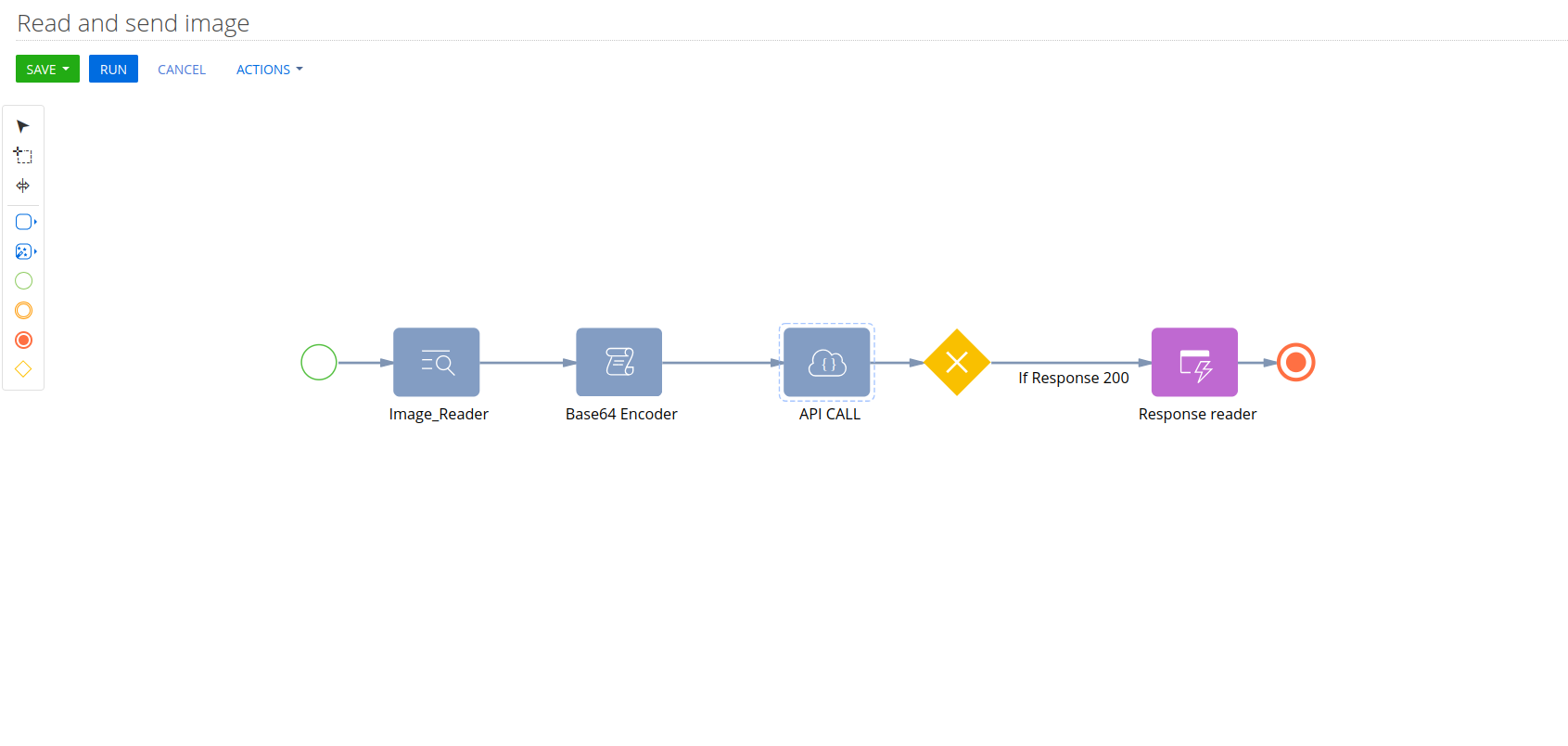
Is it possible to send/convert a document to base64 and send it to an external API from Creatio?

Example:
 

A)


B)


Thanks.


Like 0

Like

1 comments

Hello,


FileAPI returns the bytes array for the file content thus this bytes array can be used to convert the file content to base64 string like:

using System;
class Program
{
    static void Main()
    {
        byte[] byteArray = { 72, 101, 108, 108, 111 }; // "Hello" in ASCII
        string base64String = Convert.ToBase64String(byteArray);
 
        Console.WriteLine("Base64 String: " + base64String);
    }
}

This conversion should be implemented in the script-task element, and the result (base64String) should be set as a parameter value to be used elsewhere. 

Show all comments
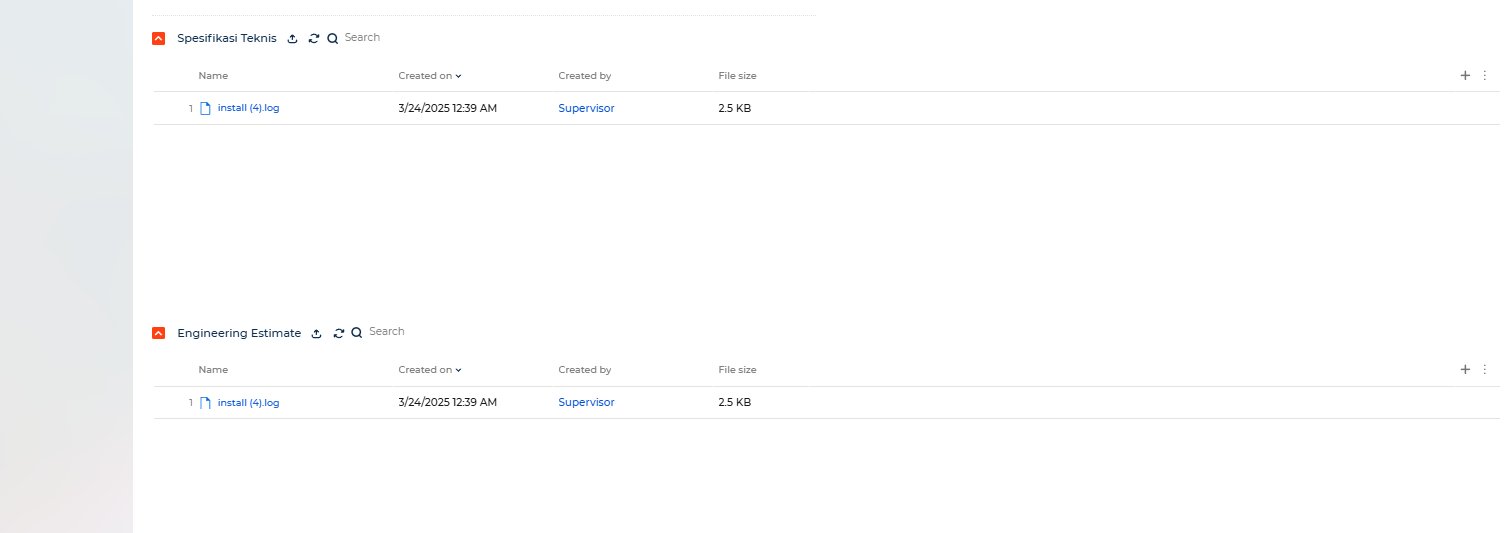
attachments
attachment
CustomAttachment
Studio_Creatio
8.0

Hi,

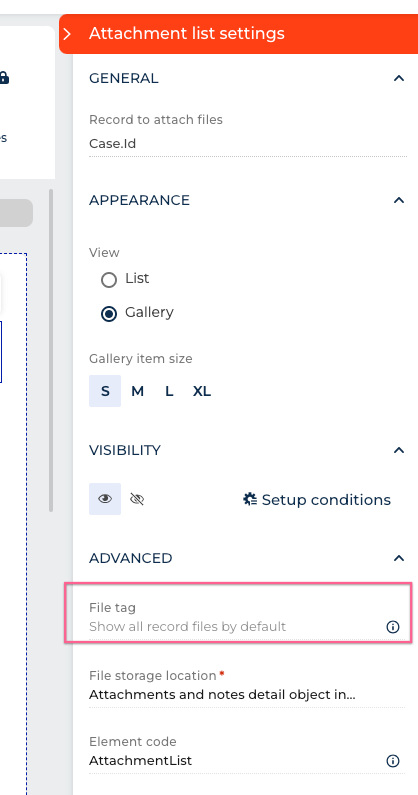
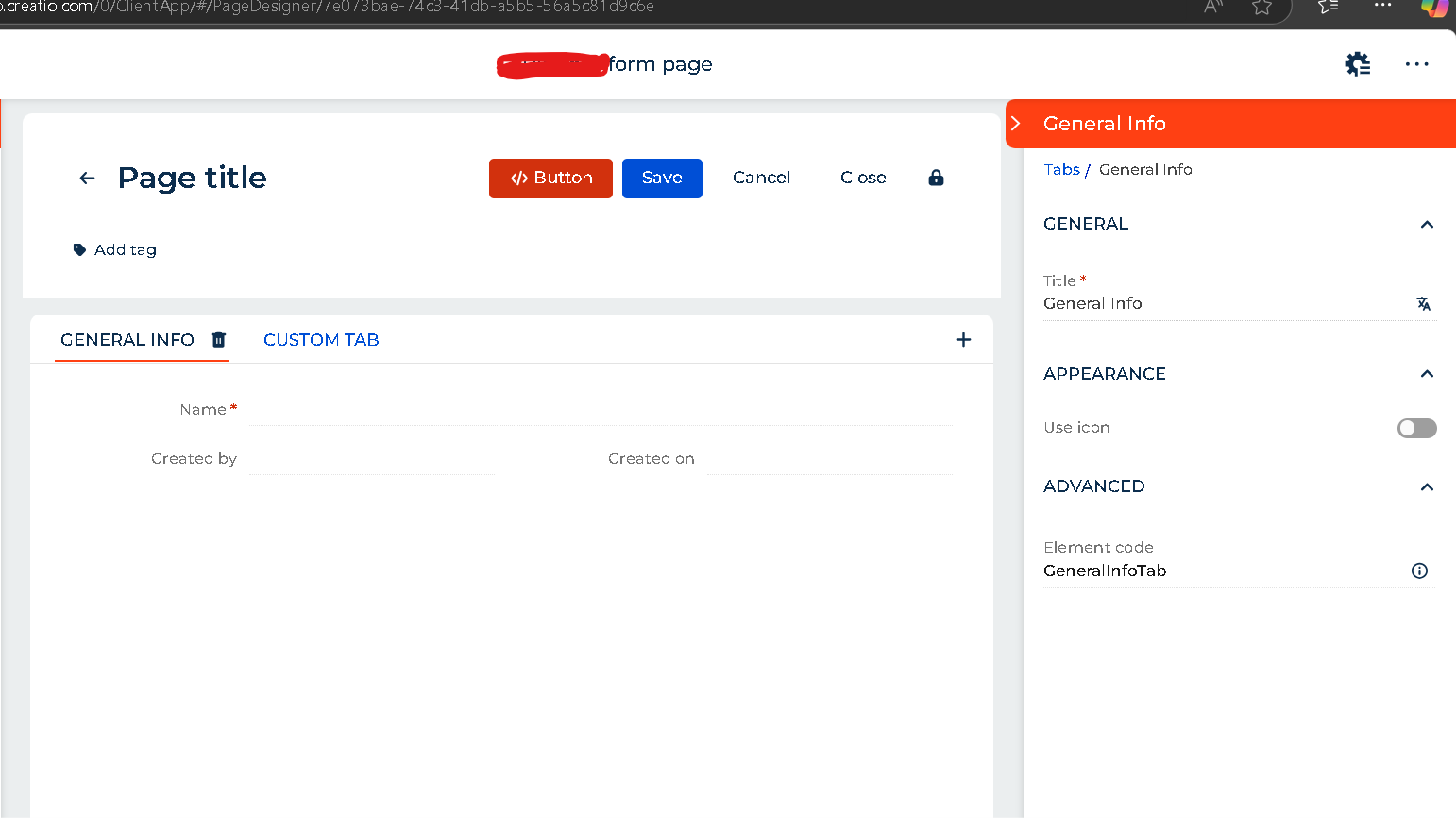
How to do Attachment* as mandatory?

Like 3

Like

6 comments

Hello,

Thank you for your request. Unfortunately, it is not possible to make the Attachment required using custom methods as it is a detail.


However, as a workaround using l development, you can implement following validation script (sample for Activities) in object process for Validating message:

UserConnection userConnection = context.UserConnection;

   Select select = (Select)new Select(userConnection)
            .Column(Func.Count("Id"))
            .From("ActivityFile")
            .Where("ActivityId").IsEqual(Core.DB.Column.Parameter(Entity.Id));
       
if (select.ExecuteScalar<int>() == 0)
            throw new Exception("Attachment is required");

return true;

Halyna Parkhomenko,


Hi Halyna ,

Can you tell me in detail where I can put this code and where it runs inside Open Process?


Hi Halyna 

When I apply the code inside Open Process it gives me this message Is there a solution?

Hi Halyna 

When I apply the code inside Open Process it gives me this message Is there a solution?


Muath Ali Hamdan Salem,


Hello,


As for the 'Select' errors - the most probable reason is the usage of the Terrasoft.Core.DB namespace is not added to the class.


As for the last error in your screenshot - either it will be fixed by fixing previous errors or the issue is that you call construction that requires 1 type argument. Need to see the code in this line.

Hi,Oleg Drobina

Isn't there another way to make the attachment file mandatory through validation of the form page and not by placing a condition on the table in the database that I want in the form page?

Show all comments
Studio_Creatio
8.0

Hello, 


I have the list on two different pages. On the first page, I want to open the edit page, but on the second page, I do not. On the second page, I have already removed the open option ("features": { "rows": { "selection": false, "toolbar": false .... 


However, when double-clicking on a row, the default page associated with the object is opened. Is there a way to block the double-click action or open a different page instead?

Like 1

Like

7 comments

Hello,

Unfortunately, this could not be achieved by basic methods. However, this can be done by deleting all the editing pages for the object.
 

In Freedom UI, Add-ons are used for page configuration. Where you can check if there are pages linked to the detail in the object's settings. Based on your screenshot, it seems there are no such settings for this object.


On the other hand, Classic UI sections use a different mechanism, where page configurations are stored in the database, specifically in the following tables:

  • SysModuleEdit, which is connected to the object through records in the SysModuleEntity table.
  • SysModuleEntity, in turn, refers to the object (SysSchema) via the SysEntitySchemaUId column.

For the OpportunityProductInterest object, you can check the page configurations using the following script (there are 2 pages for this object in the system):


SELECT * FROM "SysModuleEdit" WHERE "SysModuleEntityId" IN ( SELECT "Id" FROM "SysModuleEntity" WHERE "SysEntitySchemaUId" IN ( SELECT "UId" FROM "SysSchema" WHERE "Name" = 'ObjectName' ) );
 

Steps to resolve:

  1. Delete these records or set the SysModuleEntityId column to NULL.
     

    • This will ensure that the OpportunityProductInterest object will no longer have pages across the system.
    • As a result, records will not open after a double-click in the detail.
       

    Unfortunately, there is no built-in way in the system to restrict page opening from the detail only.


  2. Alternative approach:
     
    • Create a database view that duplicates the data from the main object but does not have page configurations.
    • Build the detail using this view instead of the main object.

      I will also create an idea for our development team to implement such possibility in futures version.
       

Thank you for reaching out. I hope this helps resolve the issue!

Might be a simpler route to try to see what the request is that fires when double-clicking a row. The list will definitely fire a request for that, but I don't know what it is. 

Pavlo Sokil,

How do I create a view?

Cristiano Carvalho writes:

How do I create a view?

See https://customerfx.com/article/using-database-views-in-creatio/

Ryan

Hello!
Try this to solve your case

{
   "operation": "merge",
   "name": "DataTable",
   "values": {
      "rowDoubleClick": {}
   }
},

Yurii,

Great tip! For anyone wondering, this is added to the ViewConfigDiff for the DataGrid element's "values".


And for info on removing many of the other features of the GridDetail where required for a specific list including the ones mentioned in the OP, my reply in this thread should be useful: https://community.creatio.com/questions/there-way-prevent-users-changin…

Harvey Adcock,

Yes, and you can also wire up your own custom request to the double-click as well using: 

{
   "operation": "merge",
   "name": "DataTable",
   "values": {
      "rowDoubleClick": {
         "request": "usr.myCustomRowDoubleClick",
         "params": {}
      }
   }
}

Getting the row Id value in the handler, you can either just use

const selectedId = await request.$context.MyListName_ActiveRow;

Or wire up the params (need to make sure the names match, described here): 

"params": {
 	"itemsAttributeName": "Items",
	"recordId": "$Items.PDS_Id",
}

Ryan

Show all comments