Hi everyone,

I need to add validation checks and perform calculations on certain fields when the "Save All" button is clicked in a specific detail. 

Could you please guide me on how to add custom code to this button's click event? 

Which handler should I implement or override to achieve this?

Thanks in advance for your help!

Like 0

Like

3 comments

Hello Rachel,

When you click "Save All" button crt.SaveRecordsRequest is called.
Override this handler by implementing your version of it with logic you need.

Hope this helps 

Yevhenii Grytsiuk,

Thank you very much for your answer!
I tried using the crt.SaveRecordsRequest handler, and it works great!


I have another question, if you don’t mind:

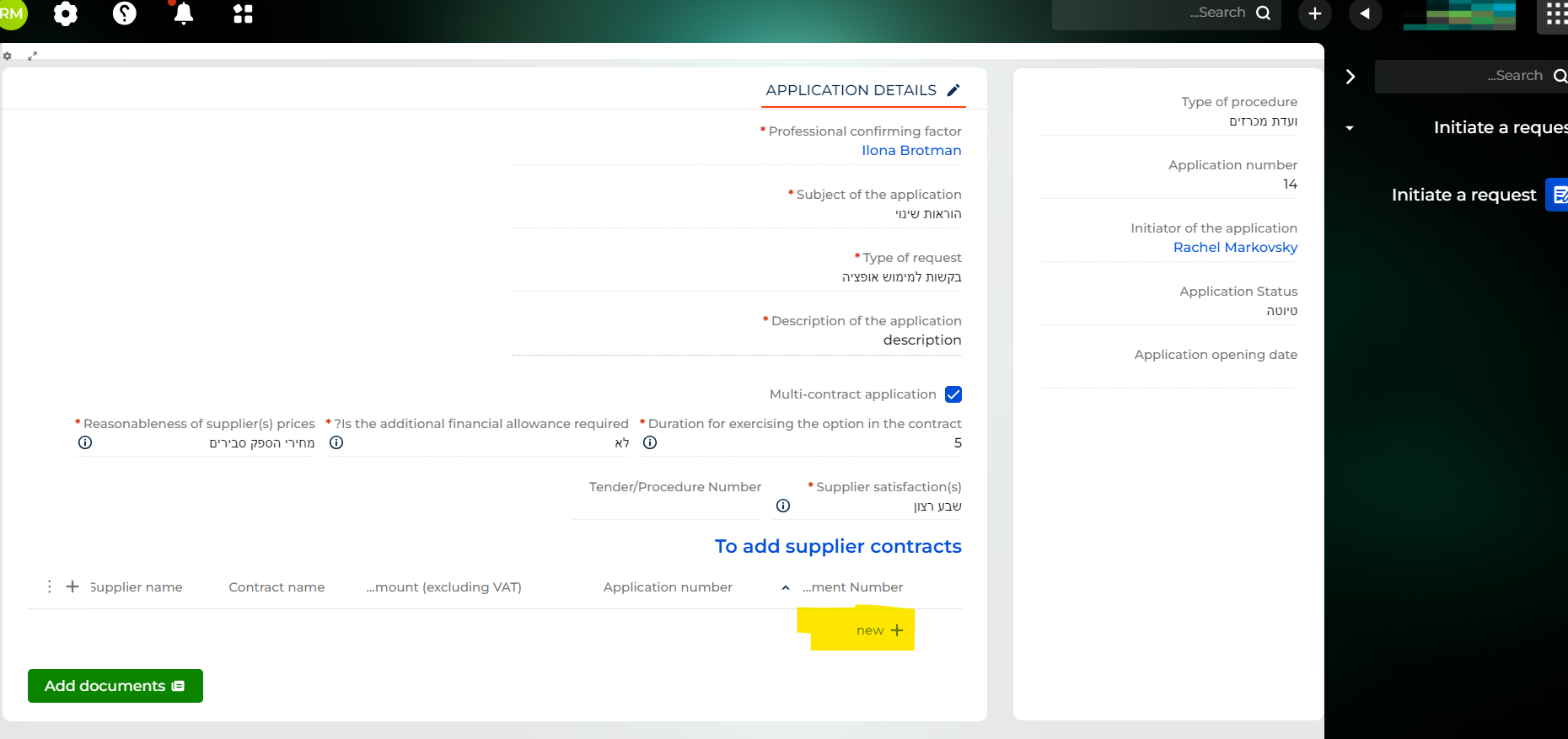
Which handler is called when the user clicks the "New" button in a detail that has the "Inline adding records" option enabled?

 I’m referring to this button:


By the way, I noticed the image you previously shared didn’t load correctly. Could you please resend it? I’m very interested in understanding this feature better.


Also, is there a consolidated resource where all these handlers are documented? I noticed that the Academy only covers documentation for basic handlers.


Thanks again for your help!

Rachel


Hi everyone,

Just checking for updates on the "New" button handler in a detail with "Inline adding records." 

Thanks!

Show all comments
Development
8.1
Queue
DCM
Business Process
Service_Creatio_customer_center_edition
8.0

Hello!
I have encountered such problems, maybe someone knows how to solve them?

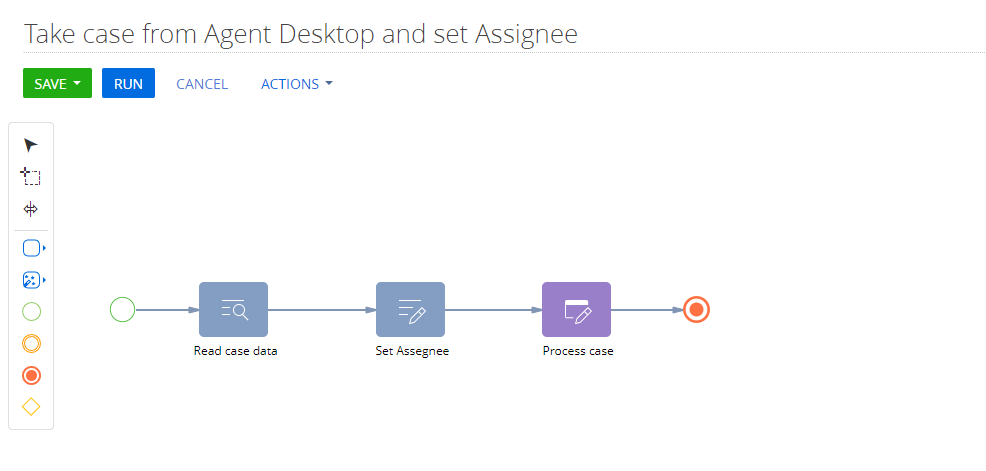
There is a configured queue and a process that processes a queue item.


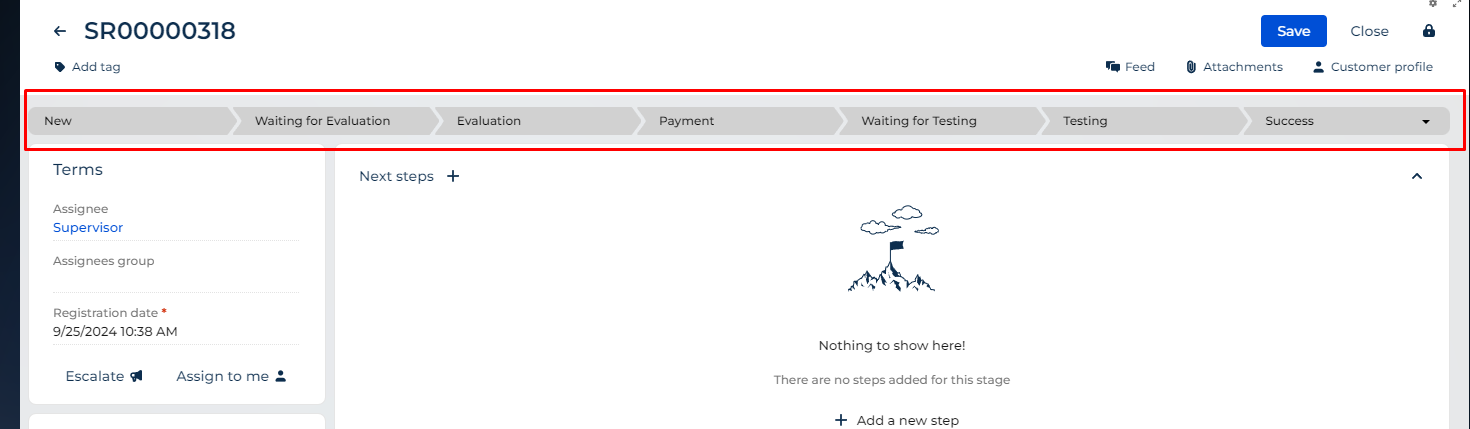
The first problem is that when opening the Cases_FromPage page the Case state is not loaded into the progress bar


The second problem I encountered is that it is necessary to close the page automatically and terminate the process element so that the queue element is considered processed, but this problem is solved with the help of this request:

{
	request: "crt.HandleViewModelInitRequest",
	handler: async function(request, next) {
		this.applyMethods(request.$context);
		await next.handle(request);					
	},
	applyMethods: function(context) {
		let methods = {
			closeProcessElement: async function() {
				const state = window.history.state;
				if (state && state.isProcessCardInChain && state.executionData && state.executionData.isOpened) {
					const executionData = state.executionData;
					const result = await context.executeRequest({
						type: "crt.CompleteProcessElementRequest",
						processElementUId: executionData.currentProcElUId,
						$context: context
					});
				}
			}
		};
		Ext.apply(context, methods);
	}
},


But another problem arose when changing the Case stage, in this case manually, the page doesn't always close.

I noticed that this behaviour on those stages where DCM has elements of activity creation.

In my case here:
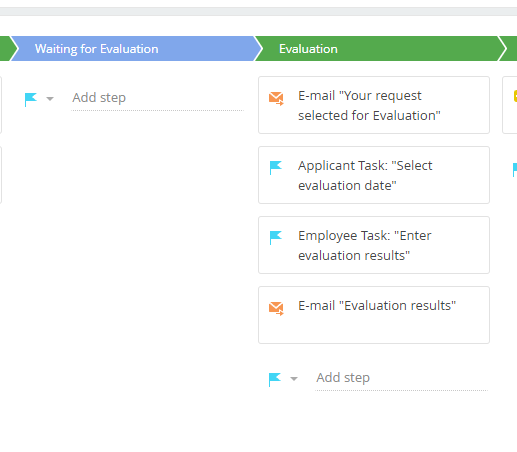
When changing the stage from Waiting for Evaluation to Evaluation, the page should have closed.

The crt.CompleteProcessElementRequest request was executed.

Who knows what could be the problem?
Thanks!

Like 0

Like

1 comments

Hello,


Please contact our support team directly at support@creatio.com and make sure to describe each problem in a separate request so we could properly analyze and process these issues.

Show all comments
Development
FileSystemDevelopmentMode
ApplicationHub
install package
sourcecode
8.0

Hey. I've been working with Creatio for some time already. And I've been facing an issue. The issue is not picking up on changes that were added to the files already added to the package when uploading a new version of a package on any environment. I am talking about .cs files, in other words, the source code type of Creatio files. So, when I finish fixing some bugs with the package locally, I go to the dev env. to upload the package there. I do the uploading via `ApplicationHub` page via `install from file`. So, the issue happens only when the previous package version is installed and I want to update with the newer version. If I remove the previous version and upload a new one, all new changes are picked up.

Like 0

Like

1 comments

Hello!


In this case, it could be two possible options as to why it happens:


1. It can happen if the schema has a more fresh ModifiedOn date in configuration, for example, if it was recently modified directly on the environment; if so, the schema won't be updated.

2.  Sometimes, the schema updates only after full compilation. so the steps will be install package -> full compilation -> check the schema.


If the issue would still reproduce, contact us at support@creatio.com.

Show all comments
EditableDetail
detail
detail wizard
section wizard
Development
client code
code
sourcecode
Studio_Creatio
8.0

Hi community, 

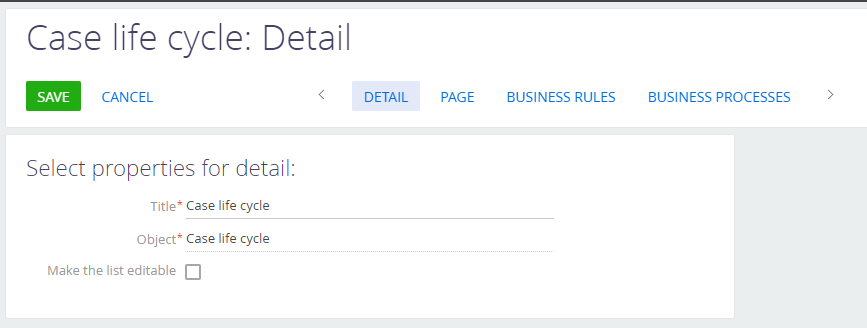
Where can I find the source code responsible for this checkbox (Make the list editable). 

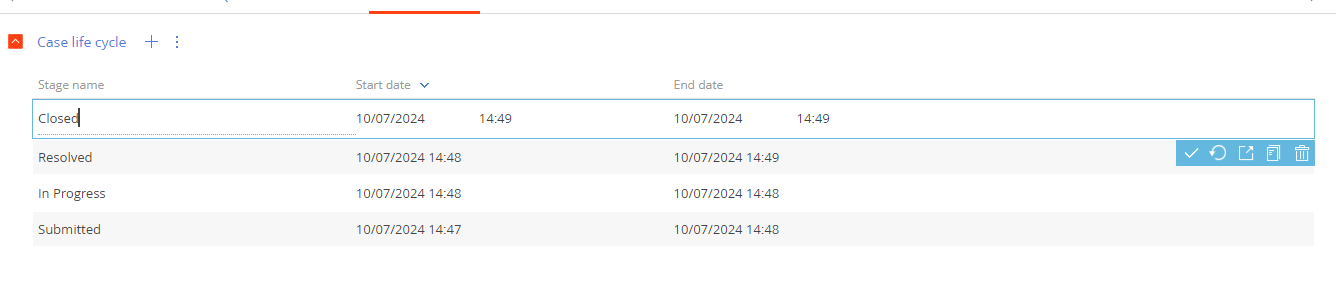
I want to make this detail editable only in one section. Here is my use case : I'm using this detail in two sections A and B. In section A, I want the detail to be editable like this : 


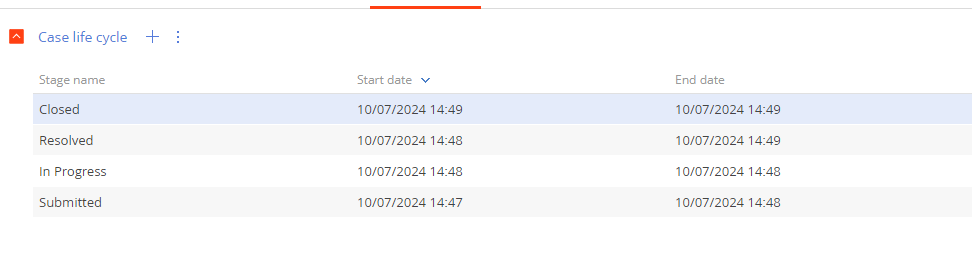
But in section B, I don't want this behavior (checkbox must be unchecked) like this : 

Like 0

Like

4 comments

You should create 2 separate details. And add them to the separate edit page for section A and for section B.

Thanks Antonii, isn't there any other way than creating two details ? 

Ismail el lahya,

This is the best way to perform this task

Antonii Viazovskyi,

Thank you!

Show all comments
FreedomUI
Development
8.0

Hi everyone,

in the OLD UI I used to create a separate module that stored all the constant values used in the code of the pages, such as a specific AccountTypeId or a SysAdminUnitId. I also used to add this module in the edit pages to access those values.

Now I need to do the same thing in the Freedom UI and I haven't figured out how to do it yet. I tried using the same approach by adding the Module in the SCHEMA DEPS and ARGS of the page definition, but I can't access the properties of the custom module.

Can anyone help me?
Let me know.

Thanks in advance.

BR,


Luca

Like 0

Like

1 comments
Best reply

I did additional tests and found that referencing the module in the SCHEMA DEPS and ARGS is correct, even though while debugging it's not possible to see the page constants "clearly". However, using "await" allows you to access to those values.

For example, like this:

var customerType = await UsrTestConfigurationEnum.AccountTypes.Customer;

I did additional tests and found that referencing the module in the SCHEMA DEPS and ARGS is correct, even though while debugging it's not possible to see the page constants "clearly". However, using "await" allows you to access to those values.

For example, like this:

var customerType = await UsrTestConfigurationEnum.AccountTypes.Customer;
Show all comments
Development
8.0.8
custom button
save record
Sales_Creatio
8.0

Hi!

I need a custom button that will change value in a recaord and then save this record. I've tried it on a OpportunitySectionV2 with this code


define("OpportunitySectionV2", [], function() {
	return {
		entitySchemaName: "Opportunity",
		details: /**SCHEMA_DETAILS*/{}/**SCHEMA_DETAILS*/,
		diff: /**SCHEMA_DIFF*/[ 
            {
                "operation": "insert",
                "parentName": "ActionButtonsContainer",
                "propertyName": "items",
                "name": "MainContactSectionButton",
                "values": {
                    itemType: Terrasoft.ViewItemType.BUTTON,
                    caption: { bindTo: "Resources.Strings.OpenPrimaryContactButtonCaption" },
                    click: { bindTo: "onOpenPrimaryContactClick" },
                    "layout": {
                        "column": 1,
                        "row": 6,
                        "colSpan": 1
                    }
                }
            }]/**SCHEMA_DIFF*/,
		methods: {
			prepareResponseCollectionItem: function(item) {
				this.callParent(arguments);
         		if (item.get("MgtImportantFlg") === false){
					item.customStyle = Ext.apply({}, {
					  "background-color": "#cc081c",
					  "font-family": "cursive"
					}, item.customStyle);		  		
		  		}
			},
			onOpenPrimaryContactClick: function(){
				var activeRow = this.get("ActiveRow");
				var bFlag = this.get("GridData").get(activeRow).get("MgtImportantFlg");
					if(bFlag){
						this.get("GridData").get(activeRow).set("MgtImportantFlg",false);
						this.save();
					}
					else{
						this.get("GridData").get(activeRow).set("MgtImportantFlg",true);
						this.save();
					}
			}
		}
	};
});

it change the value in my field but didn`t save it, so after reload shows old value.

Could anyone help me how should i change code for my purposes?

Like 0

Like

1 comments
Best reply

Hello,

In the section module, it is better to use an UpdateQuery class to change the value of the records. You can find the example here.

Hello,

In the section module, it is better to use an UpdateQuery class to change the value of the records. You can find the example here.

Show all comments
Discussion
Development
ApplicationHub
#application

Clio 6.0.47 - Unlocking Deployment Flexibility


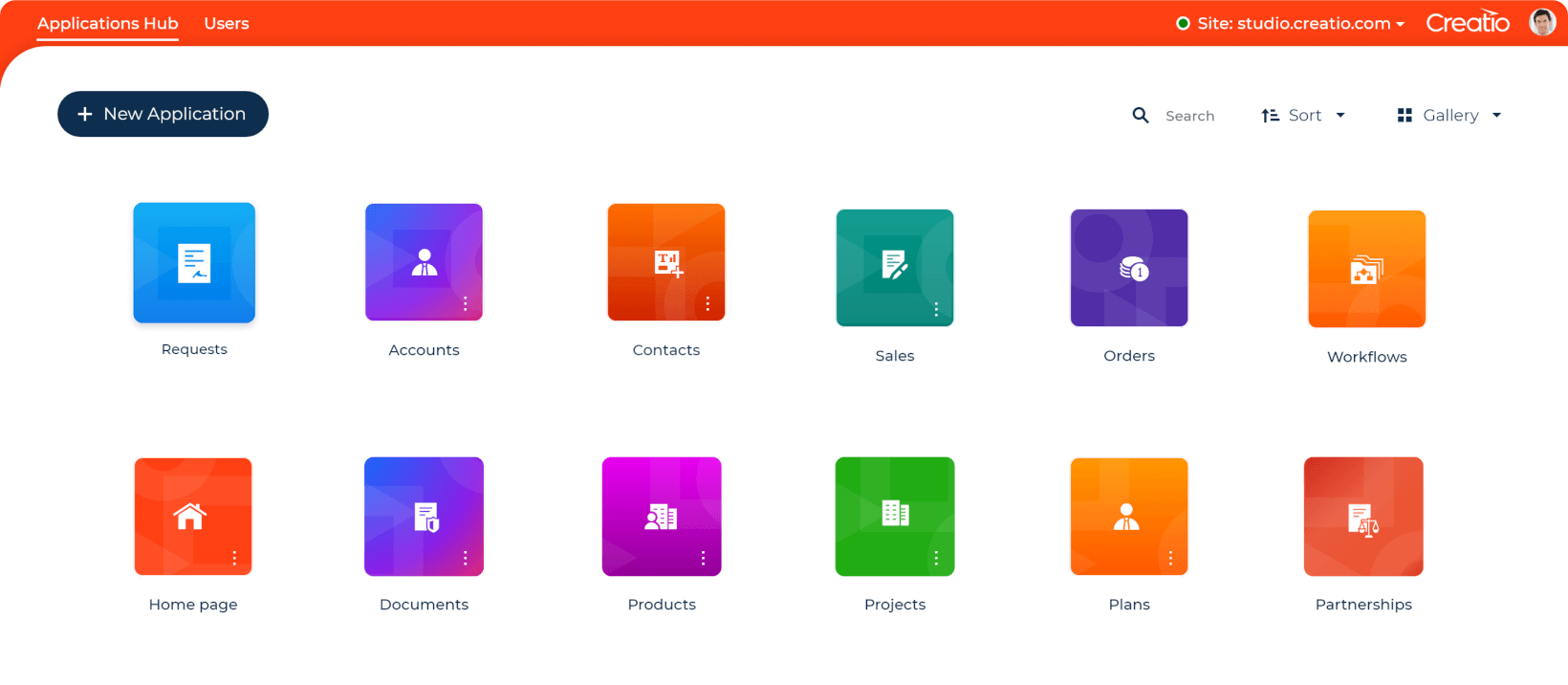
We're thrilled to announce that Clio now supports publishing your applications directly to your file system!

This gives you incredible control over deployment, perfect for custom integrations and tailored hosting environments.


Try it with the following command:

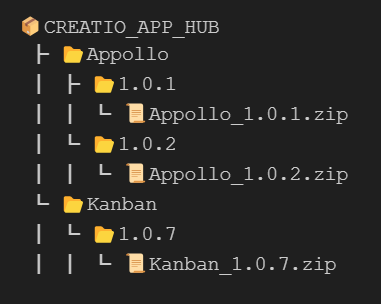
clio publish-app --app-name MyApp --app-version 1.0.0 --app-hub "'\\app-hub\store" --repo-path WorkspacePath

Clio create the following simple and intuitive file structure in AppHub


Plus, keep an eye out for our upcoming "AppHub" – a game-changing platform for managing and sharing Clio applications.

0 comments
Show all comments
Discussion
Development
#customization


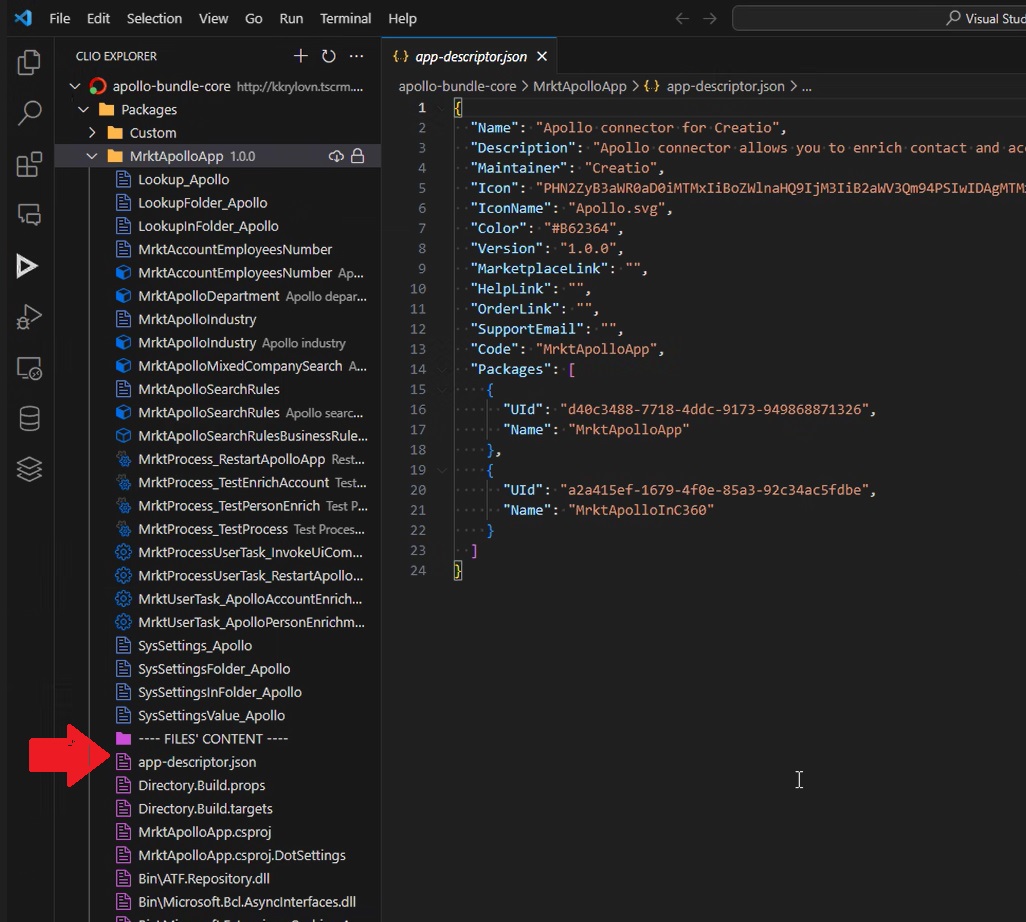
Clio explorer 2.0.50 supports preview of package file content. This feature requires clio version 6.0.2.19 and higher, update clio api (cliogate) is required.


P/S: clio version 6.0.2.19 supported full interaction process with composable applications (like Application Hub) via new command

clio push-app MyAppRelese.1.1.zip


2 comments

This is fantastic. Well done ATF!

Ryan

Ryan Farley,

Thanks!

Show all comments
Discussion
Development
clio
#MacOs

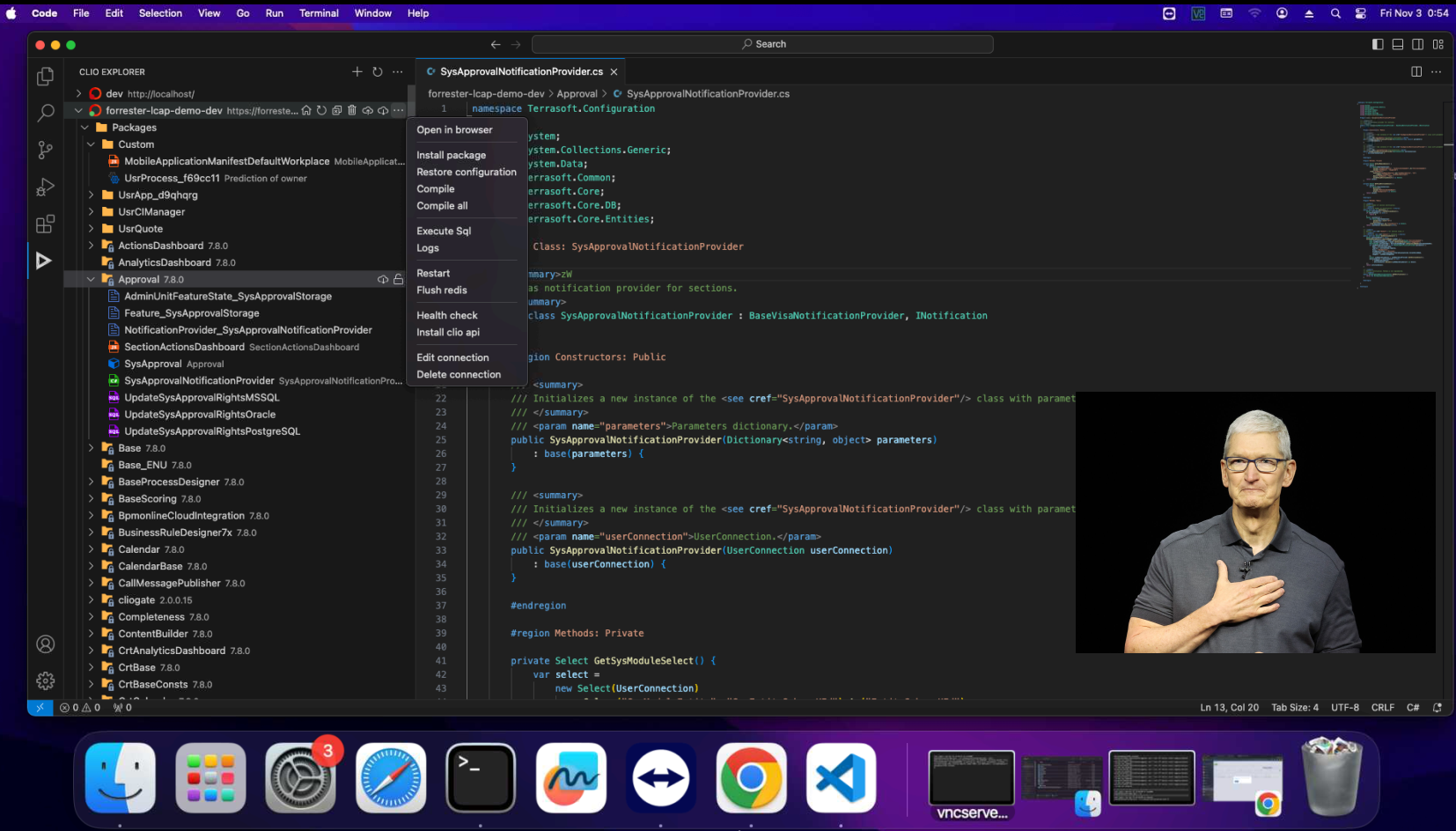
Clio explorer this is extension for VS Code, which provides convenient user interface over clio. Both tools are compatible with MacOS and Linux.


P.S. Also we added in clio 6.0.2.8 basic yaml for GitLab CICD pipelines

0 comments
Show all comments
Discussion
devlabs
Development
integration

Clio new release provides improved way to integrate data exchange between third party systems and Creatio. We simplified ATF.Repository usage in external dotnet projects. Details described in this article

0 comments
Show all comments