

File checker false positive triggered by an SVG corporate logo

Hello
I encountered an issue while uploading corporate branding assets via the Logo Customization feature in SVG format. The system returns the following error message: "Malicious file contents detected, upload canceled."
The SVG file itself is extremely simple. It was created (more precisely, downloaded and recolored) using Inkscape and even subsequently processed through an additional sanitization tool to remove any software-specific stuff. The file successfully passes W3C validation with a "Passed" status and no warnings. The image is rendered correctly by all software tested, including web browsers and various online services.
Unfortunately, I was unable to communicate this issue through the support channel because they think I need consultation or smth (which I absolutely do not). From my perspective, this appears to be a file checker's false positive, which for some reason seems to detect executable content where none exists (or something like that), so I just want to report the issue to devs.
My issue was already solved by using other file format.
The image is in the attached archive (svg uploads isn't supported)
Do you like this idea?
I sanitized the image even further, removing even the XML namespaces except W3's, which stated in the standard, although calling an XML namespaces “malicious” would be some kind of nonsense innit? At this point, it’s a completely clean SVG, exactly as originally specified by the W3C 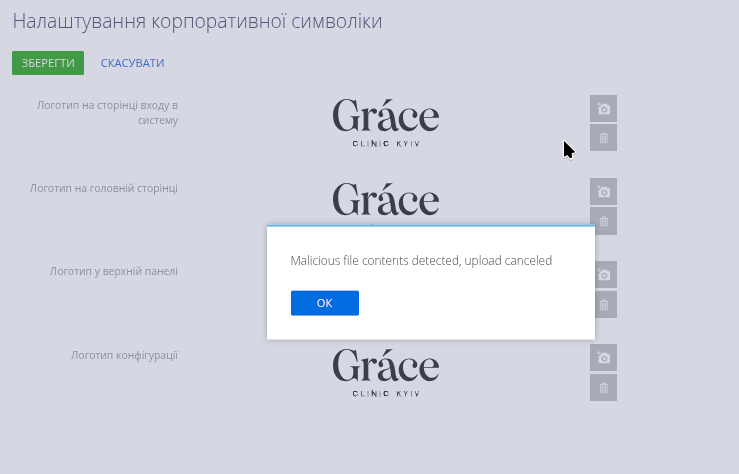
Unfortunately, it is not possible to attach files in the comments, so i'll paste it to pastebin (100% not malicious, it is just an old and popular web service for such things)
https://pastebin.com/vM7NiAS1

Hello,
Thank you for providing the SVG file.
We have uploaded the file to our environment, and the upload was completed successfully: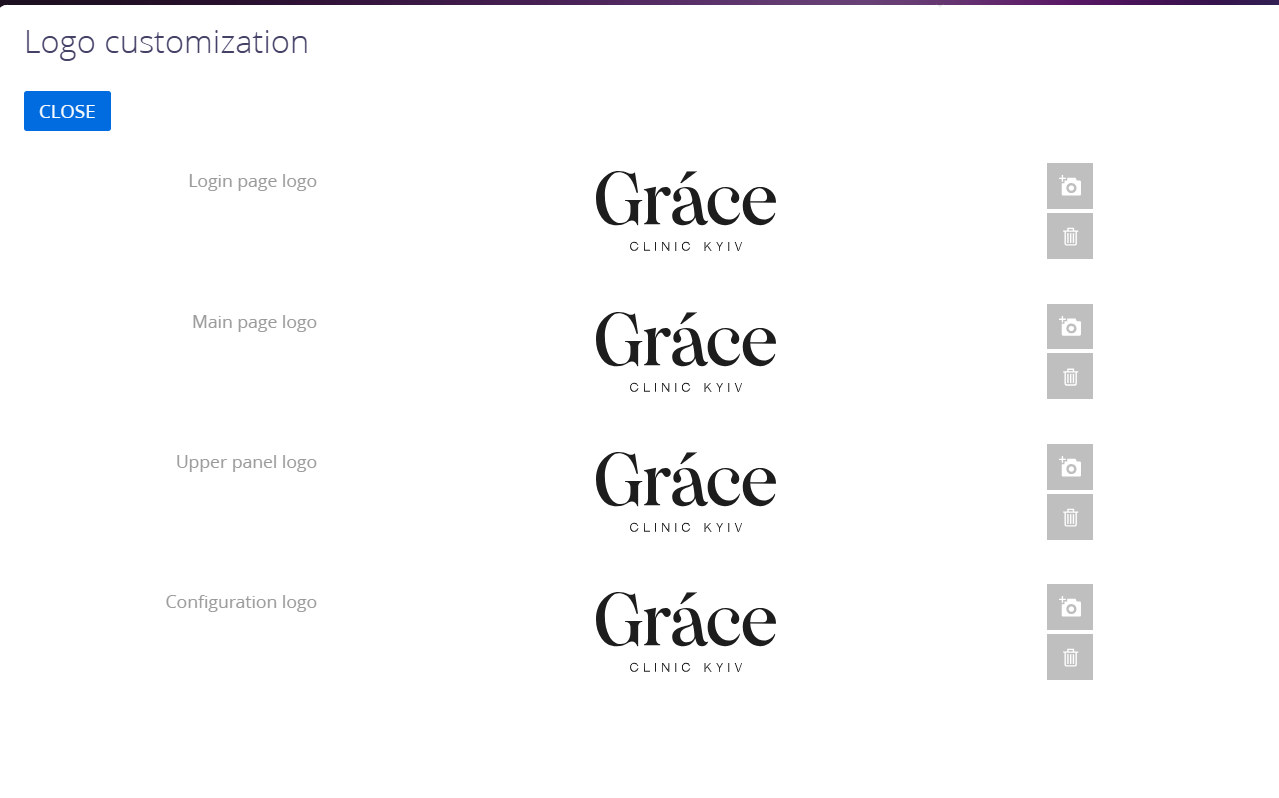
The error message "Malicious file contents detected, upload canceled" is generated by Creatio secure file upload mechanism.
To resolve this behavior, please verify the related system settings. In System Designer -> System settings, check that the "File extensions AllowList" system setting (code FileExtensionsAllowList) contains the svg extension. Additionally, review the "File Security Mode" system setting (code FileSecurityMode). When the AllowList mode is enabled, only file extensions explicitly included in the AllowList are permitted for upload.
After applying any necessary changes, please try uploading the provided SVG file again.