


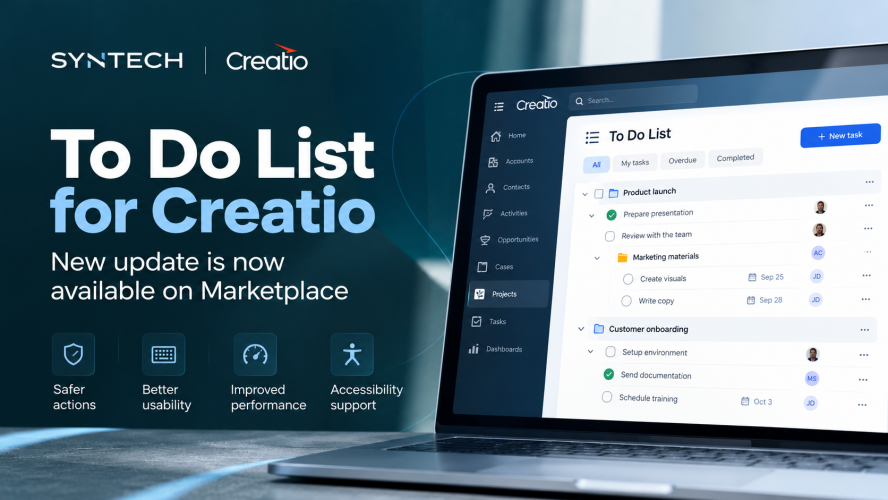
We’ve released a new update for Syntech To Do List for Creatio, focused on usability, data consistency, accessibility, and performance.
The update addresses several everyday scenarios when working with tasks:
Nothing gets deleted by accident. Pressing Backspace used to delete the task you had selected, with no warning. Deleting now always asks first.
Typing works like typing. In search and other fields, the space bar, Enter and Tab used to act on the task list instead of the text box. Fixed.
Settings are for admins only. The settings panel was visible to everyone and could be overwritten by any user. It is now limited to administrators.
Sorting is correct. Sorting only applied to the tasks already on screen, so the order broke as more loaded. It now sorts the whole list.
What you see is what is saved. If a change could not be saved, the list used to keep showing it anyway. Now it reverts, and load errors are shown instead of an empty list.
Reordering sticks. Dragging tasks into a new order used to reset on refresh.
Syntech To Do List can be embedded into Freedom UI pages and connected to different Creatio entities using no-code configuration. It supports hierarchical tasks, priorities, assignees, due dates, projects, and progress tracking.
View the app on Creatio Marketplace
#Creatio #CreatioMarketplace #SYNTECH #FreedomUI #TaskManagement