

Email Builder - Rounded Corners Not Showing In Final Email Send

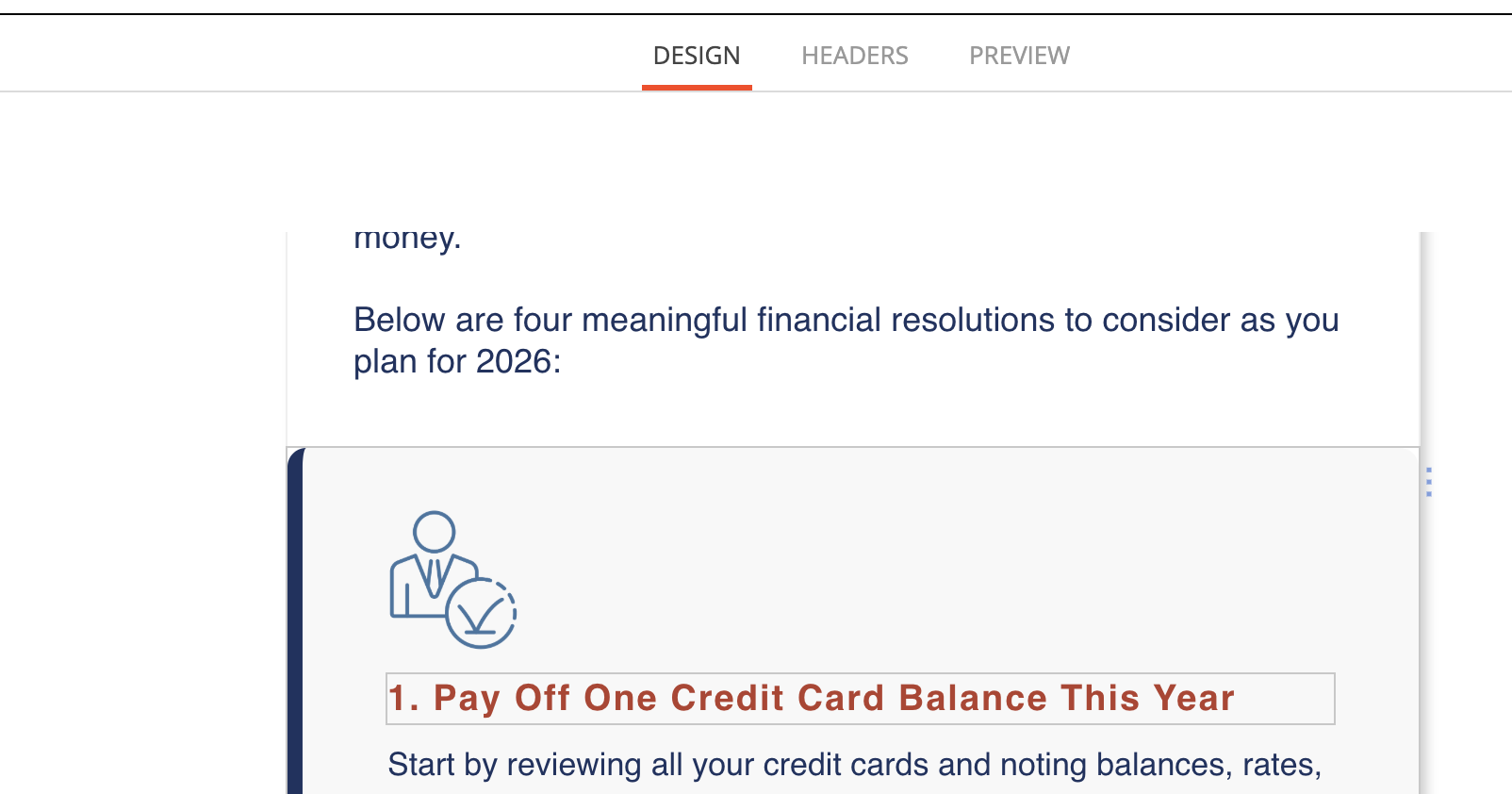
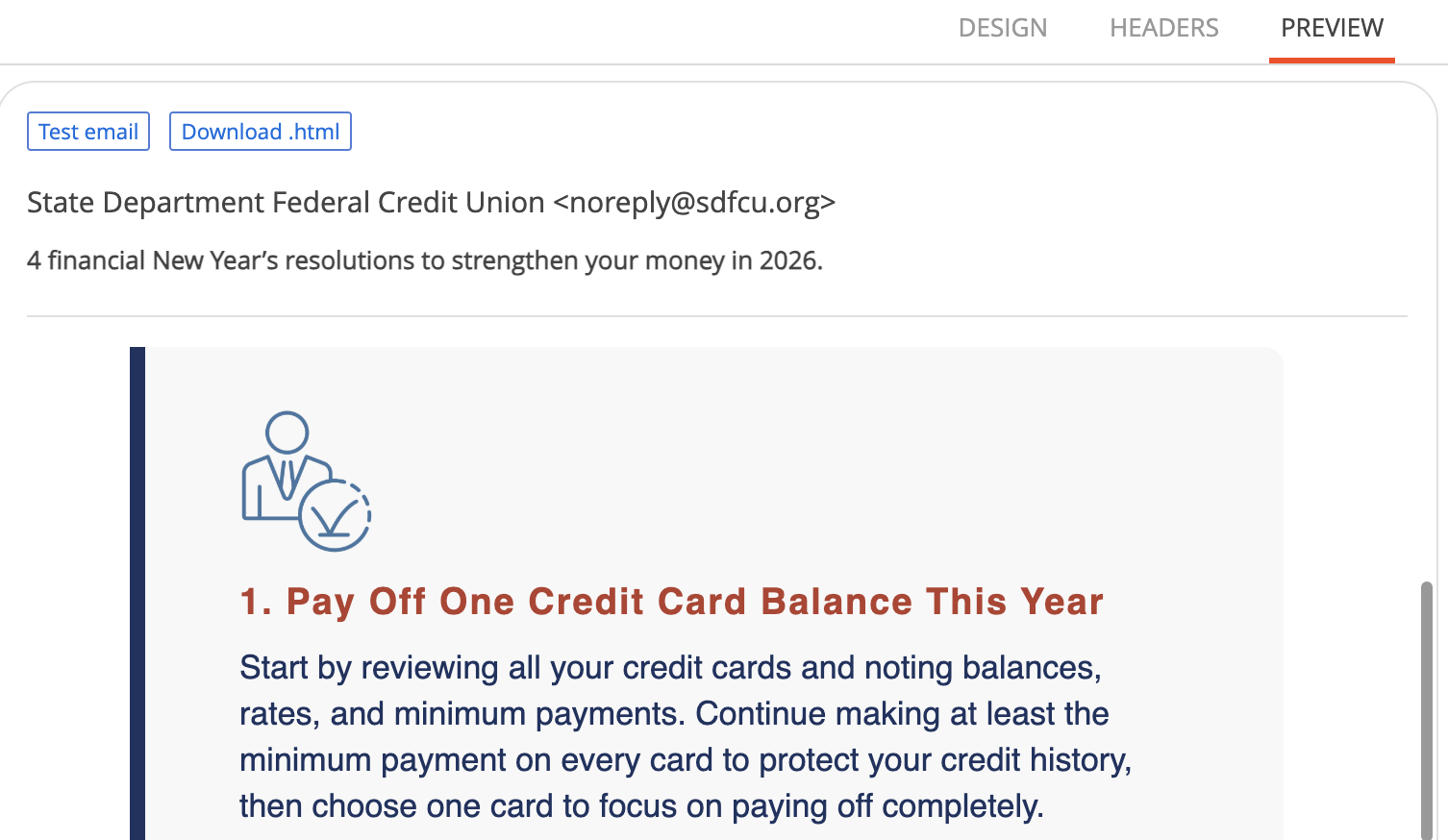
When I'm in the email builder in the design section. I wanted to give a block a background color, a border color, and also round the edges. In the builder I can see the corners are rounded like I intend to do. But in the preview and when the email is actually sent, the round corners for the border in particular doesn't stay curved it goes back to straight pointy edges. Is there a way that this can be fixed? Images attached.
Thank you!
Like
Hello,
This behavior is related to how different email clients render HTML and CSS generated by the legacy email designer.
Unfortunately, this is expected behavior. The rounded corners work correctly only as long as no border is applied. Once a border is added, the rounding is lost. This happens because some email clients—most notably Microsoft Outlook—use a Word-based rendering engine that does not fully support border-radius when borders are applied to table elements. As a result, the background may remain rounded, but the border itself is rendered with sharp corners.
Because of these technical limitations, there is no reliable way to achieve fully rounded borders across all email clients when using the old designer.
Our recommendation is to use the new email designer, which is available starting from version 8.2. The new designer generates more modern and optimized markup, and these rendering issues should not occur there.
If you have the option to migrate to the new designer, this would be the best and most stable solution going forward.