


Hello,
I've been struggling to get the dockerized version of creatio running fully with no errors.
The first error is at the start of the container like below, the application runs fine after: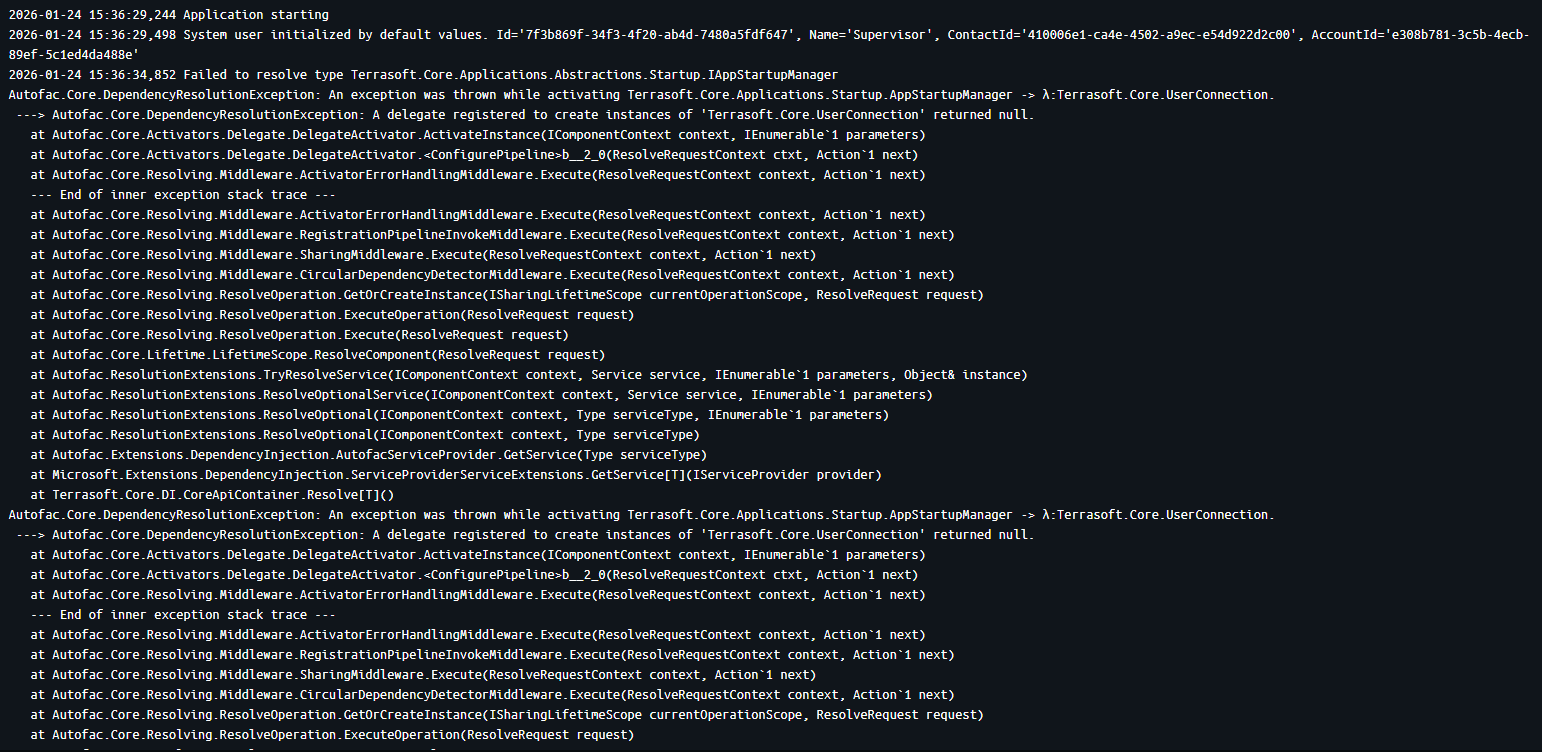
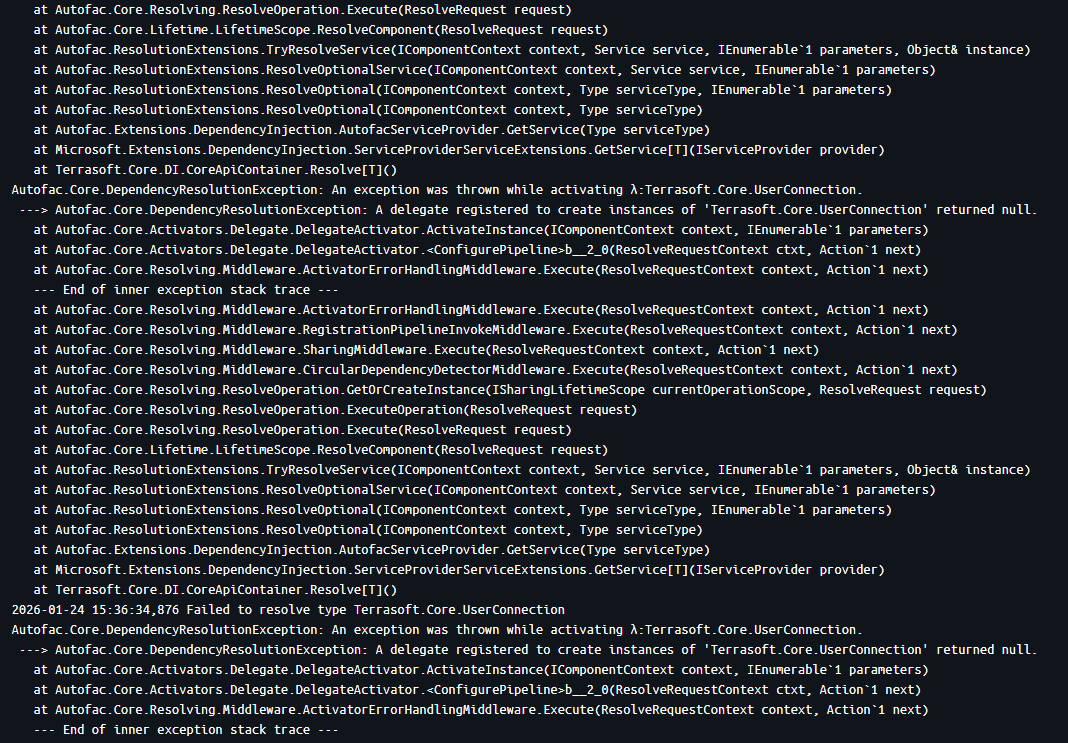
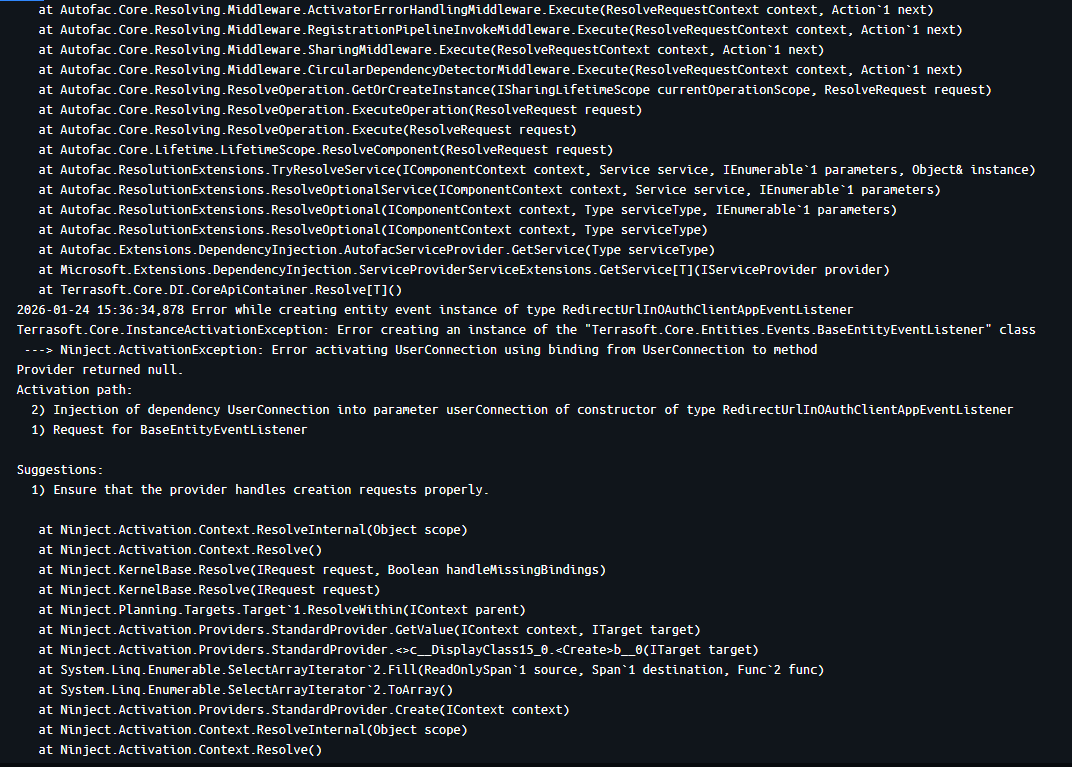
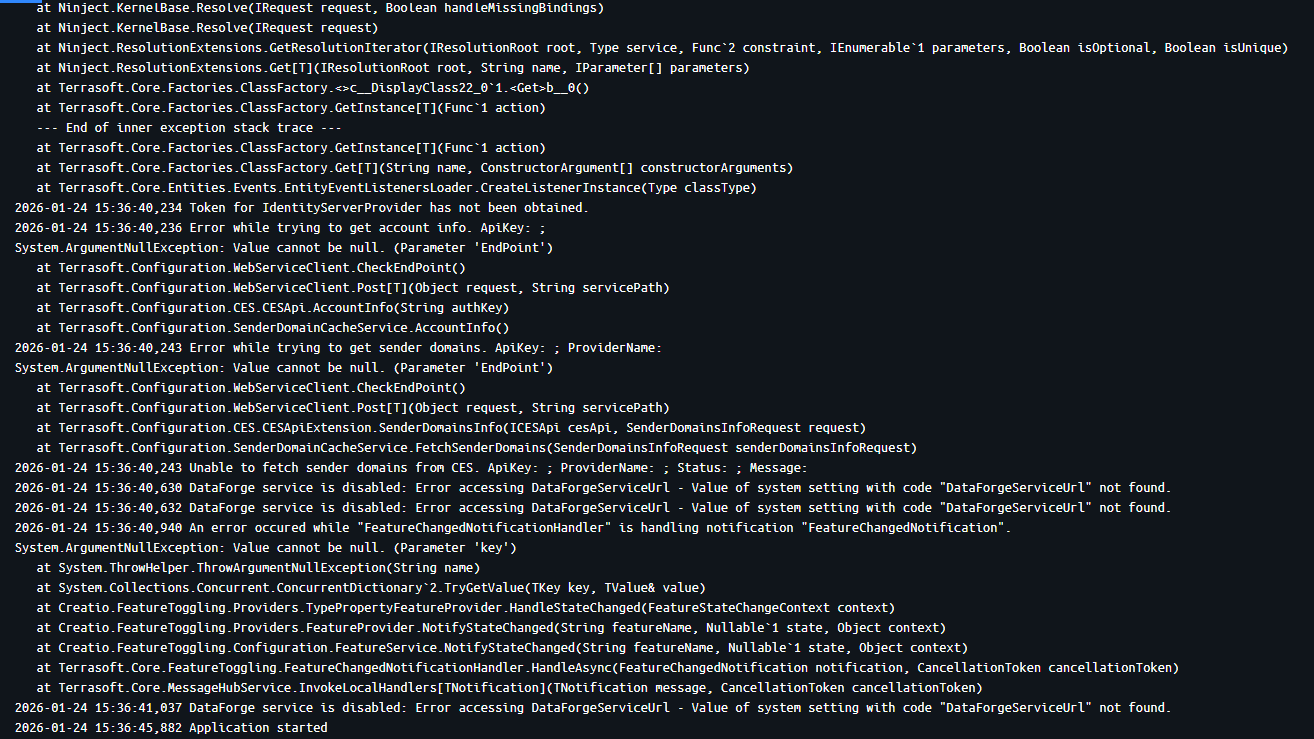
The second error is recurring too, also nothing happens when it shows in the container:
The third error happens after every app compilation, no errors in the compilation, but docker container stops with that error: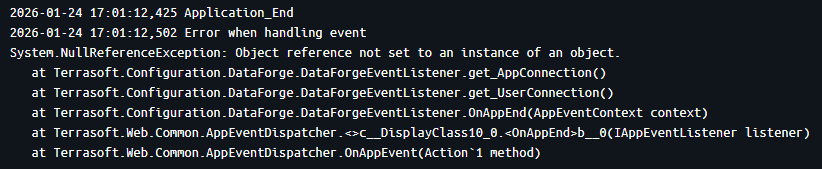
What I've tried so far:
• Recreating the containers.
• Regenerating the source code.
• Recompiling the environment.
• Restarting the containers.
None helped so far.
Thanks for helping me solve all three errors.
Like

According to the exception description you've got some trouble with passing UserConnection value to some method. This type of trouble may occur for example when you're trying to call some method, which uses UserConnection outside of the user context. Example - in some process you a calling manually OOTB method for MS Report generation
data = GenerateMSWordReport(printableId.ToString(), recordId.ToString(), true);located in the Terrasoft.Configuration.ReportService namespace. Everything will work nice launched from process by user, but fail when launched in the same process by event or timer. The reason for this is that in the second case the line inside the method
var openXmlUtility = new OpenXmlUtility(UserConnection);will fail because the parent class itself can't retrieve a UserConnection value from the context.
So, recommendation is the following: in you class ether add UserConnection declaration like
private HttpContextBase _httpContext;
protected virtual HttpContextBase CurrentHttpContext
	{
		get { return _httpContext ?? (_httpContext = new HttpContextWrapper(HttpContext.Current)); }
		set { _httpContext = value; }
	}

	private UserConnection _userConnection;
	protected UserConnection UserConnection {
		get {
			if (_userConnection != null) {
				return _userConnection;
			}
			_userConnection = CurrentHttpContext.Session["UserConnection"] as UserConnection;
			if (_userConnection != null) {
				return _userConnection;
			}
			var appConnection = (AppConnection)CurrentHttpContext.Application["AppConnection"];
			_userConnection = appConnection.SystemUserConnection;
			return _userConnection;
		}
	}
or you can modify the called method to pass UserConnection value directly. In this option UserConnection will be obtained in the process instance like UserConnection userConnection = Get<UserConnection>("UserConnection"); and then passed it's value into your method directly. In our example it will look like:
UserConnection _userConnection = Get<UserConnection>("UserConnection");
var data = UsrGenerateMSWordReport(_userConnection, printableId.ToString(), recordId.ToString(), true);
and in method will be added one new parameter:
public ReportData UsrGenerateMSWordReport(UserConnection _userConnection, string urlTemplateId, string urlRecordUId, bool convertInPDF) {
	var templateId = new Guid(urlTemplateId);
	var openXmlUtility = new OpenXmlUtility(_userConnection);

Hello,
The container will shut down if the application stops (which is expected upon completion of the compilation). However, the automatic restart of the container should be indicated upon its creation. To do so you need to add the --restart=always flag to the "docker run" command to make a persistent Docker container.
More details in this article.