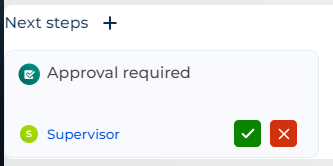
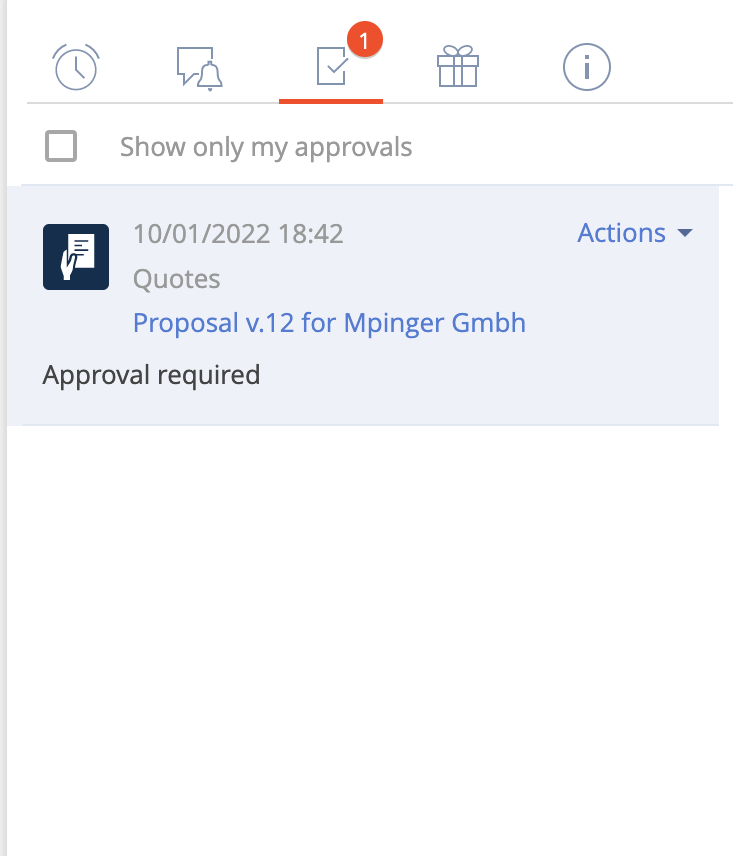
In the Next Steps approval element of Freedom UI, is it possible to add an additional button? We already have 'Approve' and 'Reject' buttons, but I would like to include a 'Revise' button as well.
Unfortunately, adding your own button to existing templates is not possible.
However, the development team is currently working on an article that will describe the steps to add a custom tile in the Next Steps element through code. This article will soon be available on our academy.
Additionally, we have registered an idea to add the "Revise" button to the default tile template in the Next Steps.
I have the order approval enabled. There is an OOB field called objective, I have a process that prompt the user for approval reason (with auto generated page) and it gets populated on the approval instance. I want to add some more information to the order approval object, I added the fields to the order approval object and added parameters to the auto generated page but i don't know how to make the input save into the order approval.
I realized I have to add the fields to the Order approval process page_Specify approval parameters page. How do I customize the page? It's a feerdom UI page and there is no replacing UI page on the element to add in a package. Any ideas how to create a module top replace it?
In order to add new field to the "Order approval process page_Specify approval parameters", you need to perform the following steps:
1. Add the new parameter to the order visa modal page
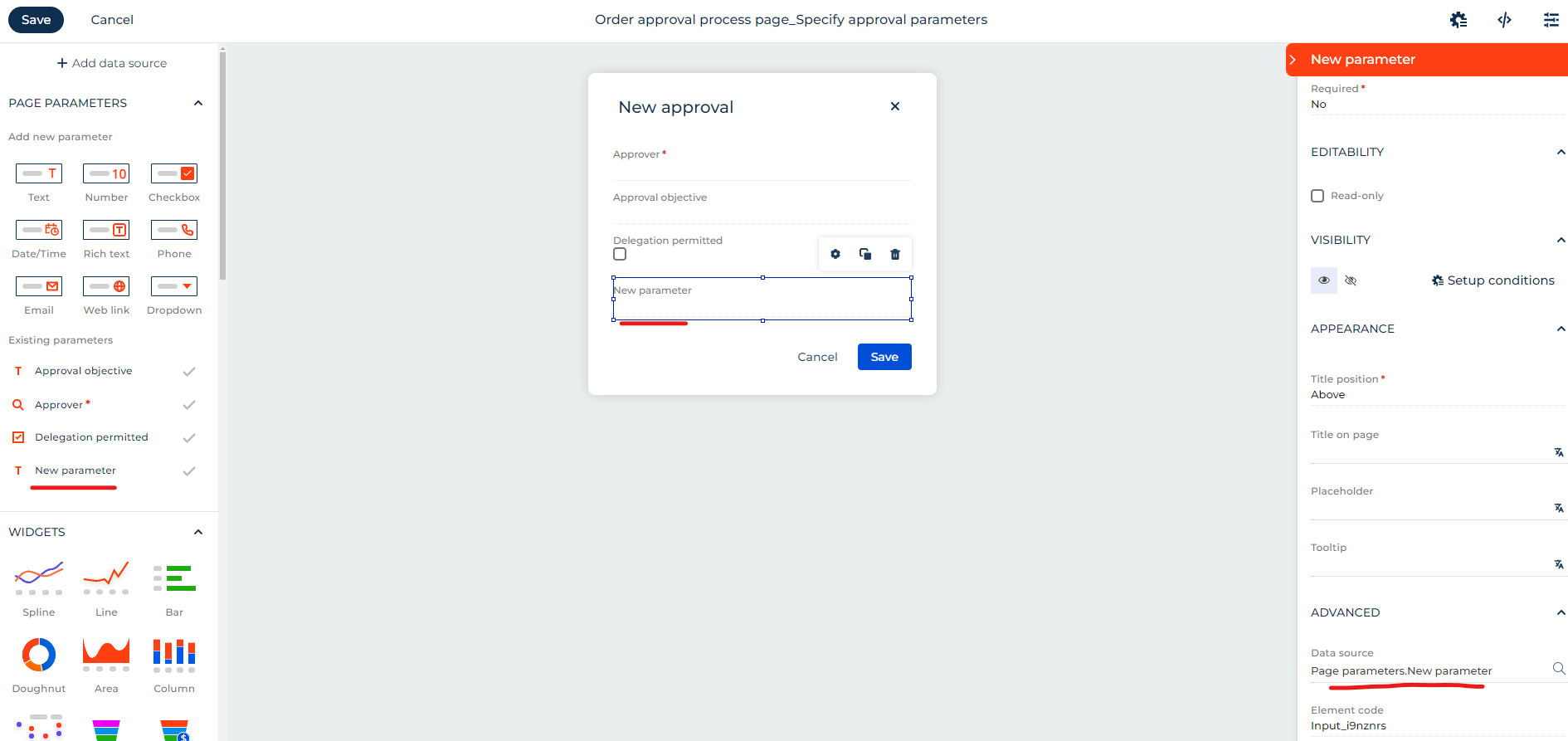
2. Add the new field to order visa modal page and configure its Data Source in the right panel to created parameter in step 1:
3. Go to process "Order approval Freedom" and add new parameter to first step Specify approval parameters (modal) 4. Go to process "Getting order approval Freedom" and add new parameter:
5. In process "Getting order approval Freedom" set this new parameter to "New Approval" step
6. Go to process "Order approval Freedom" and pass new parameter to process "Getting order approval Freedom"
Regarding step 2, I can't save changes on the "Order approval process page_Specify approval parameters", it says: "Unable to save changes for item "OrderApprovalProcessPage_SpecifyApprovalParameters". It is either created by third-party publisher or installed from the file archive"
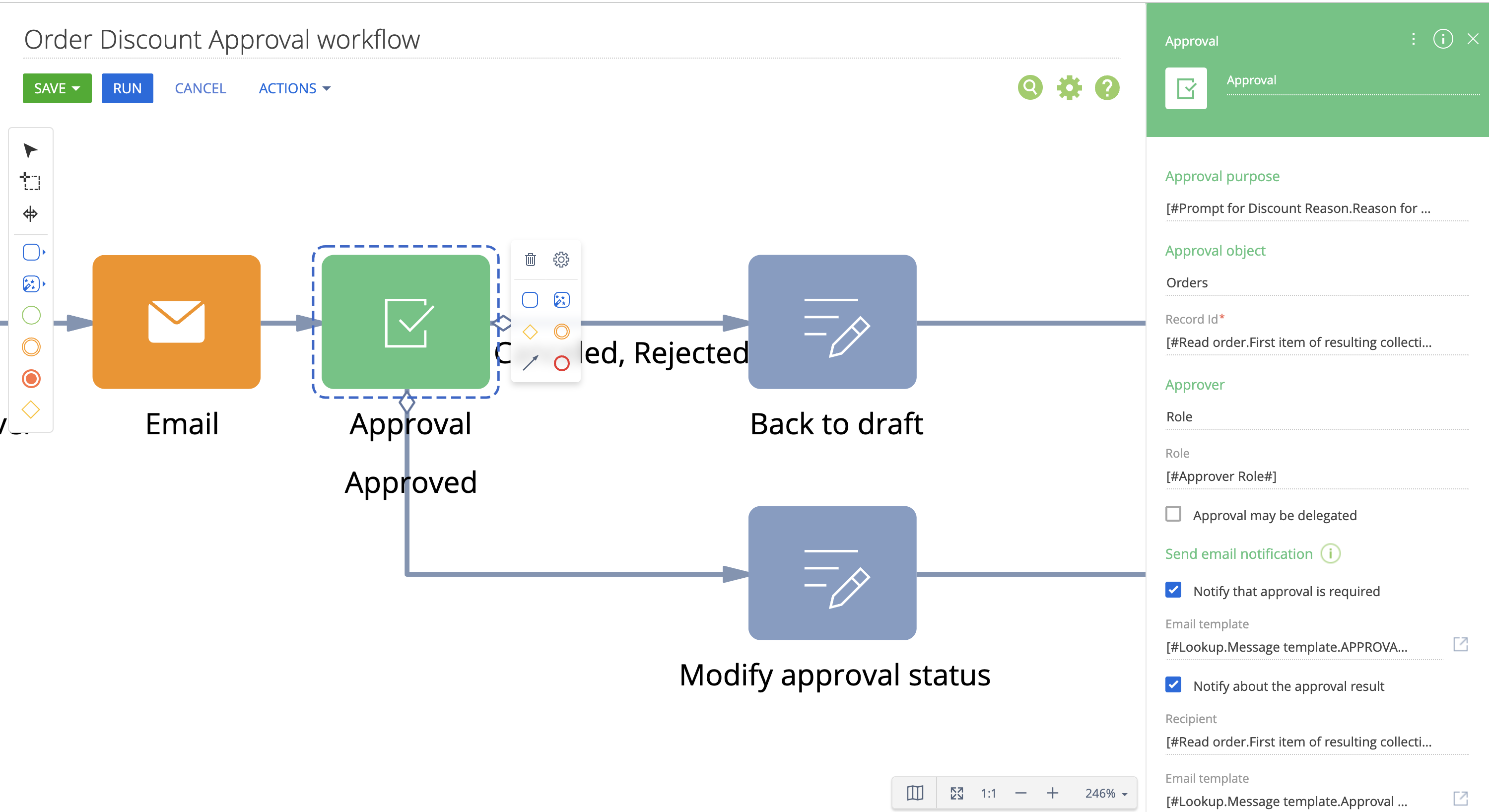
Thank you. Support told how to enable the angualr replacing page and I was able to copmlete your instructions. However, the new fields don't show up on the approval element in the business process. Does this only work for feerdom UI? I'm not using feerdom UI and was looking to add the field to the approval element:
Is there a way to create a filter on the approval delegation list?
For example, the user is prompted with an approval using the approval step in a business process. They access it from the right hand panel and choose "Delegate Approval" and the window that appears offers all users and roles as an option. We want to offer a select role only as available options. Is this possible?
We have discussed the case with the responsible R&D team, who informed us that there is no possibility of managing the "Change Approver" option by roles. But the query for future implementation and further analysis was registered for the responsible team.
If you have any further questions, please respond to this email we would be happy to help.
I need to trigger a process to search for all pending approvals in a Freedom UI section, but I have not found a Visa object connected to Freedom pages. How can I approve all pending approvals connected to a specific object in a FreedomUI section via a process?
Found, it is a single object for all entities: Approval, in the column "Reference schema name" must indicate the name of the object of the section where the Approval belongs and in the column "Entity identifier" the id of the object....
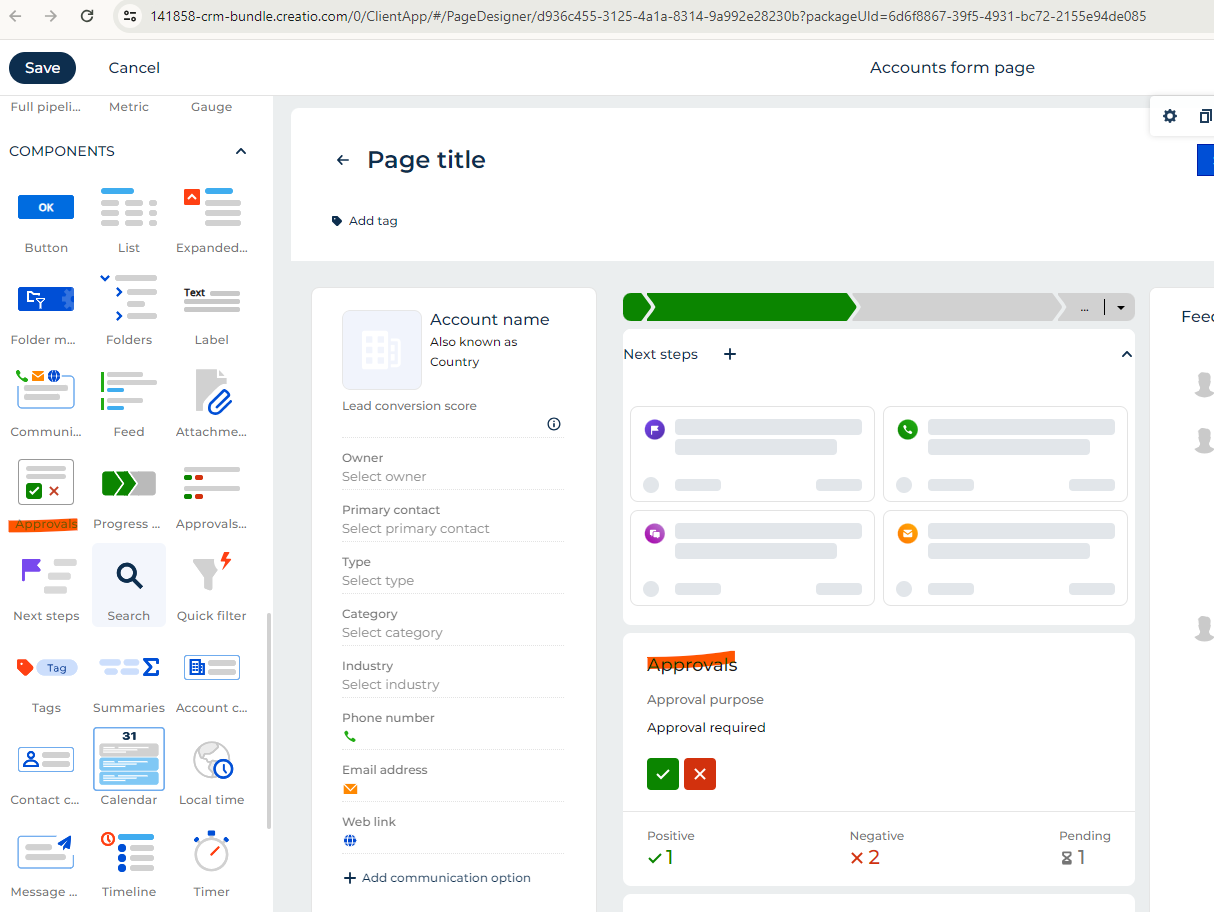
In Classic UI, the approvals and the tasks were all shown in the action dashboard, where it says "Next Steps".
Now in FreedomUI, only tasks are being shown there, no approvals. Is that the expected behavior? is there any way to show approvals there as in classic UI?
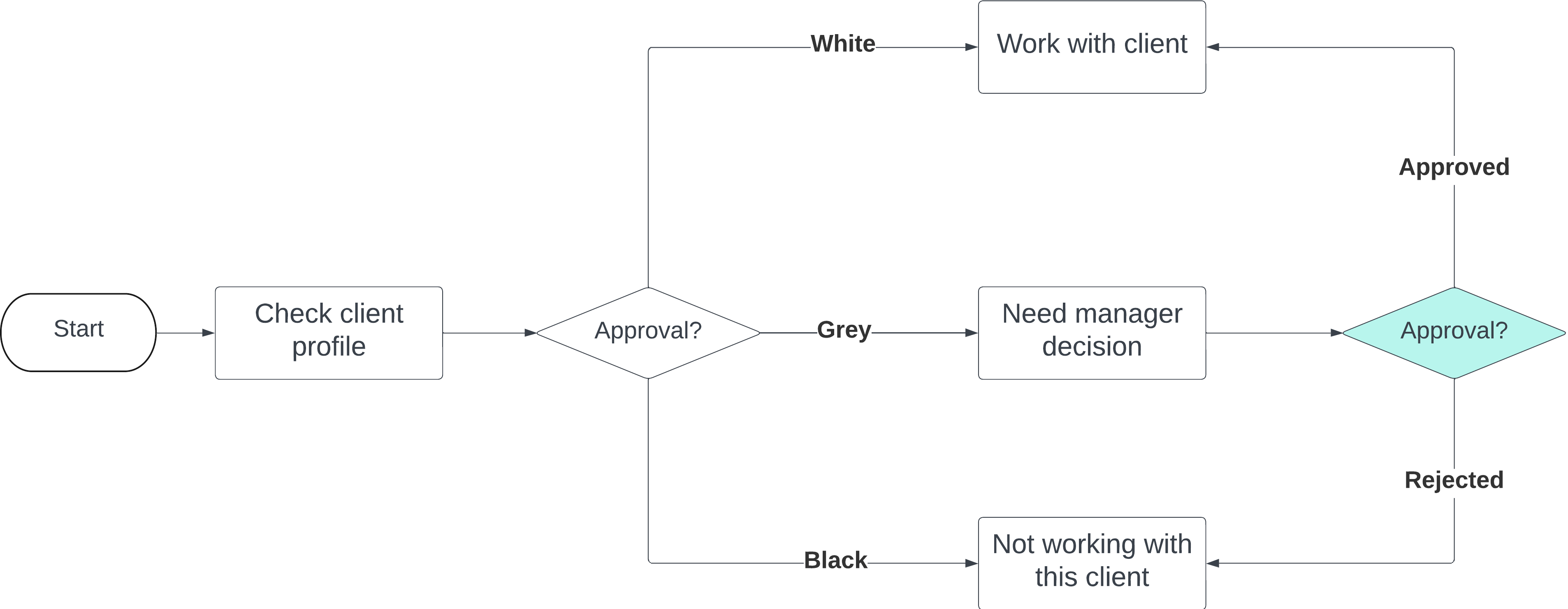
Your business task could be achieved by business process.
You can use your diagram as the base for the process.
Instead of the first Аpproval element use the [Auto-generated page]\[Pre-configured page] (or [User dialog] element), to display for required user or role, then through the flow on the second Approval element making a decision.
Your business task could be achieved by business process.
You can use your diagram as the base for the process.
Instead of the first Аpproval element use the [Auto-generated page]\[Pre-configured page] (or [User dialog] element), to display for required user or role, then through the flow on the second Approval element making a decision.
I want to filter the change approver lookup based on some conditions. I tried to find the module that is responsible for this but couldn't find it. Can anyone help me on this?
When clicking the "Change approver" button the ApprovalDashboardItemViewModel module onChangeApproverButtonClick method is called. This onChangeApproverButtonClick method calls the changeVizierAction method from the BaseVisaProvider module. Lookup opening is performed in this part of code (inside the checkRightCallback callback method):
When clicking the "Change approver" button the ApprovalDashboardItemViewModel module onChangeApproverButtonClick method is called. This onChangeApproverButtonClick method calls the changeVizierAction method from the BaseVisaProvider module. Lookup opening is performed in this part of code (inside the checkRightCallback callback method):
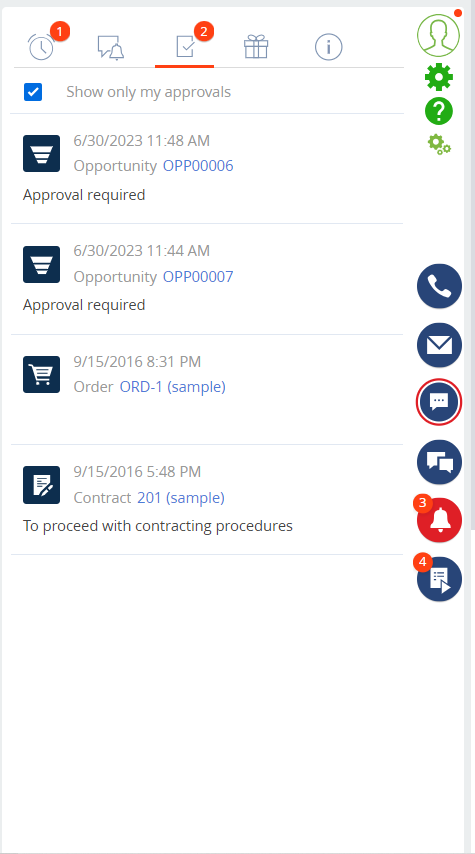
We are also facing the issue. We have created an approval task via the business process. While the approval task is seen in the notification center, the counter does not get increased or visible.
Please advise.
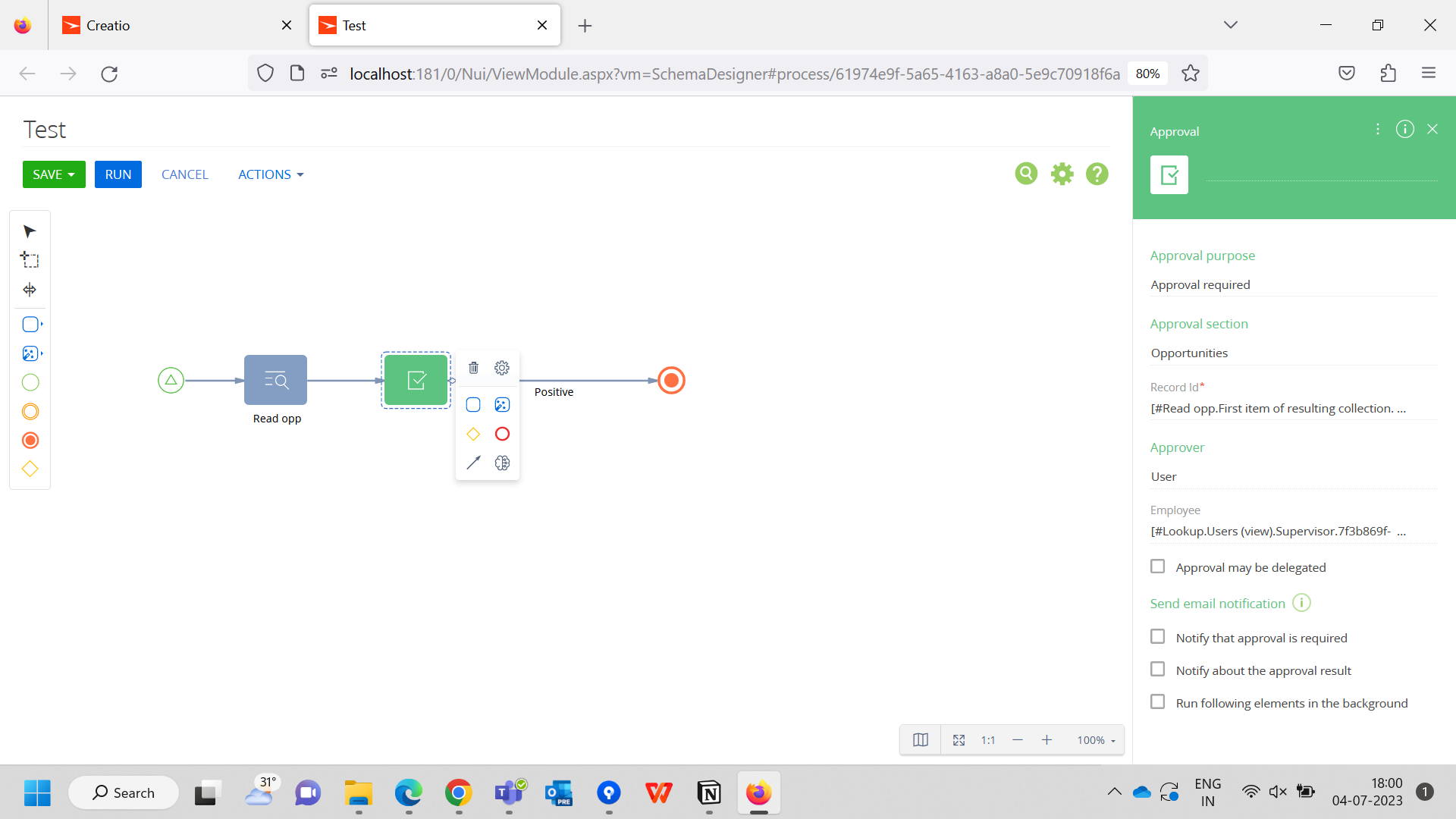
The test process creates an approval task for the current user.
After the process is triggered, the task appears for the current user, but no badge or counter is seen as highlighted in yellow.
Unfortunately we don't have a ready to use code for this task. The logic of the notification in the CTI panel is stored in the VisaNotificationsSchema module. If you need to add additional columns in this notification schema you need to insert them into the diff array of the schema. You can also study how data is received to fields like NotificationSubjectCaption or NotificationDate columns.
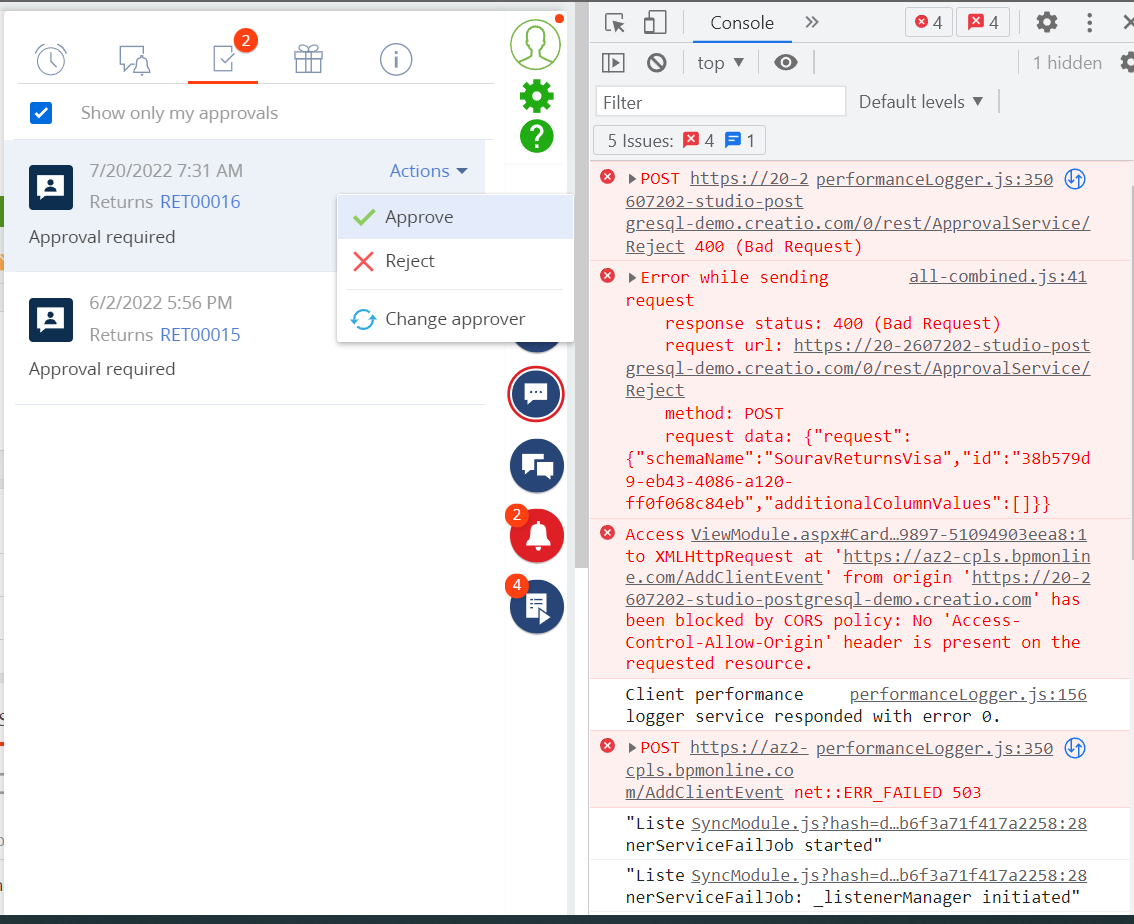
I wanted to implement a funtionality where a validation should happen on click of Approve button. If the valiation fails the approval should not happen.
To achive the above task I tried with the following approaches, on the "UsrReturns" custom object.
Tried to implement "asyncValidate" on "UsrReturnsVisaPageV2", but it didn't work (Seems the approval is happening outside the context of this page). Also not sure what is the use of this page.
Tried to implement validation using Entity Events Layer on the object "UsrReturnsVisa". Although it didn't approve the request, but it didn't throw the exception as well with the following code,
if(true){
	throw new Exception("Can not approve");
}
return true;
Tried to implement a custom approval logic using "ApprovalDashboardItemViewModel", but I can not create a replacing schema with this.
So need a way to implement such funtionality. Any suggestions will help.
this is a bad request response returned by the app and we need to see the actual response (from the "Response" tab of the request in the "Network" tab).
To add some logic upon approval you need to replace the "approve" method in the "VisaNotificationsSchema" module (for "reject" actions its "reject" method). You will be in the context of the approval record and you can use data from there to process further with the approval\rejection. So you need to override the logic of these two methods.