


Hi Team,
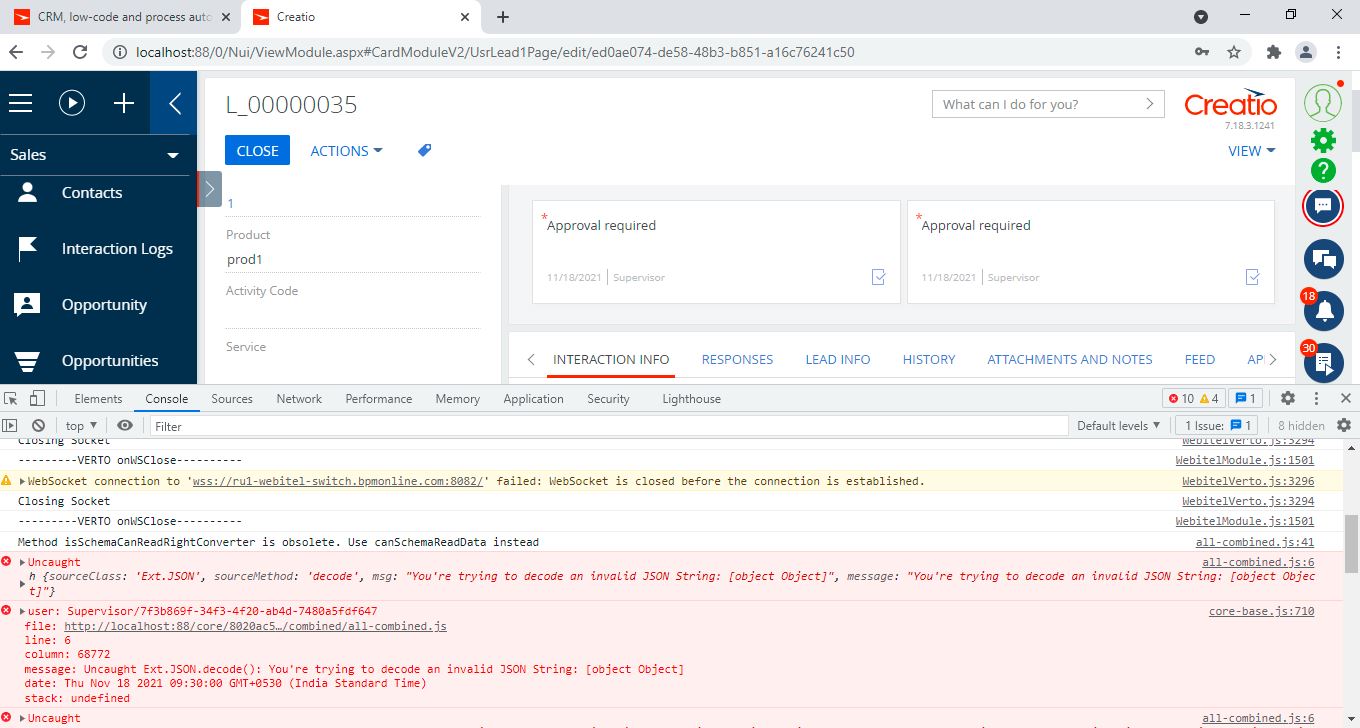
I am passing a message from business process via script task and receiving the same in the edit page. On receiving, I am displaying a pop up message. Though it is working functionally, I am getting error attached. I have also attached script task and message receiving code.
I am able to capture the message ("PreviewEmail") and getting the pop up as well. However, I am getting the error in console after this. kindly help me on this regard.
Thanks,
Gokul
Guid CurrentUserId = Get("CurrentUserId");
string sender = "PreviewEmail";
// Example for message
//string message = "Please check email preview to approve the lead.";
string message = JsonConvert.SerializeObject(new {
    RecordId = Guid.NewGuid(), // your record Id
    Name = "Please confirm the email template to approve the lead"
    // some other parameters
});

// For specific user with sysAdminUnitId
IMsgChannel channel = MsgChannelManager.Instance.FindItemByUId(CurrentUserId);
if (channel != null) {
    var simpleMessage = new SimpleMessage() {
        Id = CurrentUserId,
        Body = message,
        Header = {
            Sender = sender
        }
    };
    channel.PostMessage(simpleMessage);
}


return true;
onMessageReceived: function(sender, message) {
	try
	{


		if (message && message.Header && message.Body) {

			if (message.Header.Sender === "UpdateLeadSection") {
				var result = this.Ext.decode(message.Body);
				if(this.get("Id") === result.RecordId)
					this.reloadEntity();
			}

			if(message.Header.Sender === "PreviewEmail")
			{
				this.log("received message");
				var resultMsg = this.Ext.decode(message.Body);
				this.showInformationDialog(resultMsg.Name);

			}

		}
	}catch(e)
	{this.log(e);}


},
Like

Hi Gokul,
There is an easier approach for the message to be sent to the current user. In your case you receive undefined as a message and as a result you receive a JSON decode error (the client-side logic tries to deserialize an undefined object). Please use the approach below:
1) Business process script-task:
string sender = "PreviewEmail";
string message = JsonConvert.SerializeObject(new {
    RecordId = Guid.NewGuid(),
    Name = "Please confirm the email template to approve the lead"
});
MsgChannelUtilities.PostMessage(UserConnection, sender, message);
return true;
add the following usings to the process:
Terrasoft.Configuration;
Terrasoft.Messaging.Common;
Newtonsoft.Json
2) Create a replacing view module for the ClientMessageBridge module with the following code:
 define("ClientMessageBridge", ["ConfigurationConstants"],
    function(ConfigurationConstants) {
        return {
            messages: {
                "PreviewEmail": {
                    "mode": Terrasoft.MessageMode.BROADCAST,
                    "direction": Terrasoft.MessageDirectionType.PUBLISH
                }
            },
            methods: {
                init: function() {
                    this.callParent(arguments);
                    this.addMessageConfig({
                        sender: "PreviewEmail",
                        messageName: "PreviewEmail"
                    });
                }
            }
        };
    });
3) In the replaced schema of the edit page add the following code:
messages:{
			"PreviewEmail": {
				"mode": Terrasoft.MessageMode.BROADCAST,
				"direction": Terrasoft.MessageDirectionType.SUBSCRIBE
			}
		},
		methods: {
			init: function() {
                    this.callParent(arguments);
                    this.sandbox.subscribe("PreviewEmail", this.onMessageReceived, this);
                },
			onMessageReceived: function(sender) {
				if(sender.Header.Sender === "PreviewEmail"){
					this.log("received message");
					var resultMsg = sender.Name;
					this.showInformationDialog(resultMsg);
				}
			},
		},
As a result the message will be successfully posted via WebSockets:
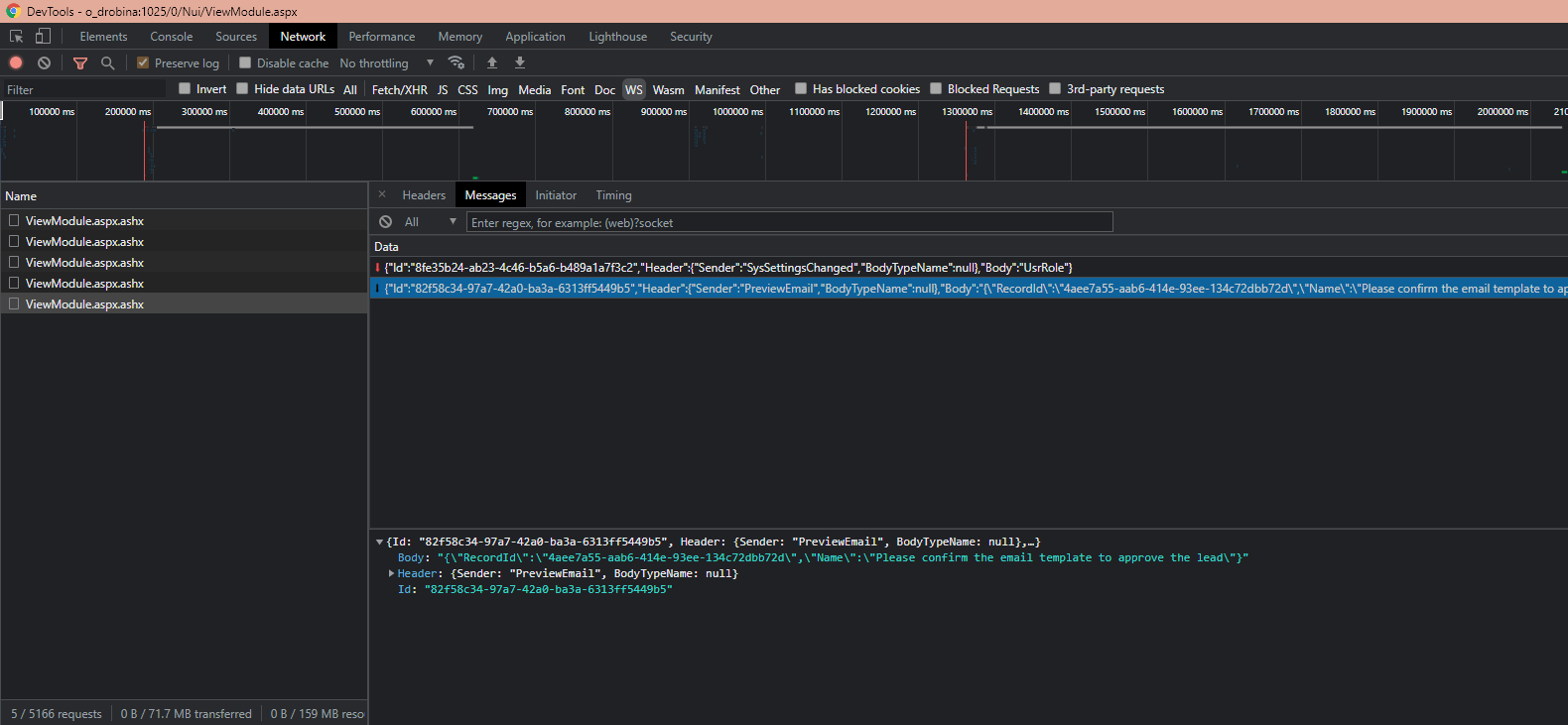
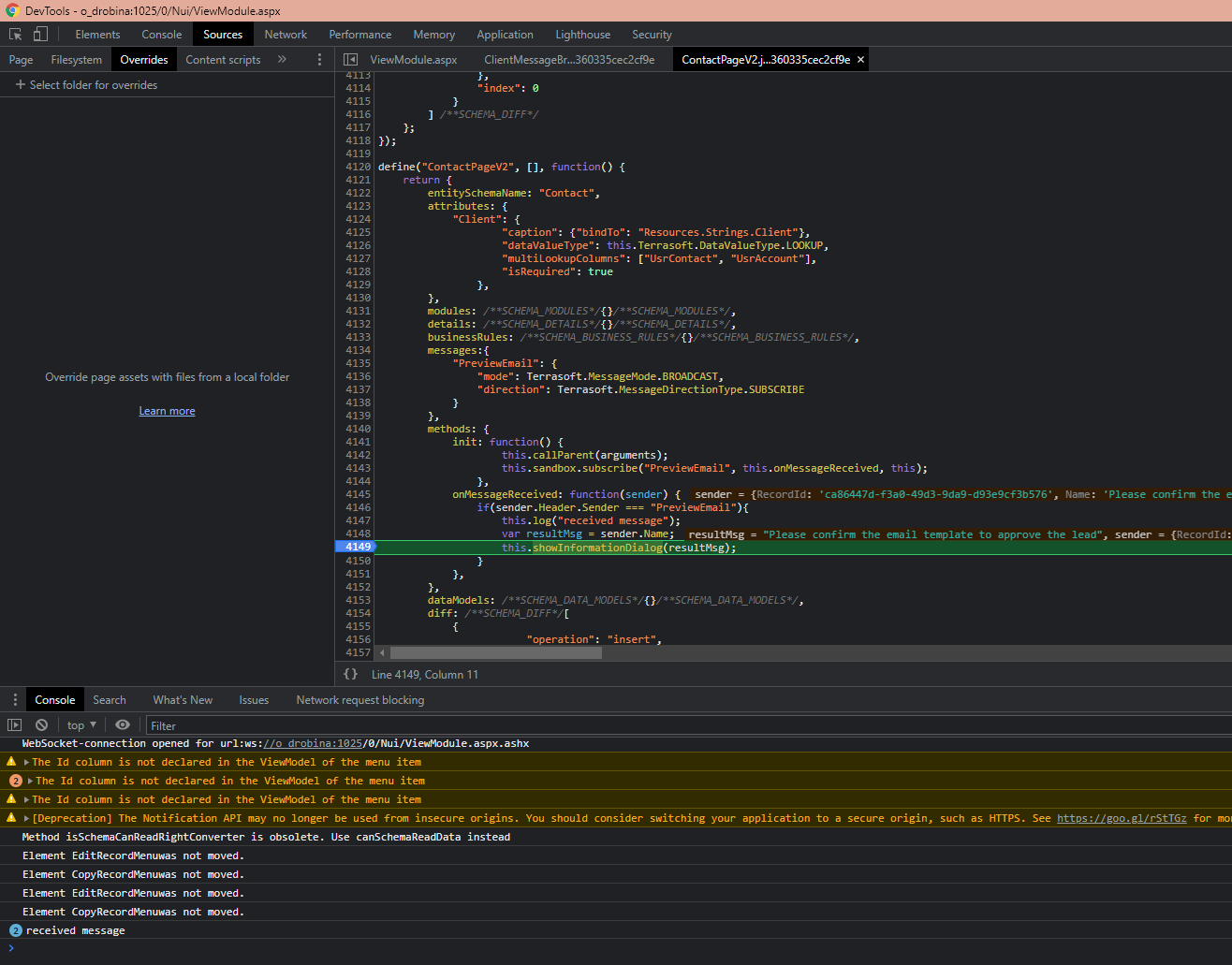
it will be correctly processed by the onMessageReceived method and there won't be console errors:
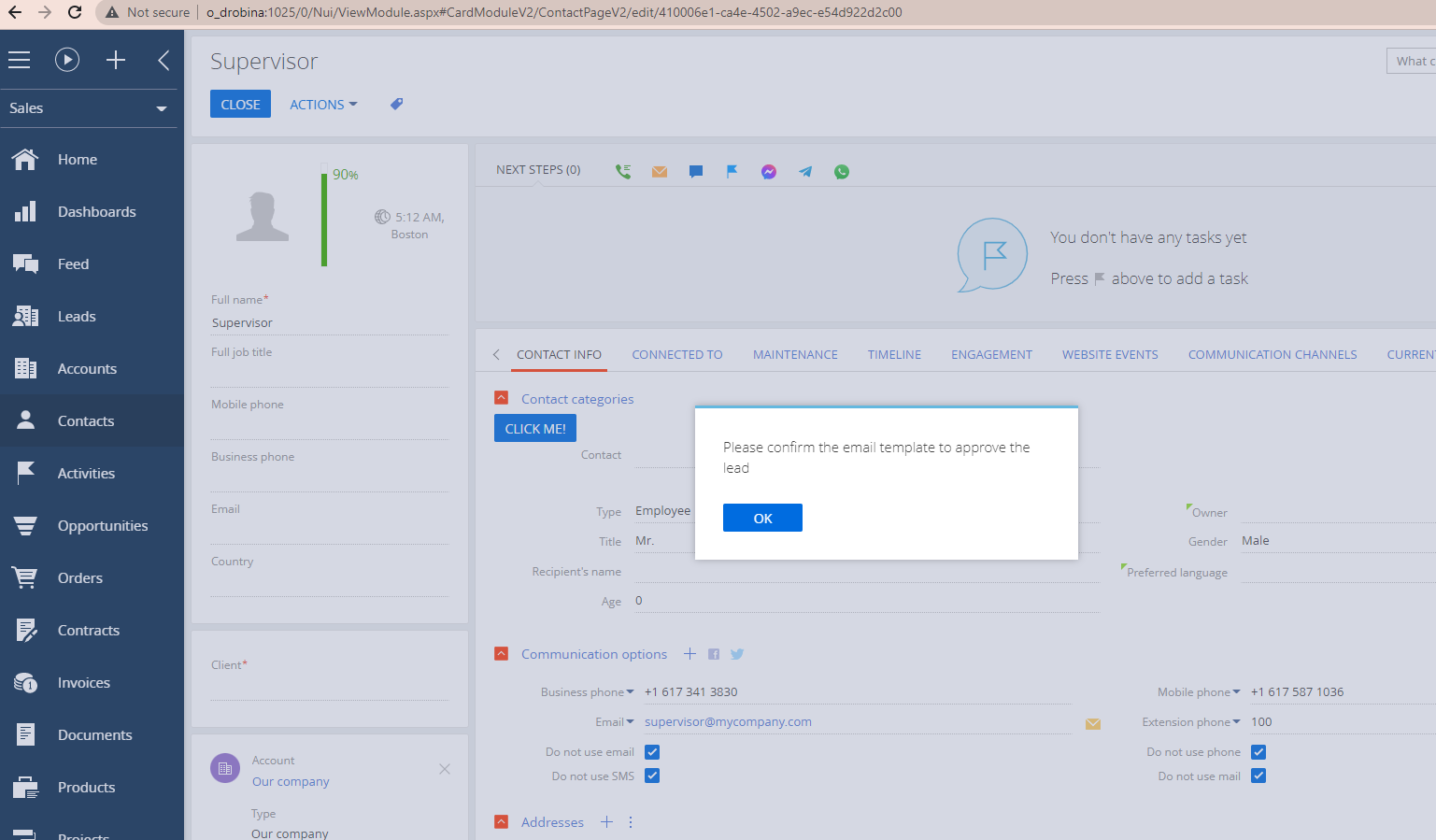
and the popup will appear:
The general recommendation is: please debug the logic when you receive something that is not expected.
Best regards,
Oscar