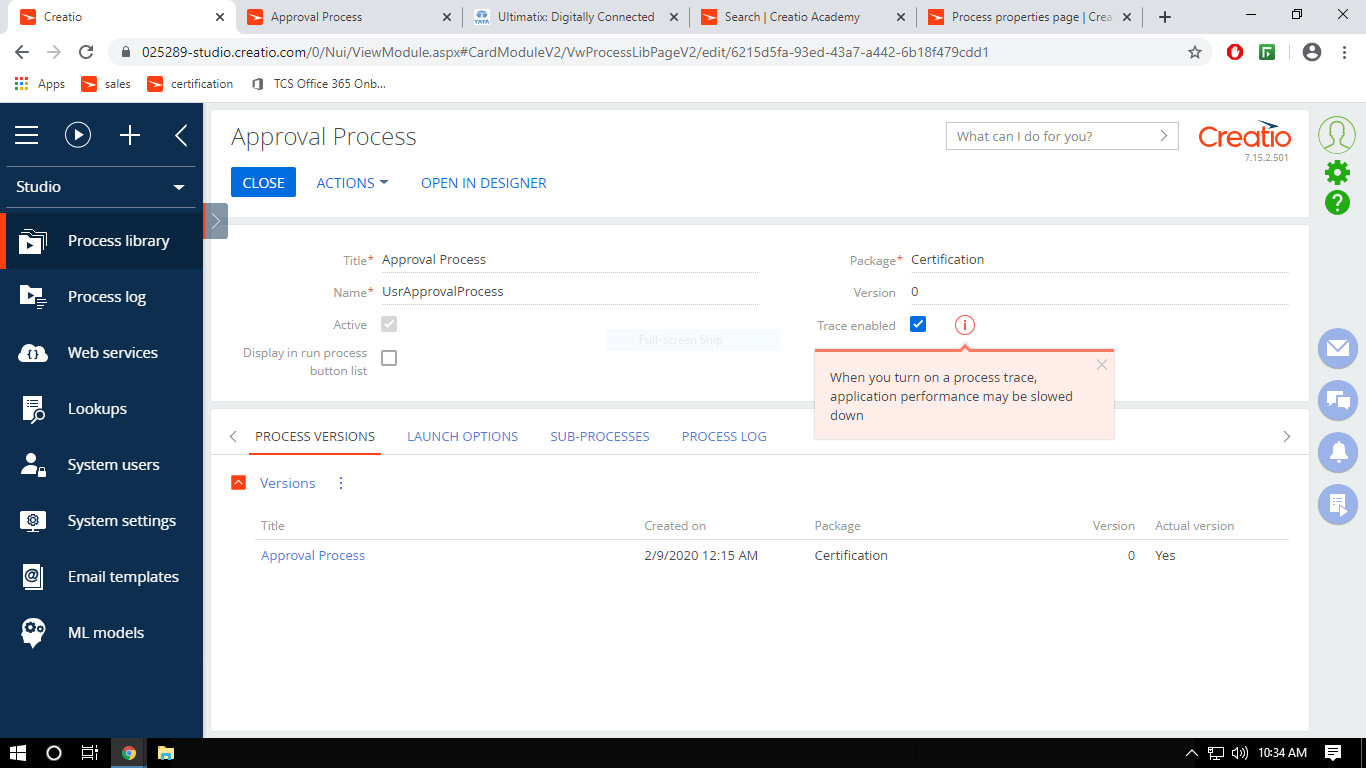
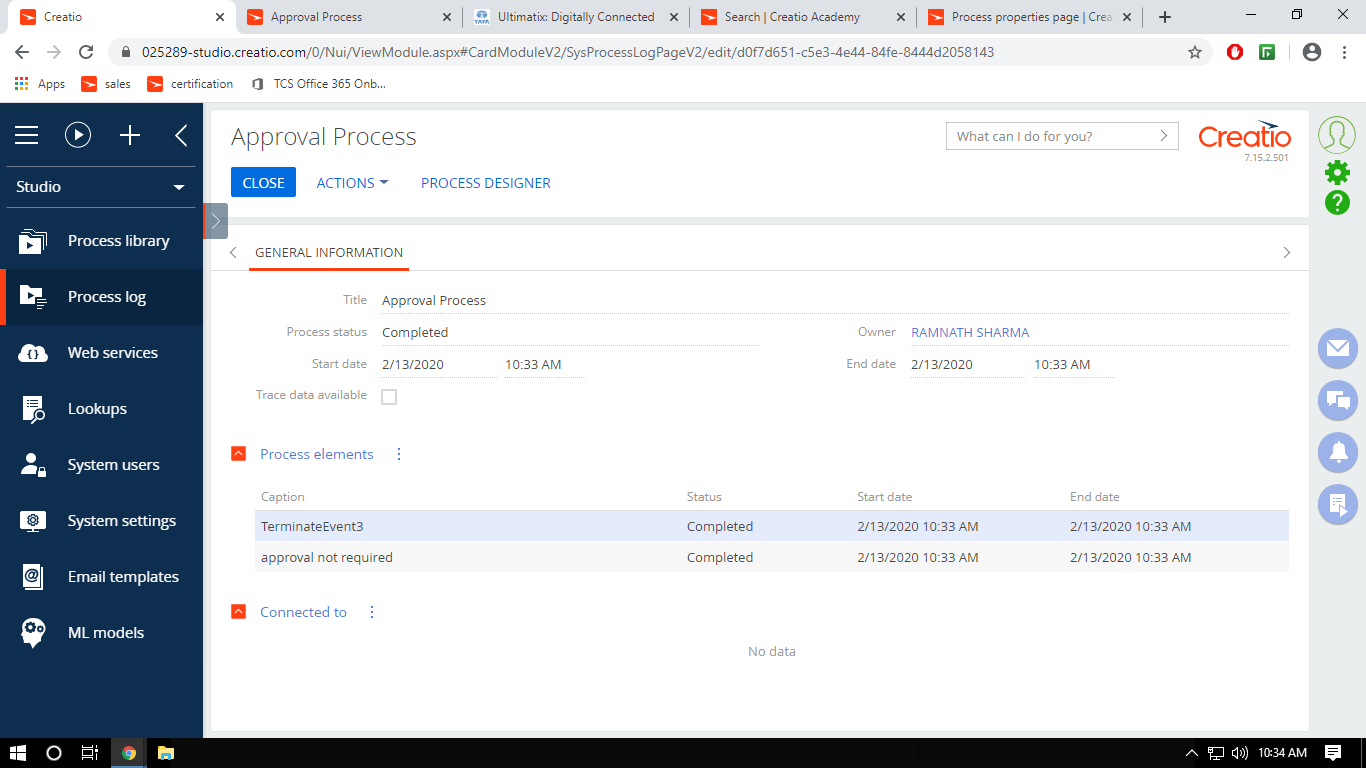
What section is Approver expecting passed in the Approval process element? The documentation below is using Employee and User interchangeably. The Approver field will not accept Manager read from an Employee record using a Read data System action and errors when the manager's User Id read from the System administration object is passed.
[Approver] – specify the approver user. Approver can be a specific employee, manager of a specific employee, or any employee who is a member of a bpm’online organizational or functional role.

If you select “Employee”, specify bpm’online user who is the approver in the [Employee] field.

If you select “Employee's manager”, specify bpm’online user whose direct superior is the approver. Direct superior is specified in the [Manager] profile of the employee's record in the [Employees] section.
Terrasoft.Common.DbOperationException: The INSERT statement conflicted with the FOREIGN KEY constraint "FKep594q6vK4JwPEgwcbsZ9TIk". The conflict occurred in database "katerra", table "dbo.UsrKaterraContactRoles", column 'Id'.
The statement has been terminated. ---> System.Data.SqlClient.SqlException: The INSERT statement conflicted with the FOREIGN KEY constraint "FKep594q6vK4JwPEgwcbsZ9TIk". The conflict occurred in database "katerra", table "dbo.UsrKaterraContactRoles", column 'Id'.
The statement has been terminated.
   at System.Data.SqlClient.SqlConnection.OnError(SqlException exception, Boolean breakConnection, Action`1 wrapCloseInAction)
   at System.Data.SqlClient.TdsParser.ThrowExceptionAndWarning(TdsParserStateObject stateObj, Boolean callerHasConnectionLock, Boolean asyncClose)
   at System.Data.SqlClient.TdsParser.TryRun(RunBehavior runBehavior, SqlCommand cmdHandler, SqlDataReader dataStream, BulkCopySimpleResultSet bulkCopyHandler, TdsParserStateObject stateObj, Boolean& dataReady)
   at System.Data.SqlClient.SqlCommand.FinishExecuteReader(SqlDataReader ds, RunBehavior runBehavior, String resetOptionsString, Boolean isInternal, Boolean forDescribeParameterEncryption, Boolean shouldCacheForAlwaysEncrypted)
   at System.Data.SqlClient.SqlCommand.RunExecuteReaderTds(CommandBehavior cmdBehavior, RunBehavior runBehavior, Boolean returnStream, Boolean async, Int32 timeout, Task& task, Boolean asyncWrite, Boolean inRetry, SqlDataReader ds, Boolean describeParameterEncryptionRequest)
   at System.Data.SqlClient.SqlCommand.RunExecuteReader(CommandBehavior cmdBehavior, RunBehavior runBehavior, Boolean returnStream, String method, TaskCompletionSource`1 completion, Int32 timeout, Task& task, Boolean& usedCache, Boolean asyncWrite, Boolean inRetry)
   at System.Data.SqlClient.SqlCommand.InternalExecuteNonQuery(TaskCompletionSource`1 completion, String methodName, Boolean sendToPipe, Int32 timeout, Boolean& usedCache, Boolean asyncWrite, Boolean inRetry)
   at System.Data.SqlClient.SqlCommand.ExecuteNonQuery()
   at Polly.Policy.<>c__DisplayClass119_0`1.b__0(Context ctx, CancellationToken ct)
   at Polly.Policy.<>c__DisplayClass129_0`1.b__0(Context ctx, CancellationToken ct)
   at Polly.Policy.<>c__DisplayClass103_0.b__1(Context ctx, CancellationToken ct)
   at Polly.NoOp.NoOpEngine.Implementation[TResult](Func`3 action, Context context, CancellationToken cancellationToken)
   at Polly.Policy.<>c.b__103_0(Action`2 action, Context context, CancellationToken cancellationToken)
   at Polly.Policy.ExecuteInternal[TResult](Func`3 action, Context context, CancellationToken cancellationToken)
   at Polly.Policy.Execute[TResult](Func`3 action, Context context, CancellationToken cancellationToken)
   at Polly.Policy.Execute[TResult](Func`1 action)
   at Terrasoft.DB.MSSql.MSSqlExecutor.FailoverExecute[TResult](DbCommand command, Func`1 func)
   at Terrasoft.Core.DB.DBExecutor.ExecuteCommand[TResult](Func`2 commandExecutionCallback, String sqlText, QueryParameterCollection queryParameters, CancellationToken cancellationToken)
   at Terrasoft.Core.DB.DBExecutor.Execute(String sqlText, QueryParameterCollection queryParameters)
   at Terrasoft.Core.Entities.Entity.InsertToDB(Boolean skipLookupColumnValues, Boolean validateRequired)
   --- End of inner exception stack trace ---
   at Terrasoft.Core.Entities.Entity.InsertToDB(Boolean skipLookupColumnValues, Boolean validateRequired)
   at Terrasoft.Core.Entities.Entity.InternalSave(Boolean validateRequired, Boolean setColumnDefValue)
   at Terrasoft.Core.Entities.Entity.Save(Boolean validateRequired, Boolean setColumnDefValue)
   at Terrasoft.Core.Process.ProcessEngineImpl.AddProcessListener(Entity entity, Guid processElementUId, String conditionData, String changedColumns, EntityChangeType entityChangeType)
   at Terrasoft.Core.Process.Configuration.ApprovalUserTask.InternalExecute(ProcessExecutingContext context)
   at Terrasoft.Core.Process.ProcessActivity.Execute(ProcessExecutingContext context)